Shank
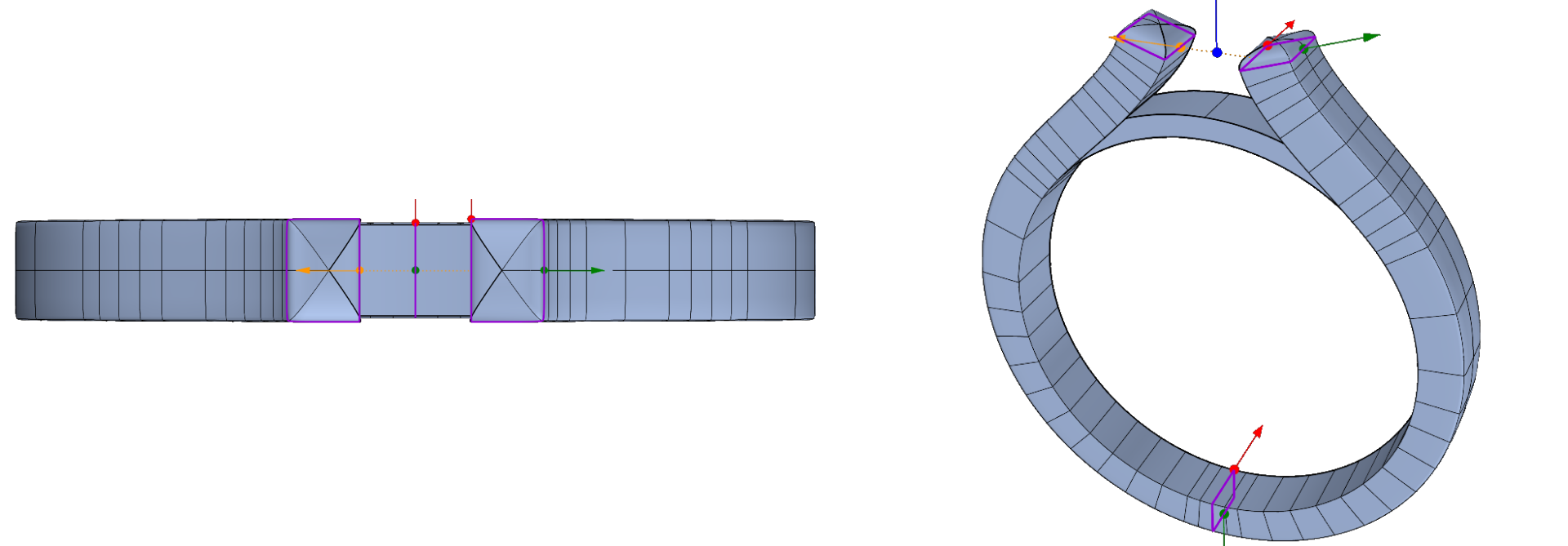
Step1: Cathedral Shank
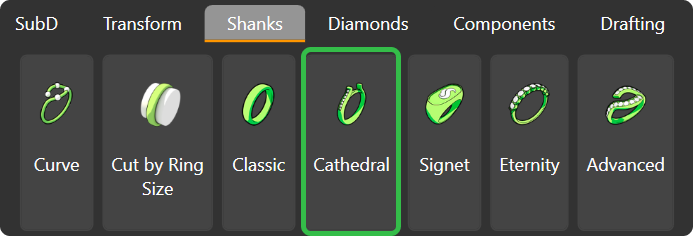
Go to the “Shanks” tab and select the “Cathedral” command.
Step 2: Click “Edit”
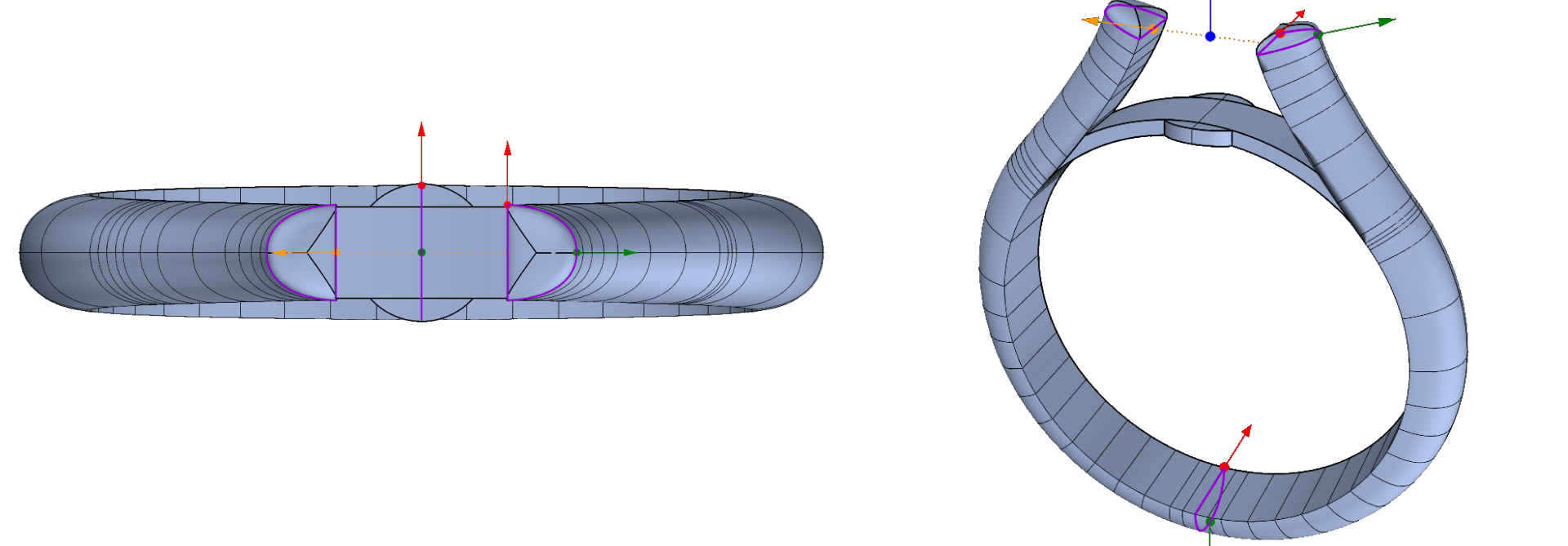
Step 3: Profiles
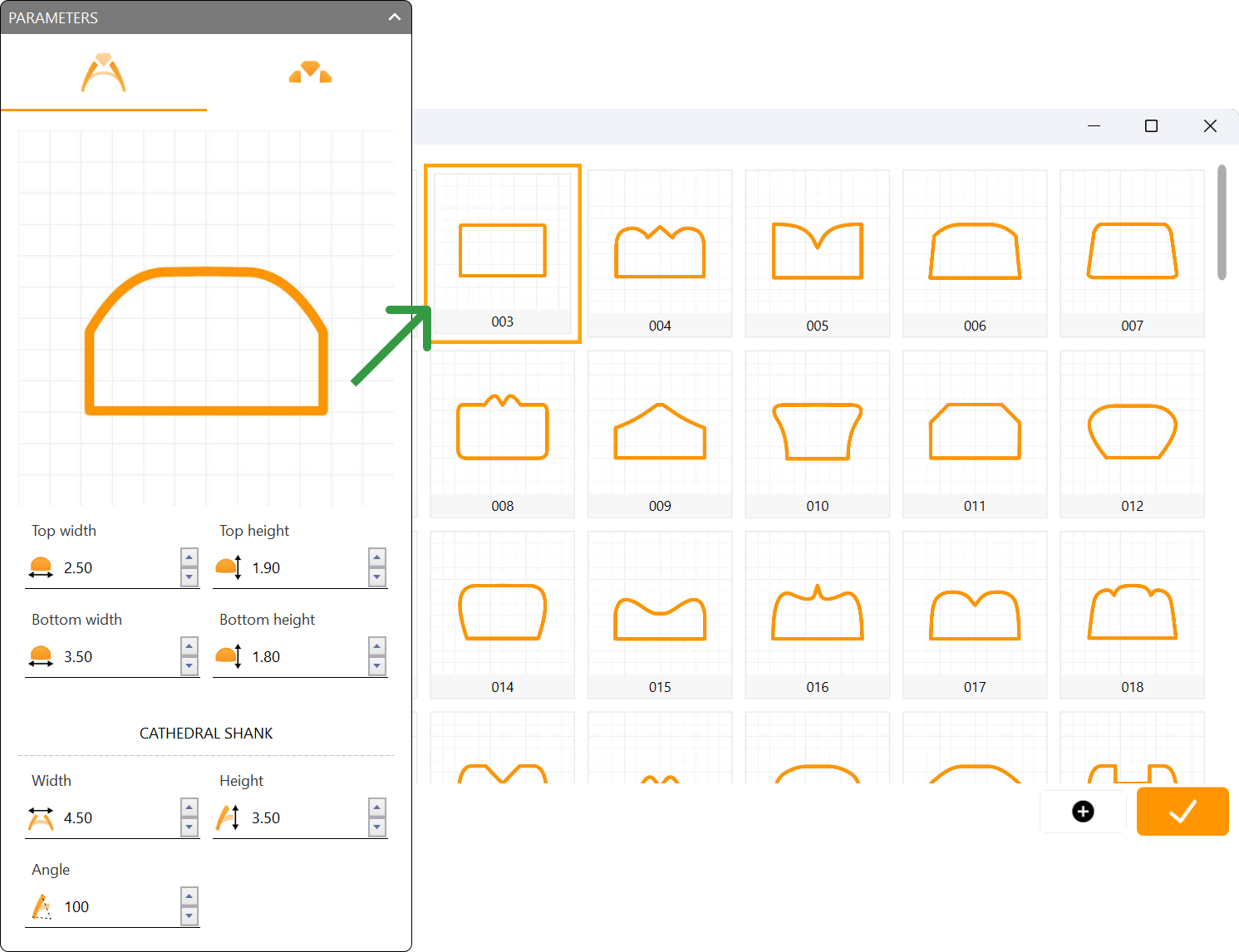
For the profile, select curve 003.
Step 4: Adjust the parameters:
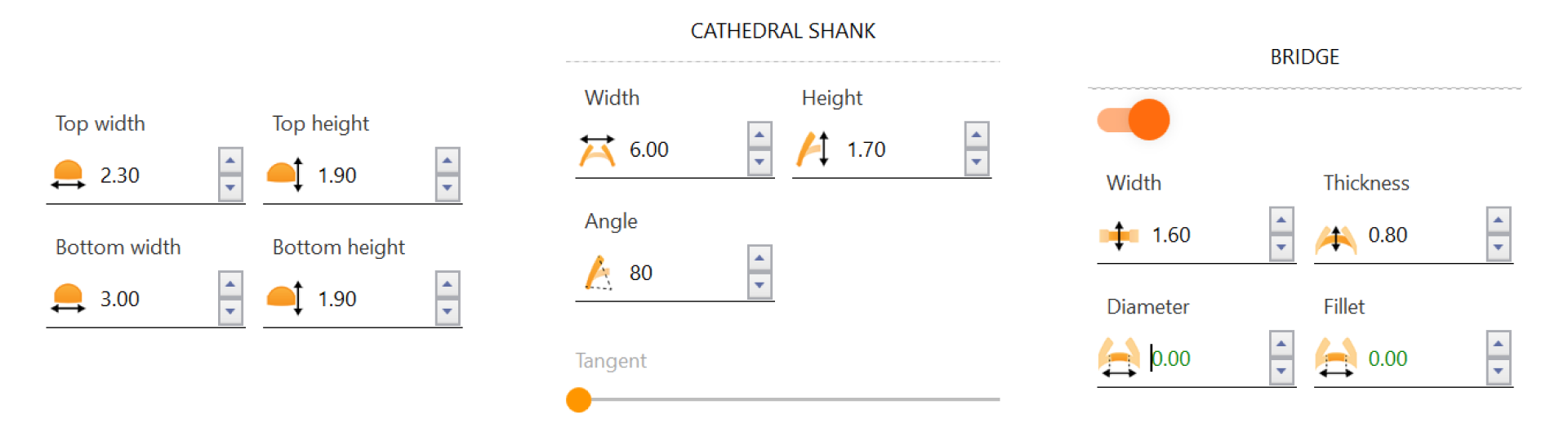
- Top width: 2.70 millimeters.
- Top height: 2 millimeters.
- Bottom width: 2.5 millimeters.
- Bottom height: 1.6 millimeters.
- Cathedral width: 2.93 millimeters.
- Cathedral height: 2.99 millimeters.
Video Lesson
Next Step: Adjust the shank bridge and add gems to the design.