Gem by Circles
Step 1: Hide
Hide the reference curves by selecting them and typing Hide in the command bar, then press Enter.
Step 2: Use the Layer Panel
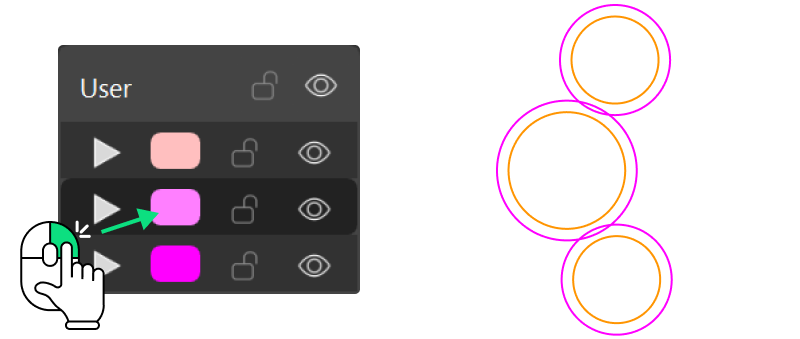
Right-click on the layer containing the inner curves to select them.
Step 3: Gems By Circles
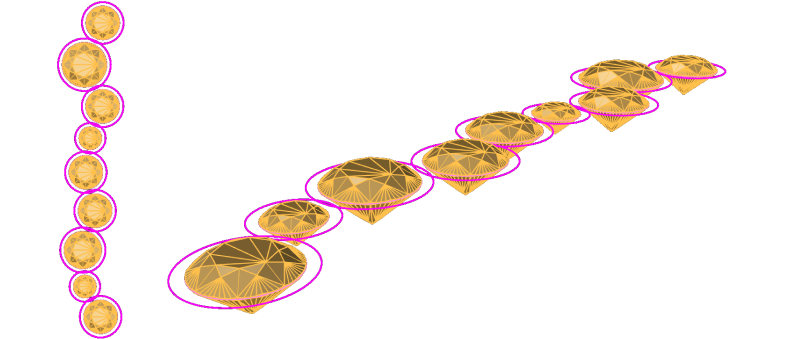
In the Diamonds tab, use the Gem by Circles command to create your gemstones.

Video Lesson
Next Step: Create and edit the bezel setting.