Reference Curve and Gem Positioning
Step 1: Cueve Shank
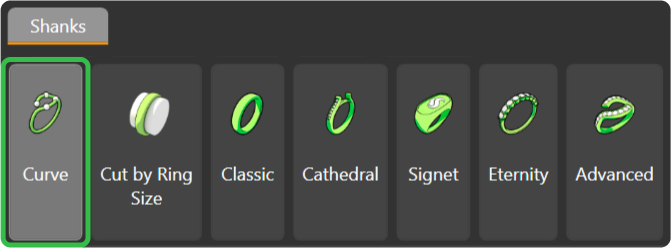
In the Shanks tab, use the Curve command.
Step 2: Ring Size
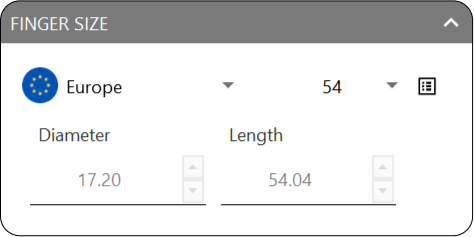
This time, select the European size 54 for the reference curve.
Steps 3: Create the Gem
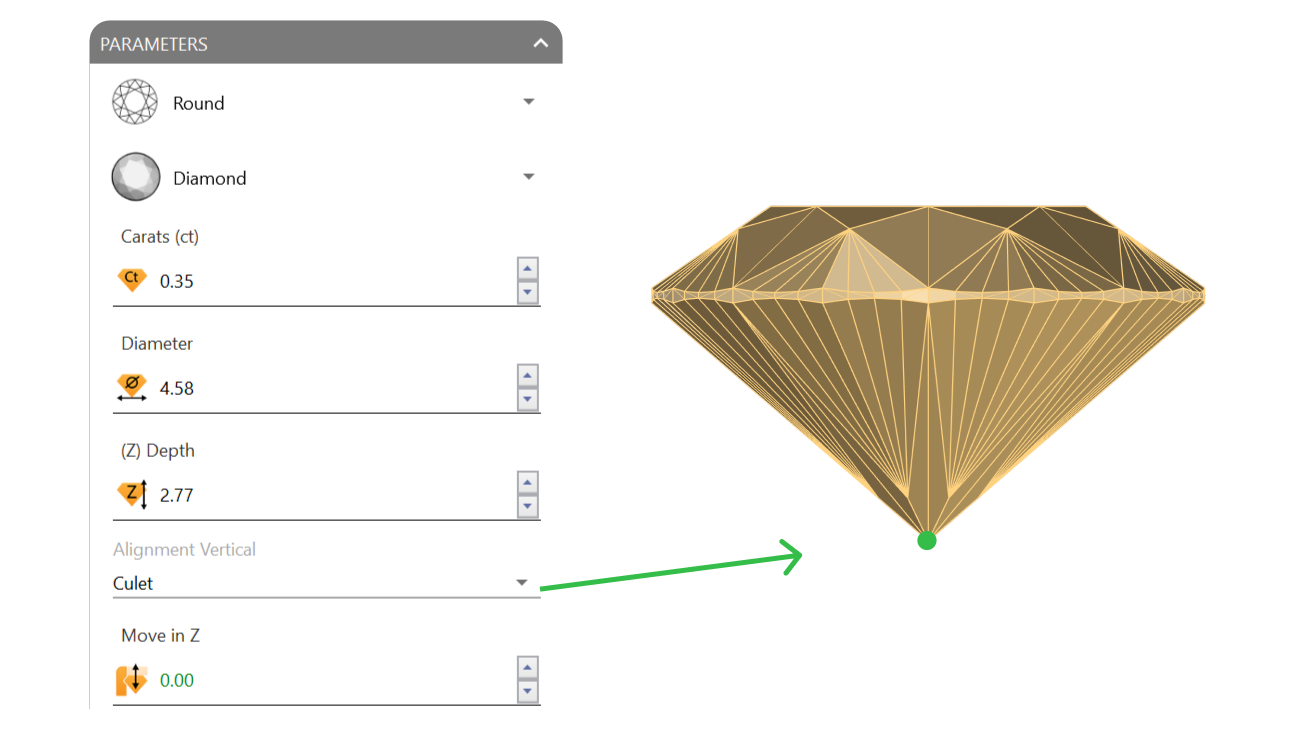
Go to the Diamonds tab and use the Gem Studio command to create a 0.35-carat gem. Change the alignment to Culet.
Steps 4: Gems position
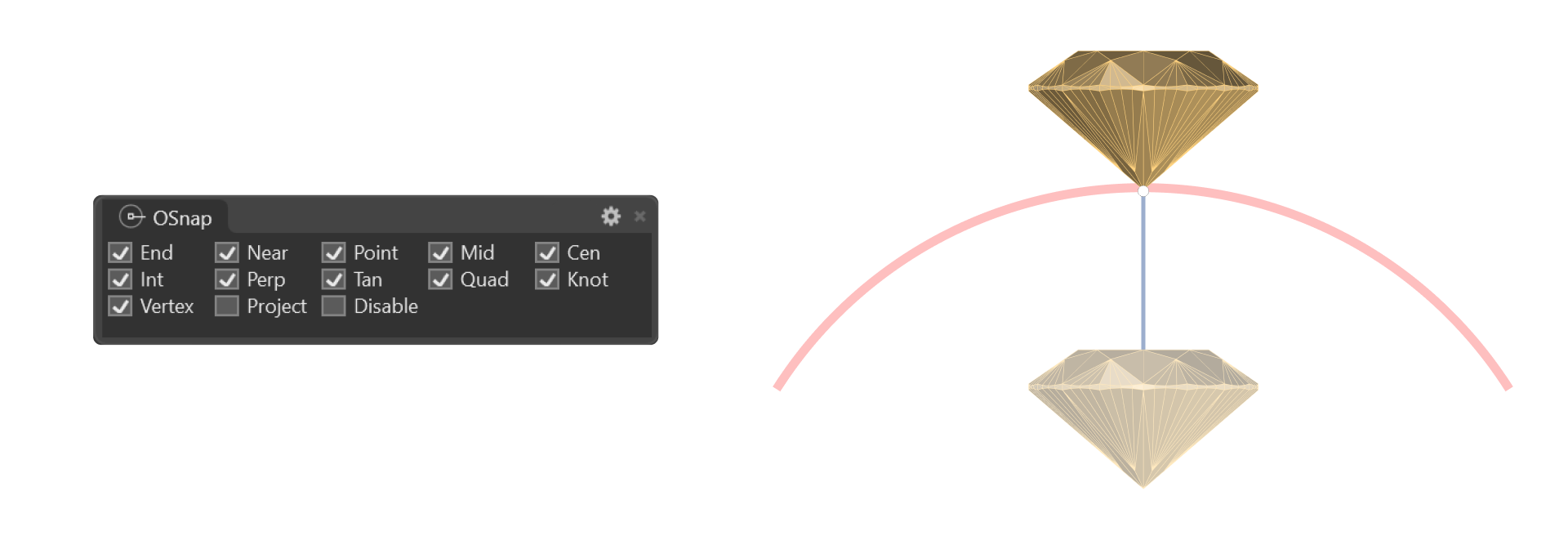
Move the gem to the reference curve:
- Type Move in the command bar.
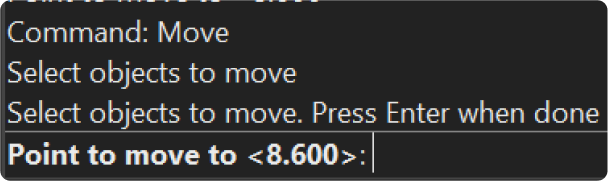
- With the osnap aids enabled, position the gem at the top of the reference curve.
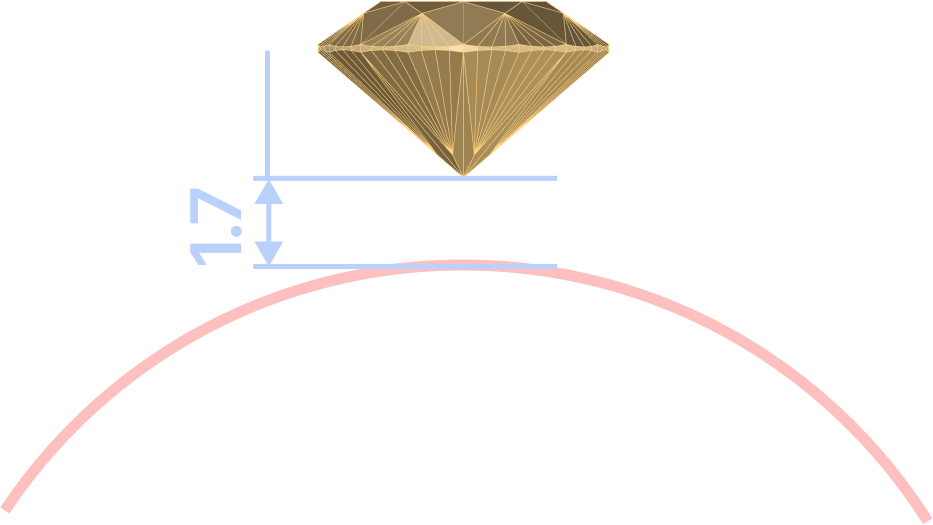
- Using the gumball, move the gem 1.7 millimeters upward from the culet.
Video Lesson
Next Step: Set up the basket for the gem.