Render and Pose
Tips: Gems Render
For better visualization of the gems in the render, use a cutter to remove the metal part that intersects with the gem. This way, the light can interact properly, and the render will look more realistic.
Step 1: Apply Materials
In the Render and Animation tab, assign materials to your model:
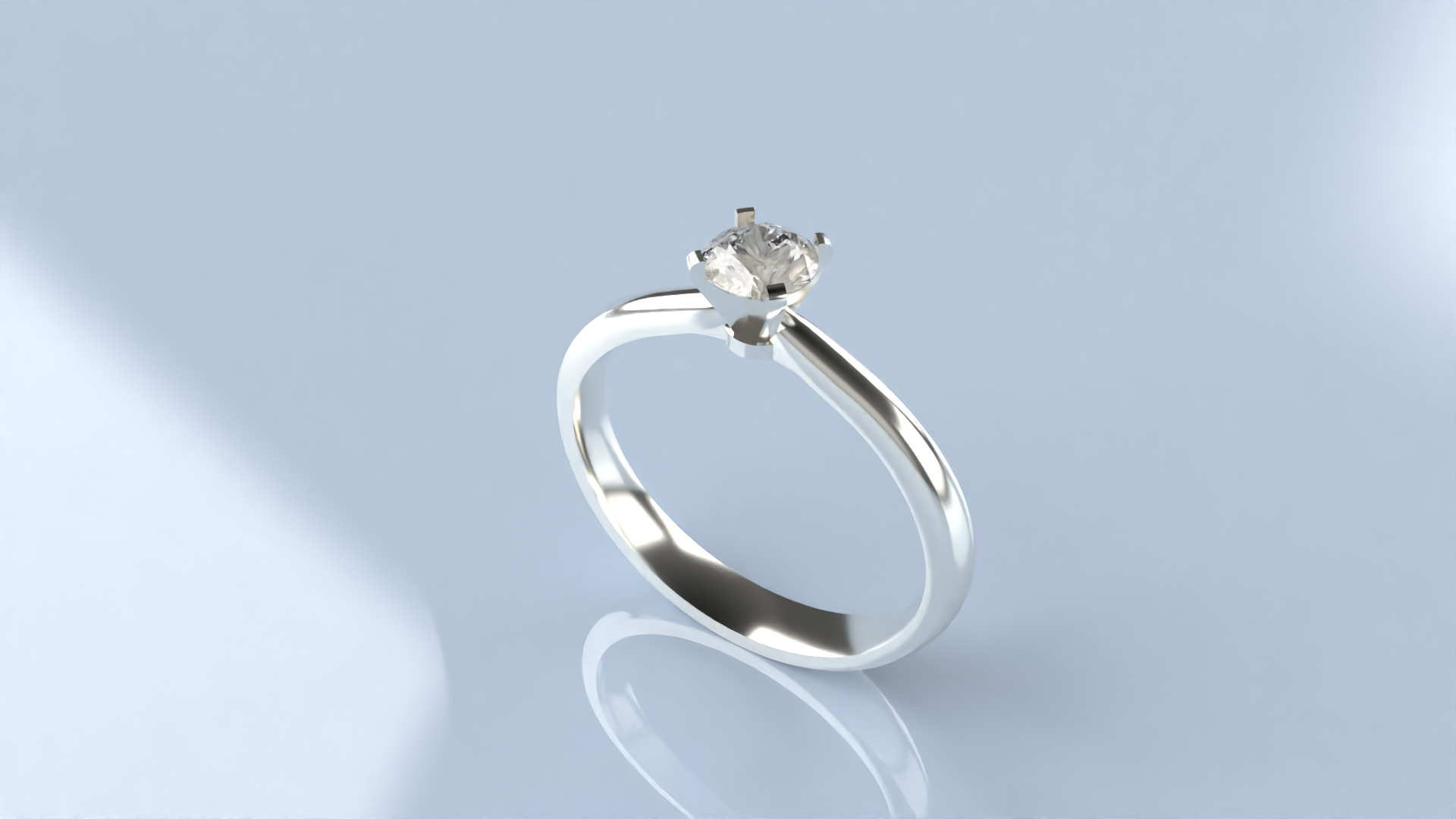
- For the metals, apply White Gold 18k.
- For the gem, use the Diamond material.
- Select a ground material like Basic Reflection Blue to enhance the render.

Step 2: Render
Adjust the rendering parameters to achieve the best results. Complete the rendering process.
Video Lesson