Halo Setting
Step 1: Halo
Select the gem, then go to the toolbar and click on the “Halo” command.

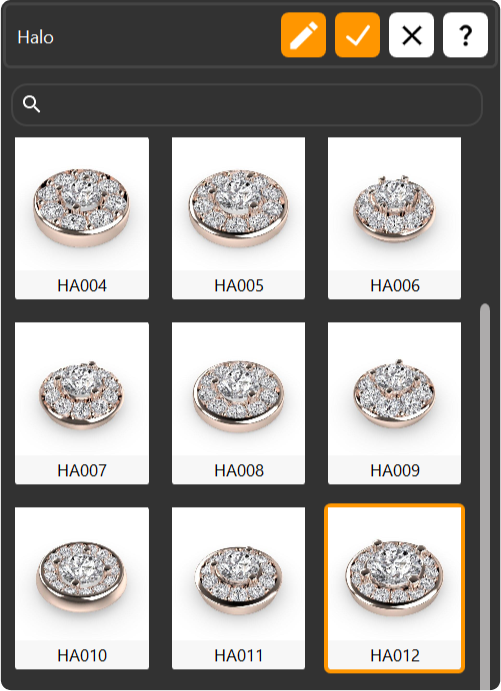
Step 2: Library
Choose the HA012 model for the halo setting.
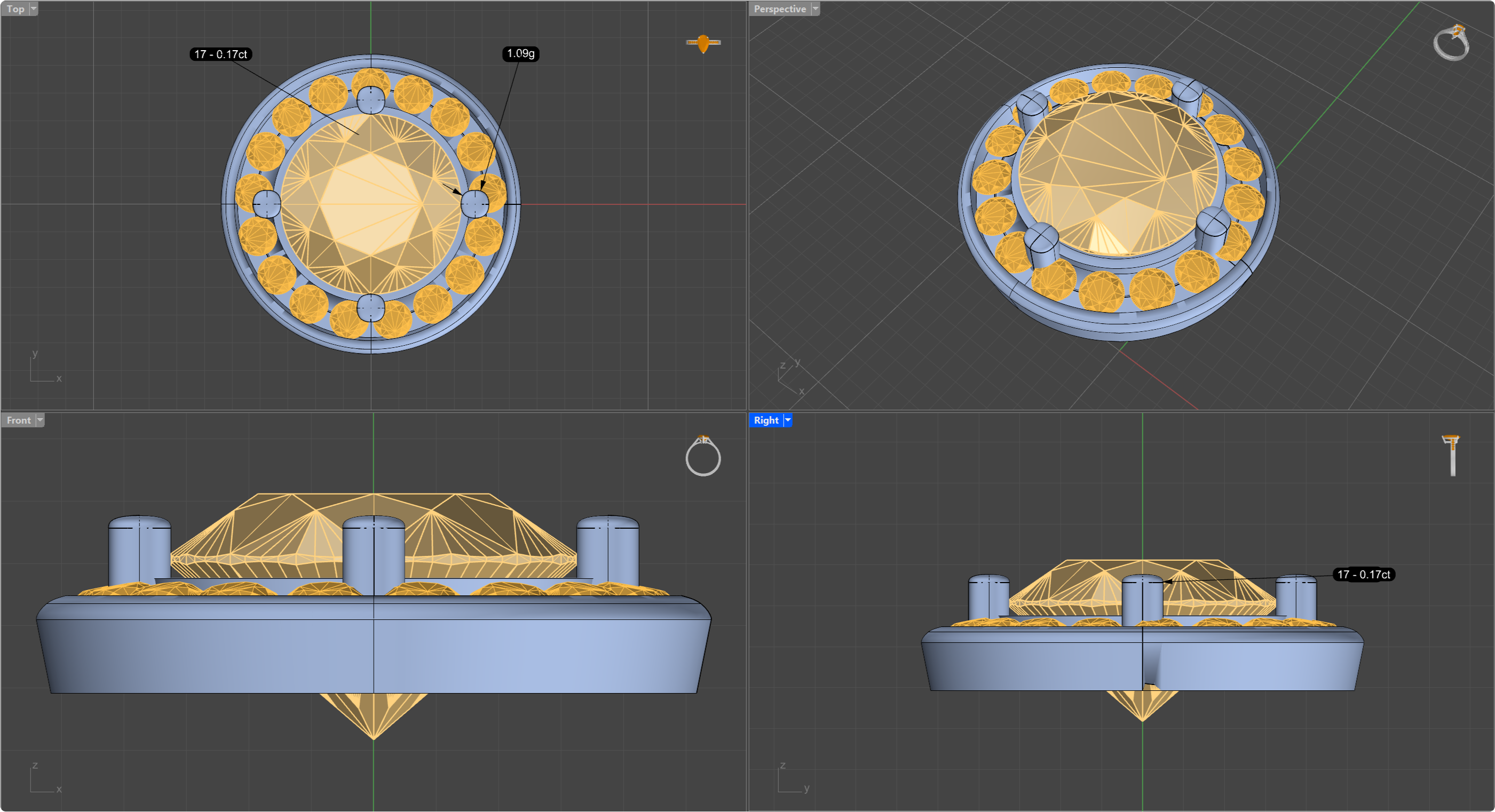
Step 3: Halo Parameters
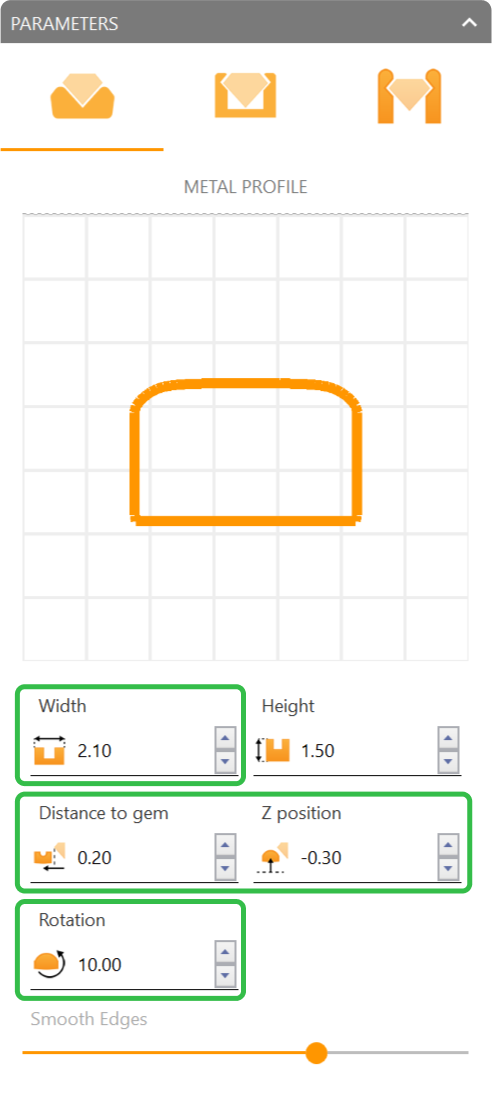
Press “Edit” and adjust the metal profile parameters:
- Width: 2.10 millimeters.
- Distance to gem: 0.20 millimeters.
- Z position: -0.30 millimeters.
- Rotation: 10 millimeters.
Video Lesson
Next Step: Set the halo gems.