Create the Shank
Step 1: Advanced Shank
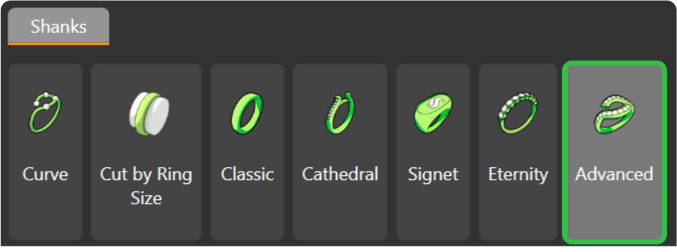
Go to the Shanks tab and use the Advanced command.
Step 2: Advanced Library
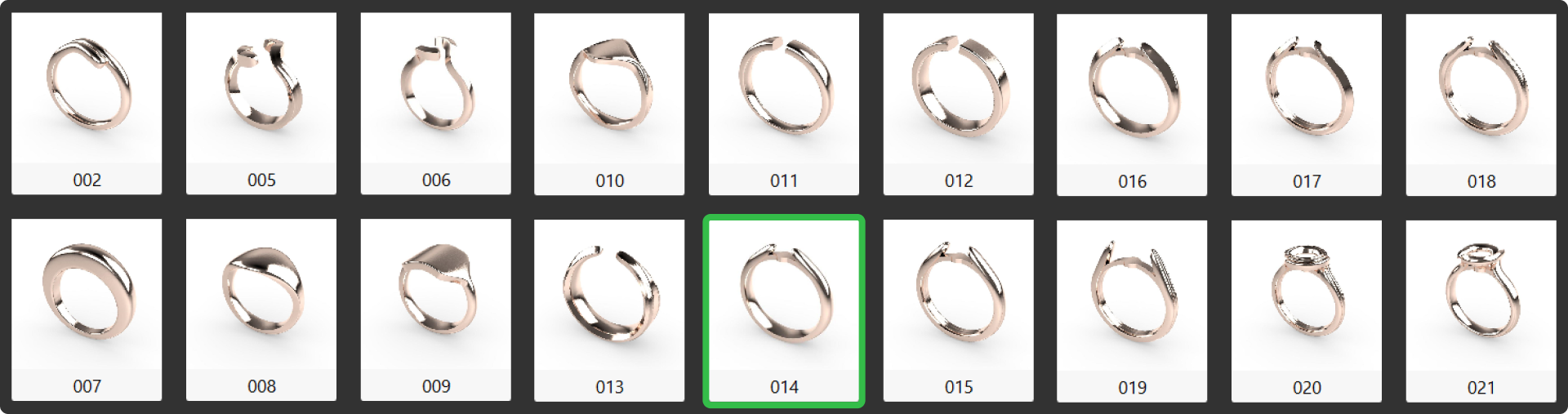
Select element 014, click on edit.
Step 3: Ring Adjustment
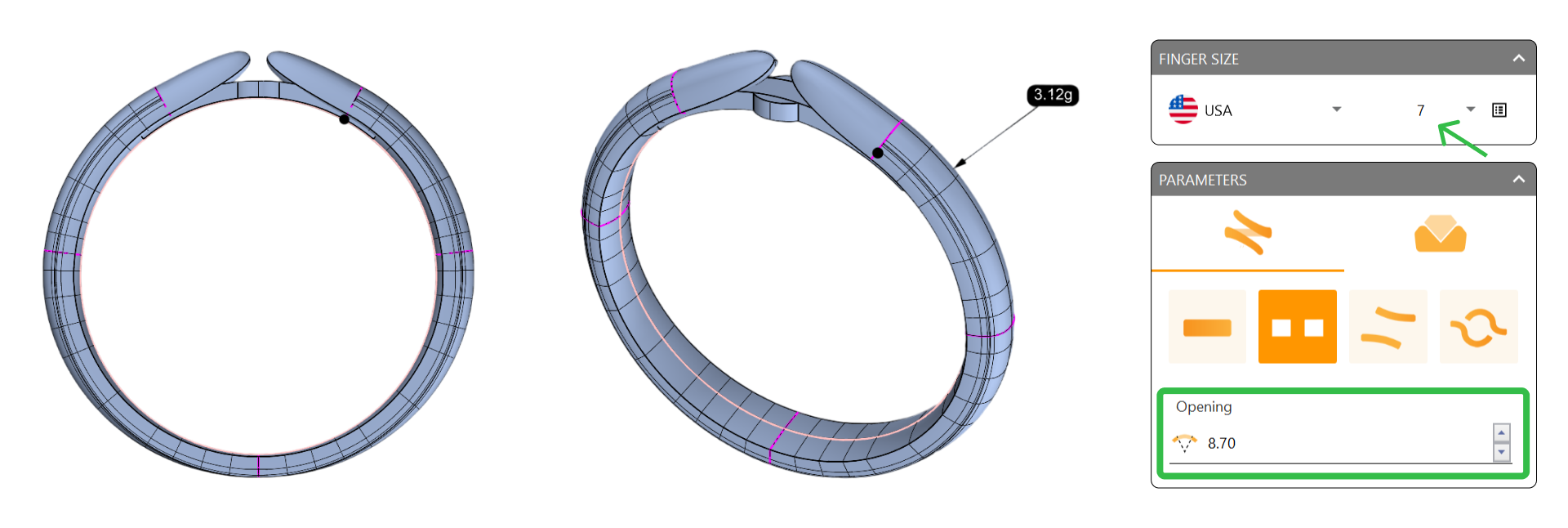
Ensure the size matches the reference curve by selecting “United States of America” and setting the size to 7. Change the Opening to 8.70 millimeters.
Video Lesson
Next Step: Modify the profiles of the shank for added comfort and aesthetics.