Pose and Render
Step 1: Rotation
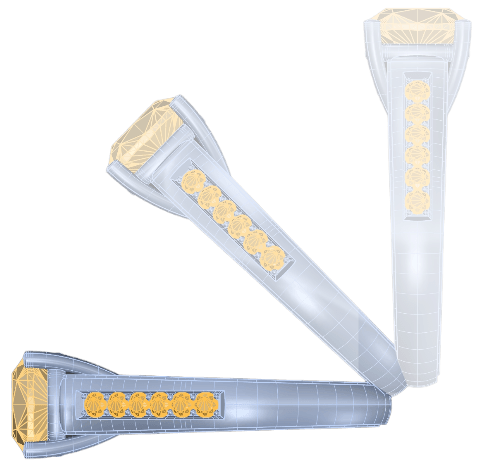
In the right view, rotate the model 90 degrees using the gumball.
Step 2: Rotate Comand
Go to the “Transform” tab and select the “Rotate” command.

Step 3: Pose
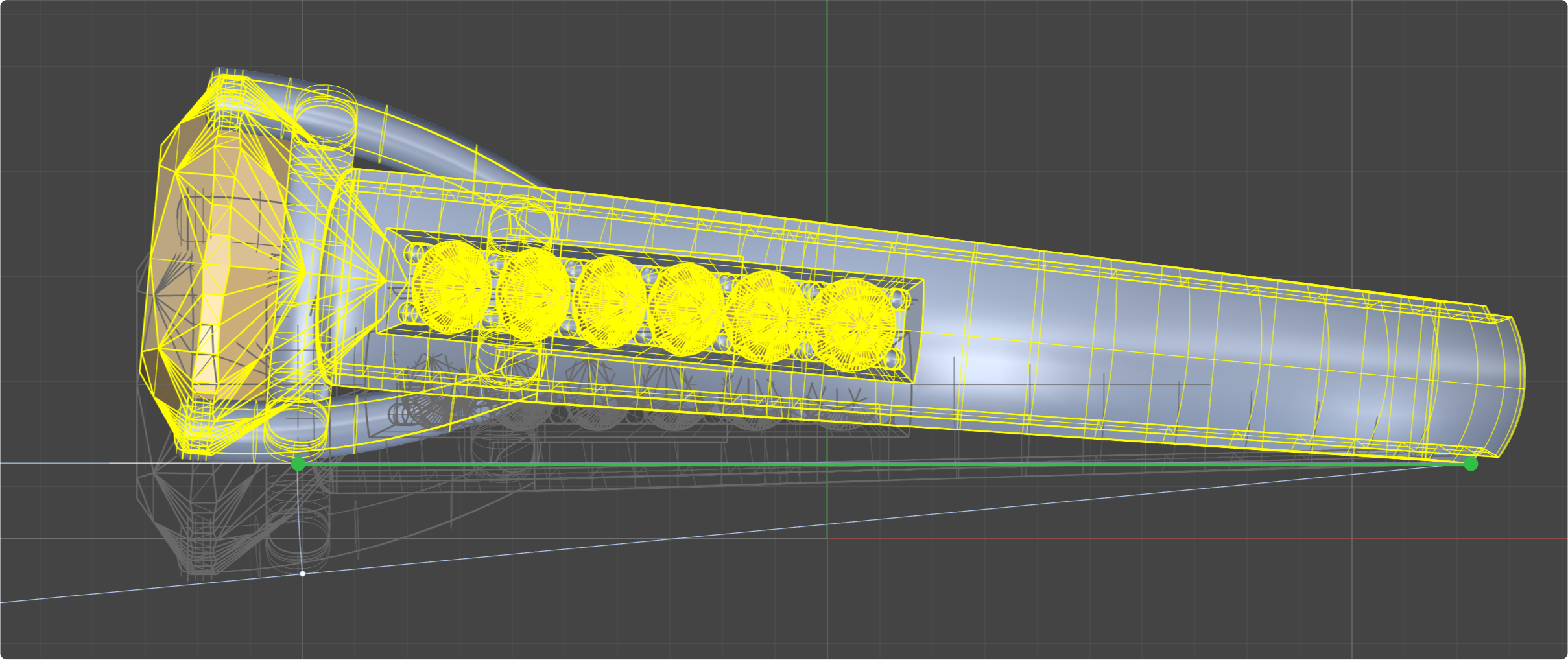
From the Right view, select the lowest points of the model on both sides.
See the two green points in the image
Step 4: Align to plane
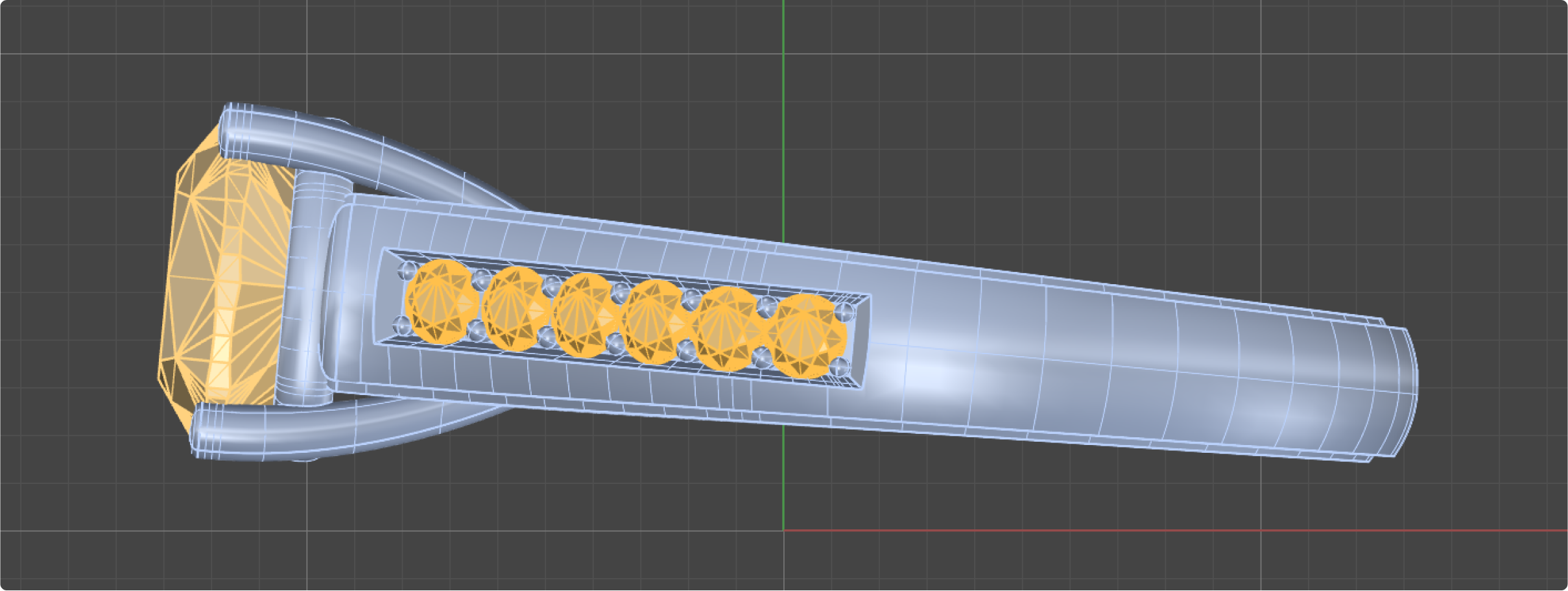
Hold the Shift key to align the model with the axis.
Step 5: Render
Position the model using the gumball at the height of the X-axis. Set the parameters for the render and create the final image.
Video Lesson