Reference Curve and Gem Studio
Step 1: Curve Command
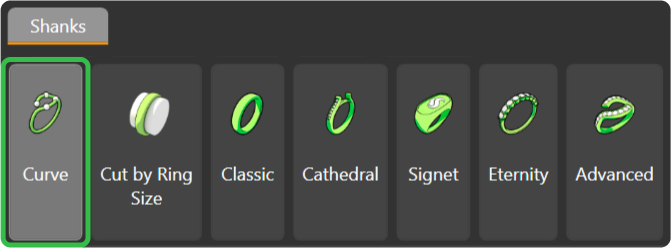
Go to the “Shanks” tab and select the “Curve” command.
Step 2: Ring Size
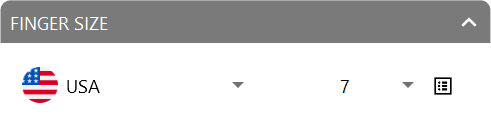
Set the region to “United States of America” and select size 7.
Step 3: Gems Studio
Switch to the “Diamonds” tab and use the “Gem Studio” command.

Step 4: Add gem
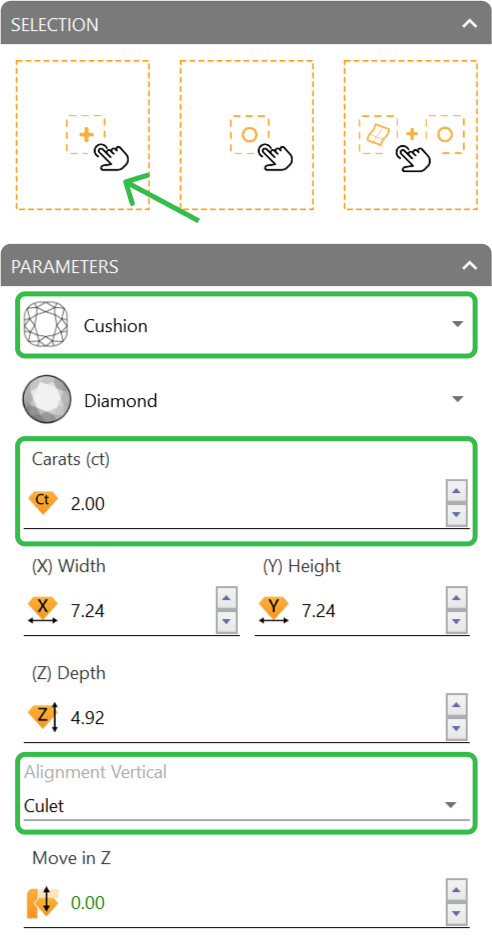
Select “Cushion” as the shape and set the size to 2 carats. Align the gem to the Culet, then press “Add.”
Video Lesson
Next Step: Position the gem on the reference curve.