Introduction to RhinoArtisan
Lesson 10 of 43
Curator Panel
Sign in to access this lesson
This lesson is part of Kickstart: From idea to Creation, which can come bundled with a RhinoArtisan Commercial license subject to current promotions. Log in with your customer account, or get in touch and we'll set you up.
Customers only
Solo para clientes
This lesson is part of Kickstart: From idea to Creation, which can be included with a RhinoArtisan Commercial license subject to current promotions. If you've already purchased and don't see it in your account, get in touch.
In RhinoArtisan, we believe that inside any jewellery designer lays a curator who safeguards the designer’s creations and works of art. These works of art only grow in prestige and value over time. A curator is the keeper or custodian of a museum.
Hence, our curator holds a treasure for every designer by featuring an innovative library of elements that span a variety of themes, giving designers quick and efficient access to a variety of predefined elements.
The curator enhances workflow efficiency by organizing essential Rhino files into proper folders tailored for jewellers.
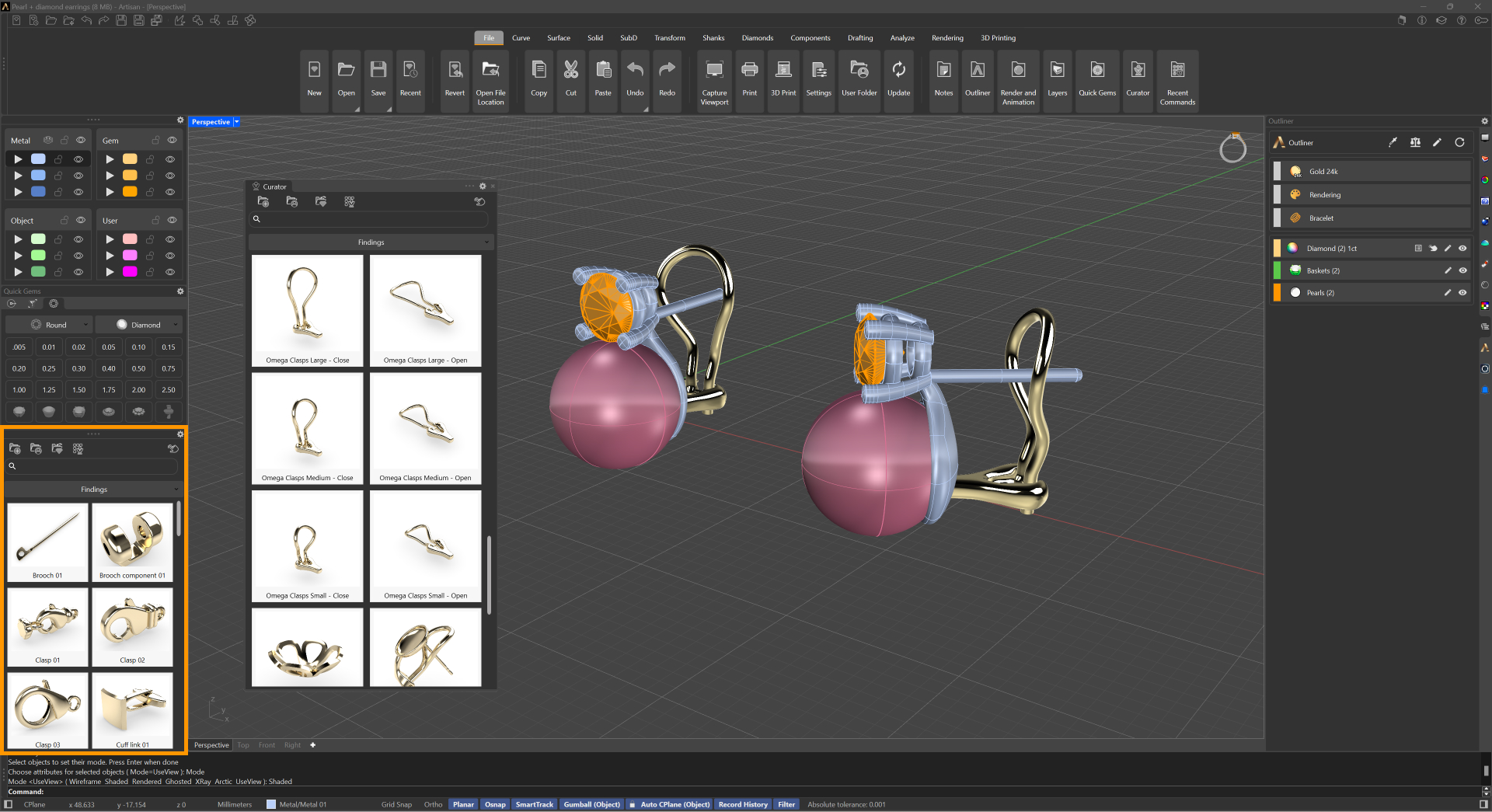
Findings
In the “Findings” folder, you’ll find ready-to-use earring posts with or without push butterfly clasps, as well as various clasp types like omega, latch backs, and lever backs. The “Display Elements” folder includes items like a ring case and necklace display for creating more detailed design images. The panel also offers floral motifs, music elements, and more, with future additions planned.
The most valuable feature is the ability to create custom folders for frequently used elements, keeping them organized and accessible with a single click. This eliminates the need to browse through files, streamlining your design process and improving workflow.
Additional Curator
Additional Curator collections are available in your Dashboard on the RhinoArtisan website, ready to be downloaded and imported into your Curator section. These collections are regularly updated, with new elements and entirely new collections added over time.
How can I access RhinoArtisan’s Curator collections?
Simply click the Online Curator Gallery icon to be directed to our collection page, where you can browse and download any collection of your choice
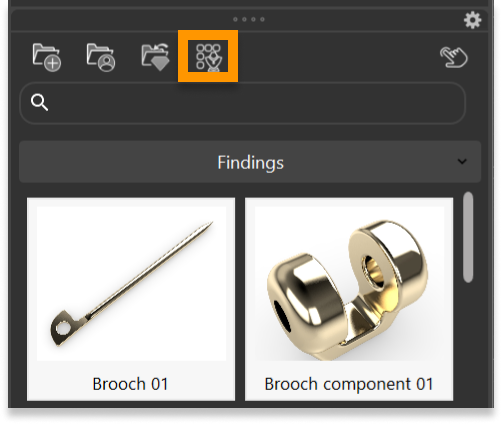
How can I import the collection I got from the Rhinoartisan website?
Simply click the Add Curator Collection from File icon, browse to your downloaded collection, and open it. The collection will then be added to your Curator vault, appearing alongside your existing collections.
Almost there — you still have some lessons to complete. Jump to the next one →
Impersonating — progress and reviews are disabled.
Course completed
You've completed Kickstart: From idea to Creation 🎉
Great work. Get your certificate of completion and, if you have a minute, let other jewelers know what you thought of the course.