Modelling
SubD Creations: Organic Modeling & Sculpting
By Paula Jiménez
Already have access to this course? Sign in and this page will take you straight to your lessons.
lessons completed
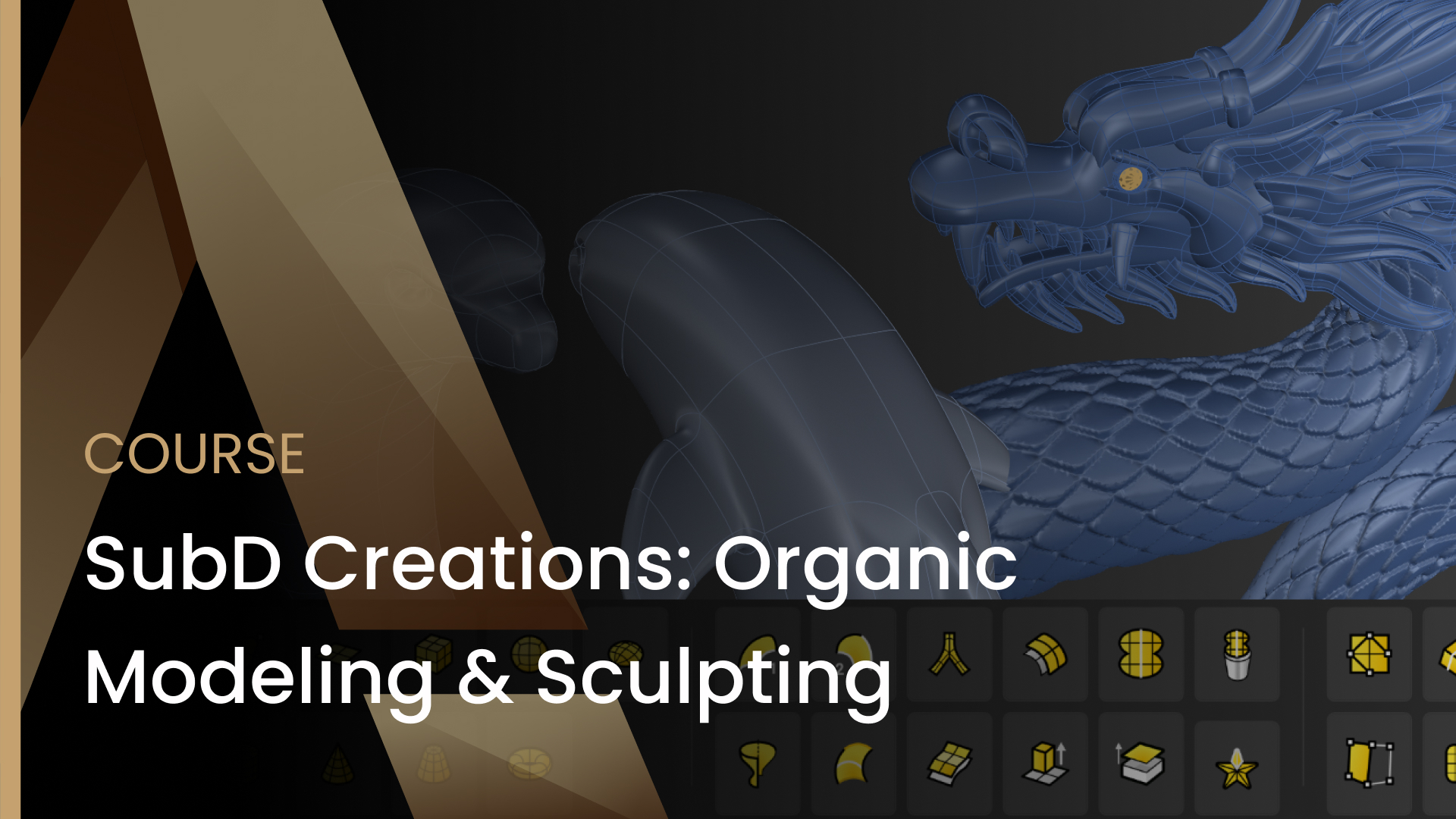
What you'll learn
- Sculpt organic shapes using SubD tools in RhinoArtisan
- Use reference images to guide accurate modeling
- Apply symmetry, soft transforms, and SubD refinement techniques
- Create pavé-ready surfaces for gemstone setting
- Use Smart Flow and Boolean tools for wearable designs
- Set up materials and lighting for professional rendering
Requirements
- RhinoArtisan plugin installed and activated
Who is this for
- Jewelers looking to expand into digital modeling
- CAD designers seeking to master organic SubD forms
- 3D artists interested in sculpting for jewelry
- Rhino users who want to explore RhinoArtisan workflows
- Beginners with a basic understanding of Rhino
What's included
- Reference images for all four projects
Master the art of organic modeling and digital sculpting for jewelry design using RhinoArtisan. In this course, you’ll learn how to create elegant and natural forms with SubD tools — from smooth curves to detailed pavé-ready surfaces. Whether you’re a jeweler, CAD designer, or 3D modeling enthusiast, these step-by-step projects will strengthen your skills in SubD modeling, visual refinement, and digital craftsmanship.
👨🏫 What You’ll Learn:
-
How to sculpt complex organic shapes using SubD workflows
-
Efficient techniques for symmetry, soft transforms, and topology control
-
How to integrate gem settings and pavé surfaces into your designs
-
How to prepare your models for rendering and 3D printing
Curriculum
4 topics · 9 lessons
01 Turtle Pavé Pendant
2 lessons
Turtle Pavé Pendant
- 01.01 Overview
- 01.02 Video Lesson
02 Teddy Bear Pavé
2 lessons
Teddy Bear Pavé
- 02.01 Overview
- 02.02 Video Lesson
03 Dolphin Ring
2 lessons
Dolphin Ring
- 03.01 Overview
- 03.02 Video Lesson
04 Dragon Pendant
3 lessons
Dragon Pendant
- 04.01 SubD - Basics
- 04.02 Overview
- 04.03 Organic SubD: Dragon
Student reviews
Get this course with RhinoArtisan
Buy nowTry RhinoArtisan free for 15 days
Full access to every tool. No credit card required. Works with your existing Rhino for Windows installation.
For Rhino on Windows · On a Mac? Join the free Mac beta →
Private consultation
Bring a real project. Leave with a plan.
Thirty minutes, one-to-one, with a RhinoArtisan specialist. We look at how you work today, show where RhinoArtisan fits in your process using your own piece, and leave you with a clear next step. For jewelry professionals and workshops.
More courses

Crafting Engagement Masterpieces
Five engagement rings, modelled start to finish: a halo with a cathedral shank, a cushion solitaire, and a three-ring solitaire collection. You build the settings that define each piece — halos, baskets, peg heads, prongs and rails — then move on to helix shanks, fittings for casting and the render that sells the design. Every finished ring is saved to Curator, so you end the course with a collection ready to show clients.
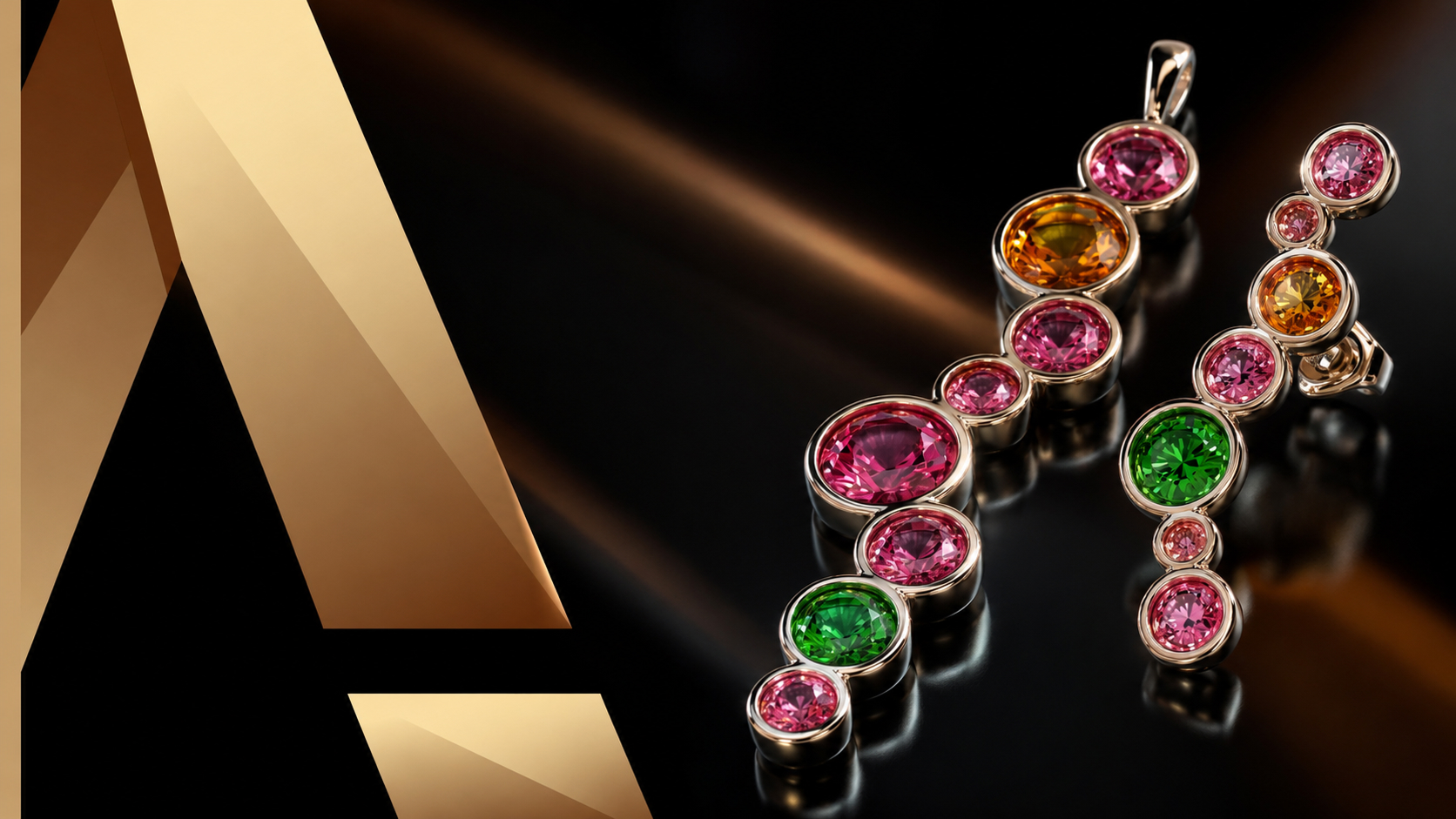
Iconic Fashion Pieces
Six pieces that go beyond the classic solitaire: three statement rings — fashion, fantasy and advanced — plus a matching bezel-set pendant, earrings and ring. You work with reference images and curve patterns, Flow Along Curve, Quick Array Polar and profile-driven shanks, then stage the whole set in a single scene with cutters and materials for the final render. The result is a coordinated collection, not three unrelated rings.
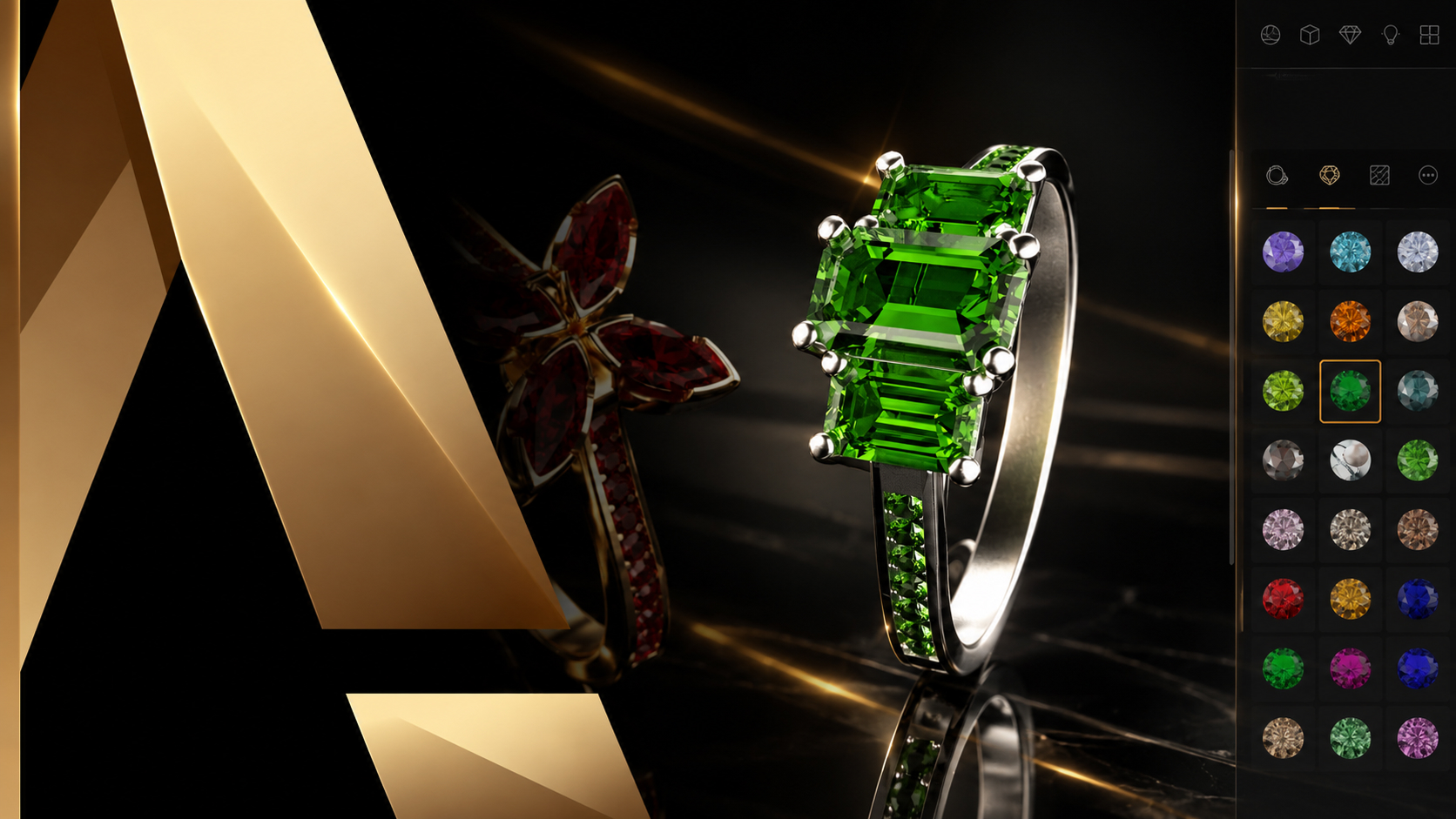
Master in Jewelry Rendering in Cycles
Turn finished models into images that sell. This course walks the whole Cycles pipeline inside RhinoArtisan: organising a model by layers and outliner, the difference between design and render materials, posing pieces on the ground and in pairs, building and editing environments, and the render settings behind resolution, quality and post effects. It closes with cutters for advanced gem rendering — the detail that makes stones read as real.