Apply materials and render
Apply materials
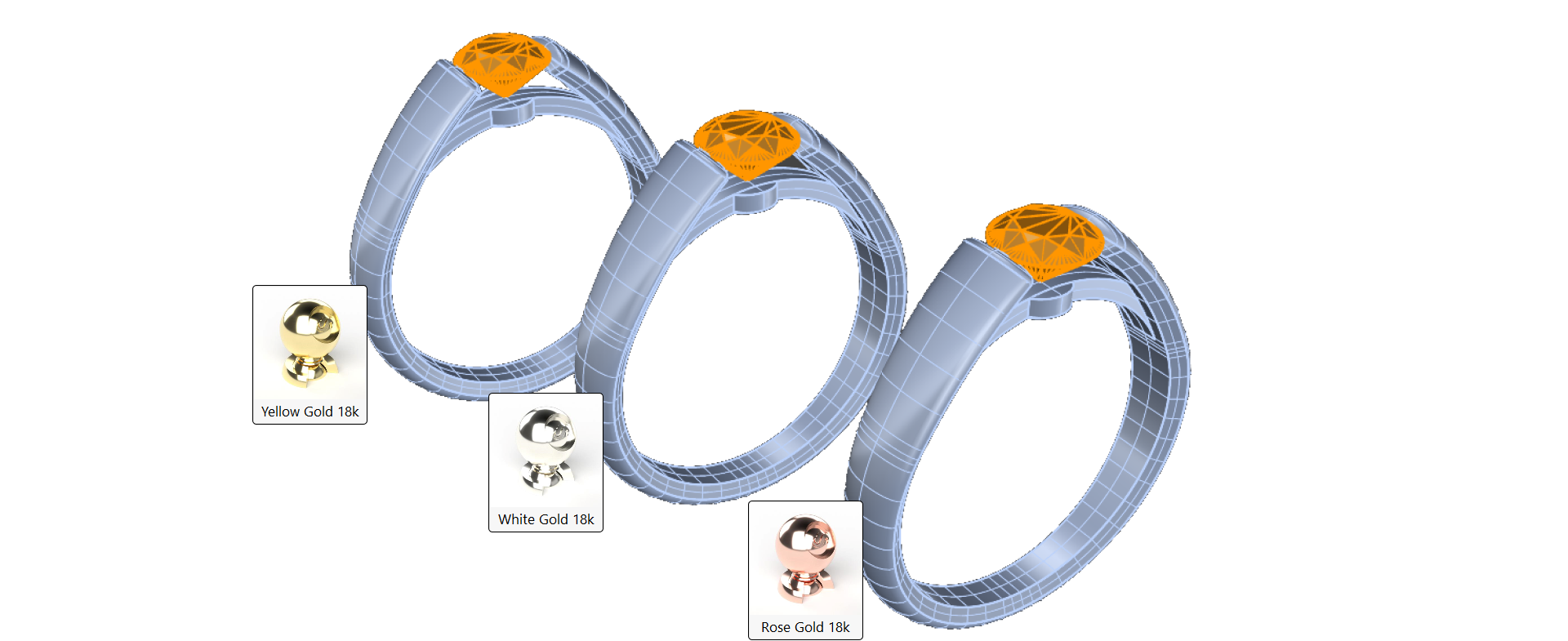
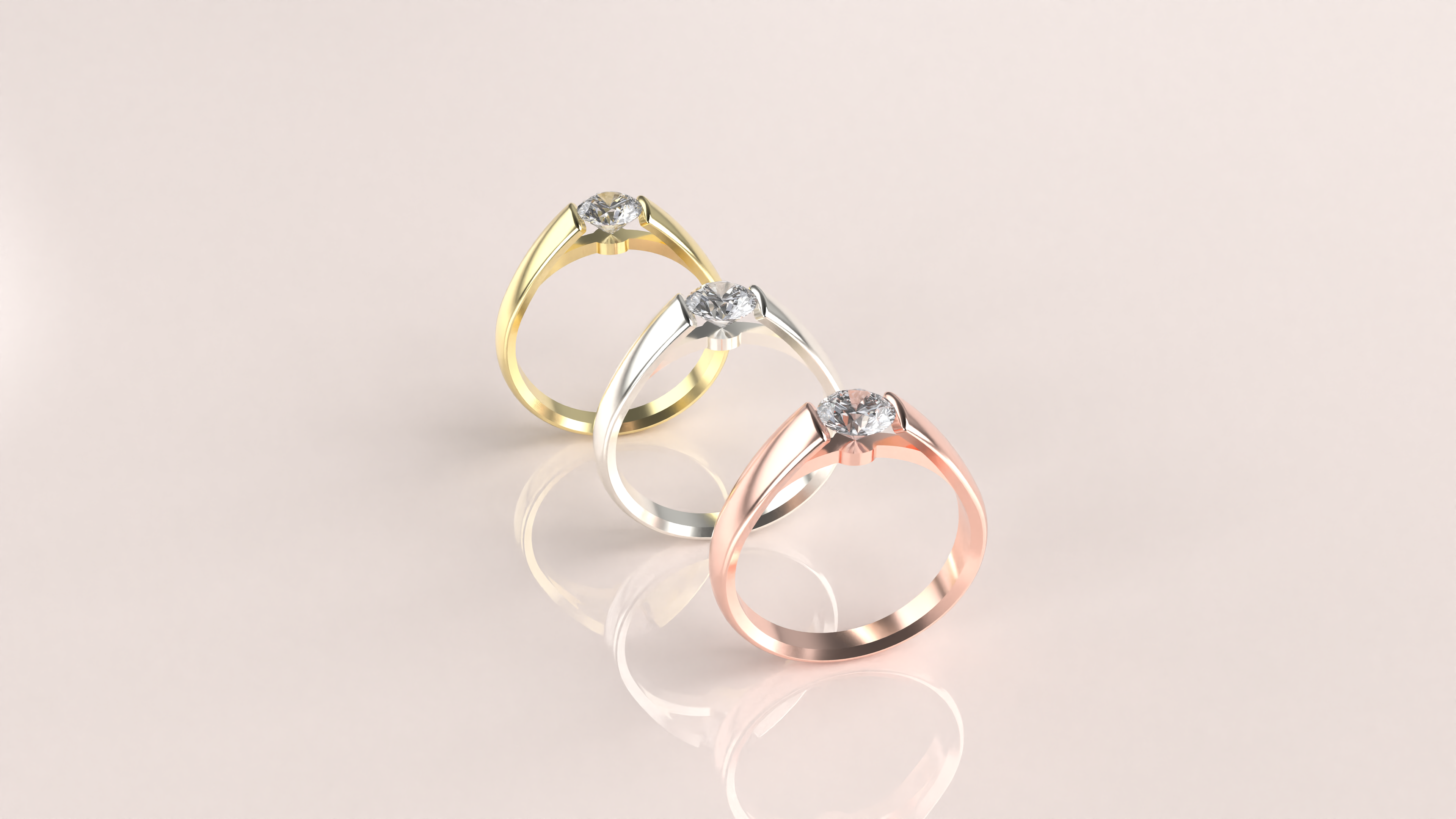
In the Render and Animation tab, materials for the metals rendering:
- Yellow Gold 18k
- White Gold 18k
- Rose Gold 18k
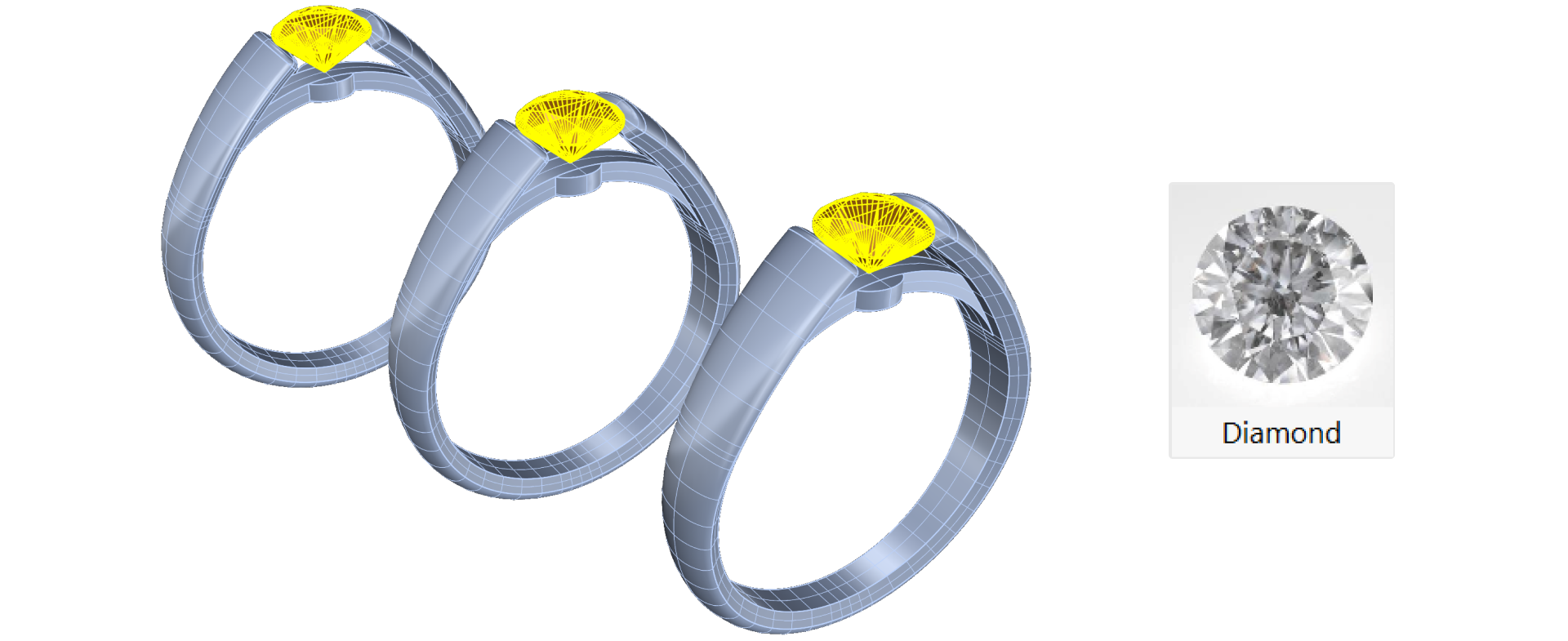
For the gems, apply the Diamond material.
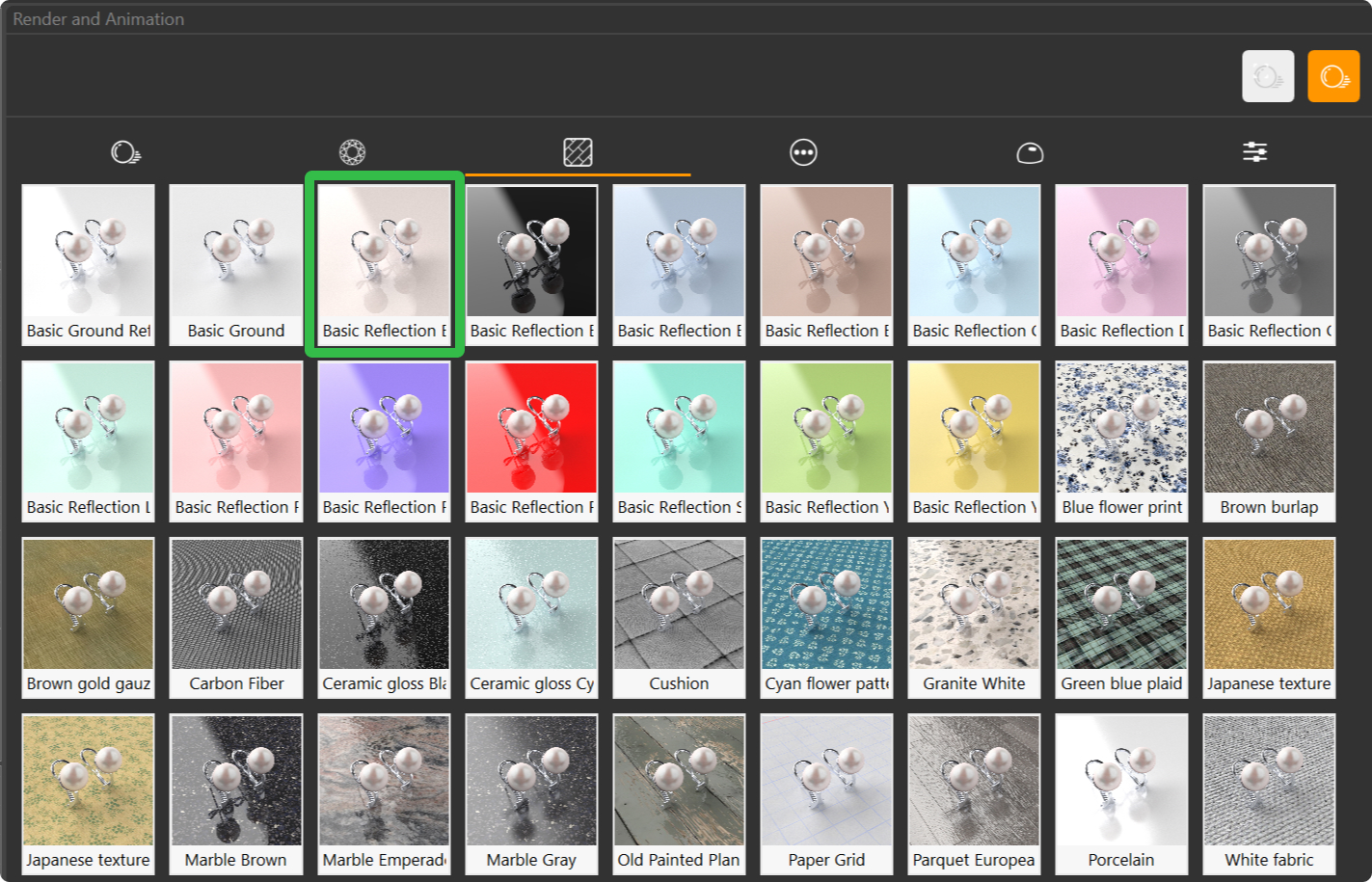
For the ground, apply a basic reflection.
Set Rendering Parameters
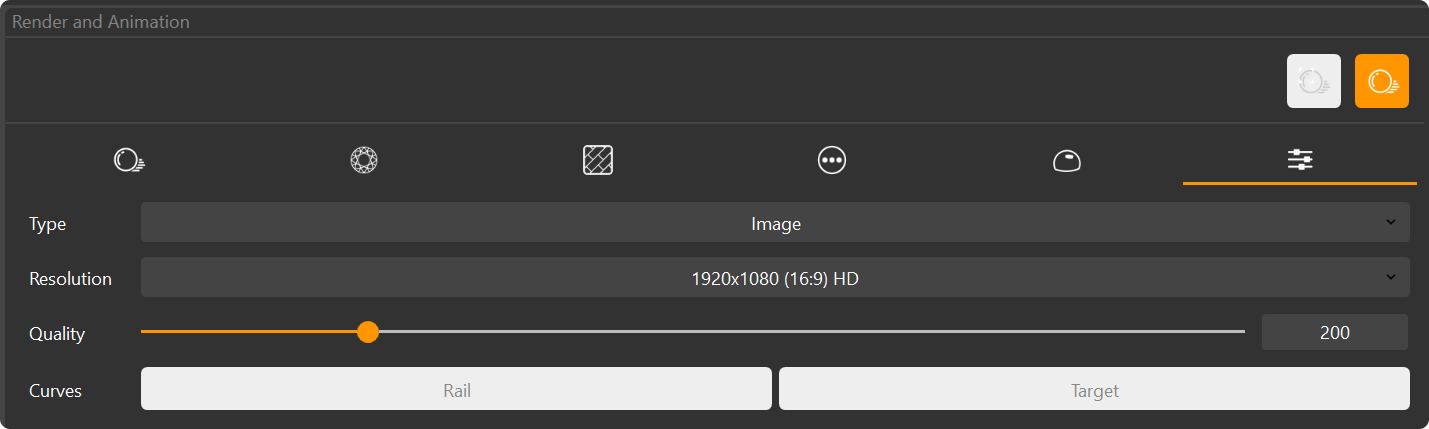
In the Parameters tab, you can customize various rendering settings.
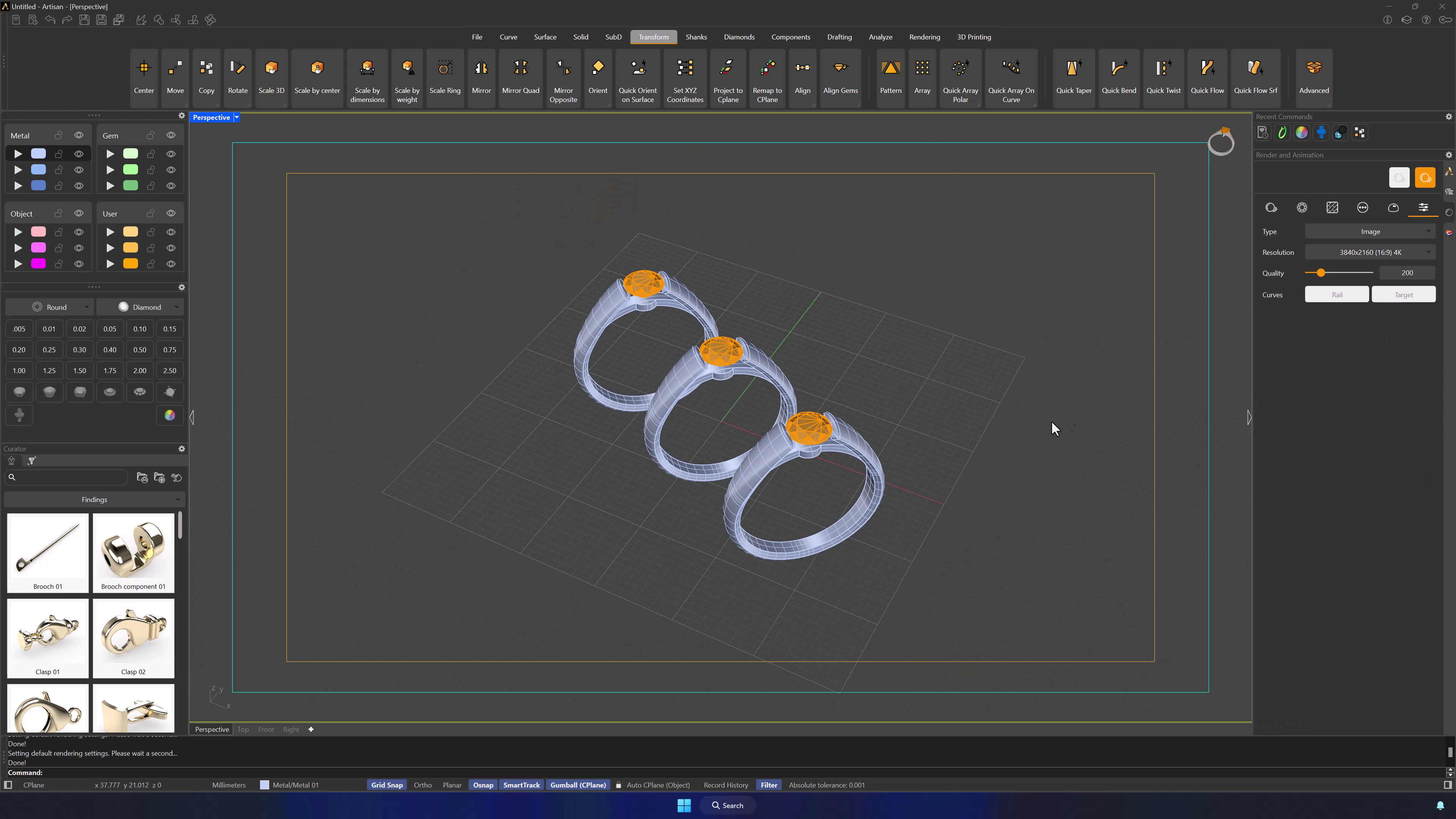
Set the resolution to 1920×1080 for a high-quality output.
Leave the Quality setting at 200, which is the default setting.
Render the Model:
Ensure that your model is properly positioned within the safe frames.
Safe frames indicate the visible area of the render; anything outside these frames will not be included in the final image. Adjust the model’s position so that all important elements are within the safe frames.
Video Lesson