Socket Curve
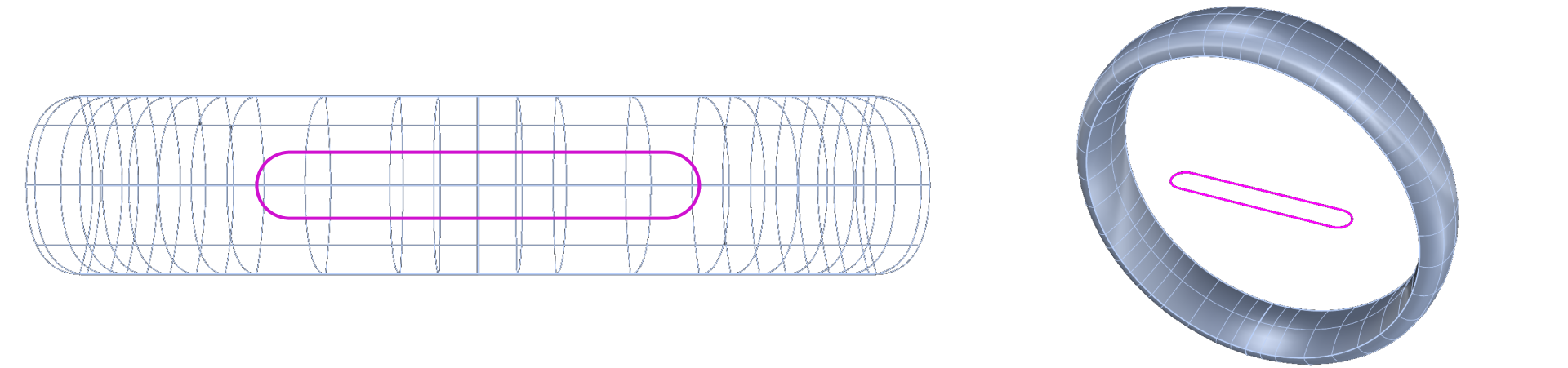
In this lesson, we’ll create the socket using a rounded rectangle.
Step 1: Top View
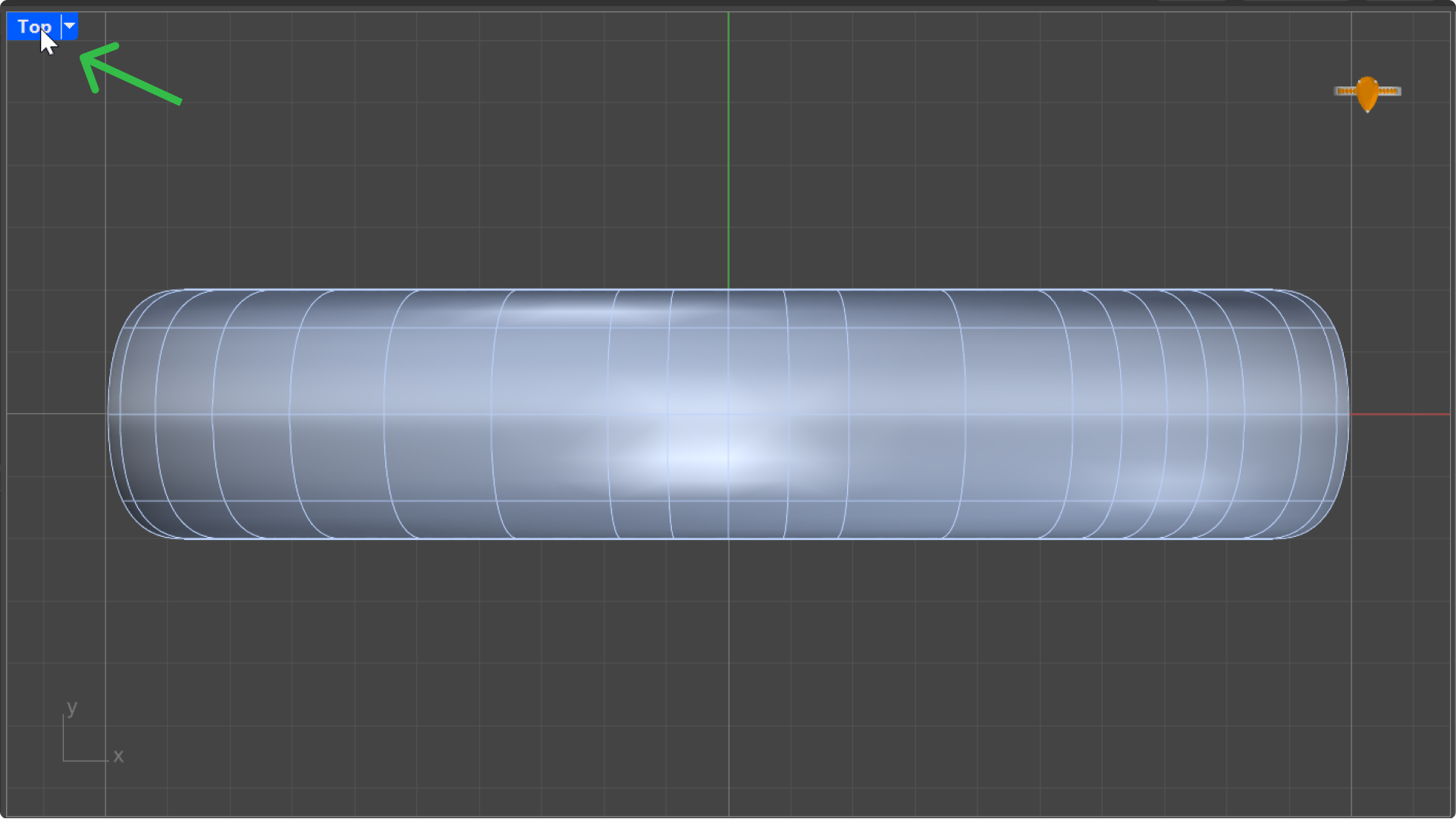
Switch to the “Top” view for better precision. Double click
Step 2: Set the Layer Color
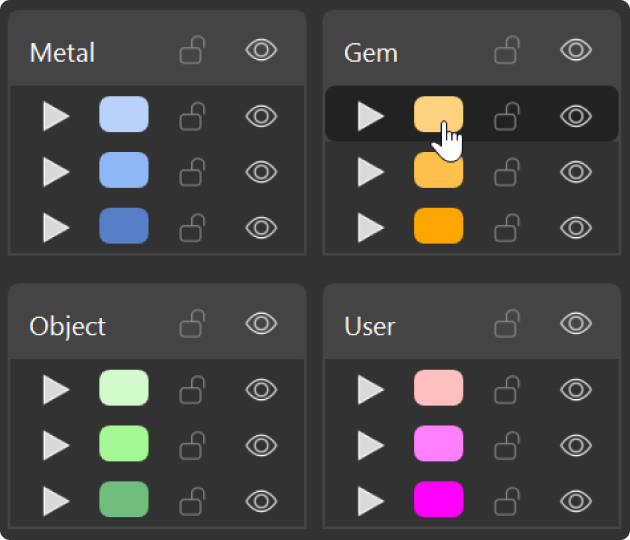
Select a color from the left panel to visualize the curve.
Step 3: Rounded Curve Command
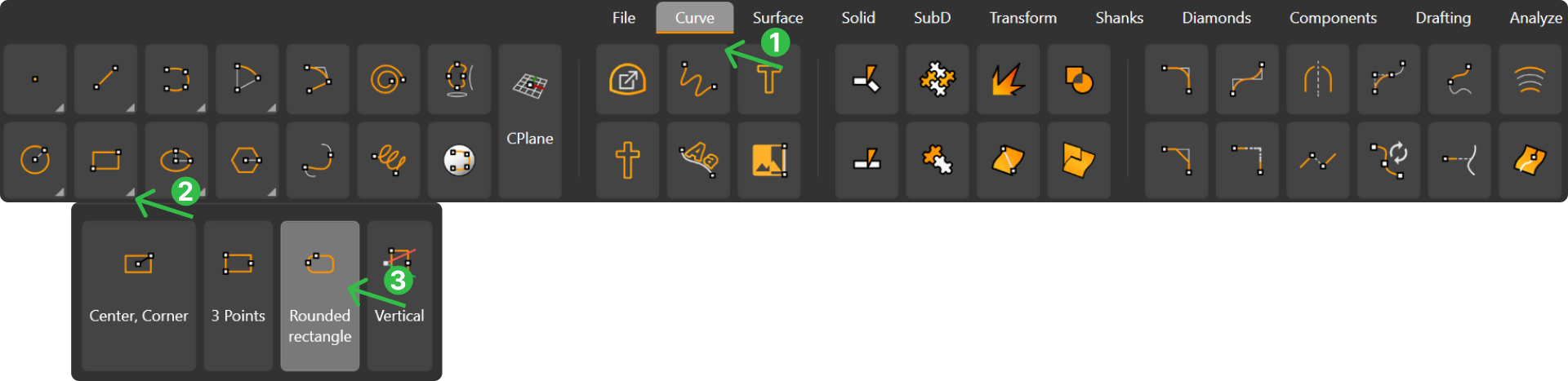
Go to the “Curve” tab (1), select “Rounded Rectangle” (3) in the “Rectangle”(2) section.
Step 4: COmmand Prompt Options
In the “Command Prompt” options, choose “Center”.
Step 5: Parameters
In the Command Prompt:
- Enter
0as the center point. Press Enter. - Type
10 mmfor length. Press Enter. - Type
1.5 mmfor width. Press Enter. - Set the rounded corners to
1 mm. Press Enter.

The curve socket is now ready. Change to Wireframe mode to view the curve.
Video Lesson
Next Step
Next, we’ll create a solid from this curve.