Create Pair
Step 1: Top View
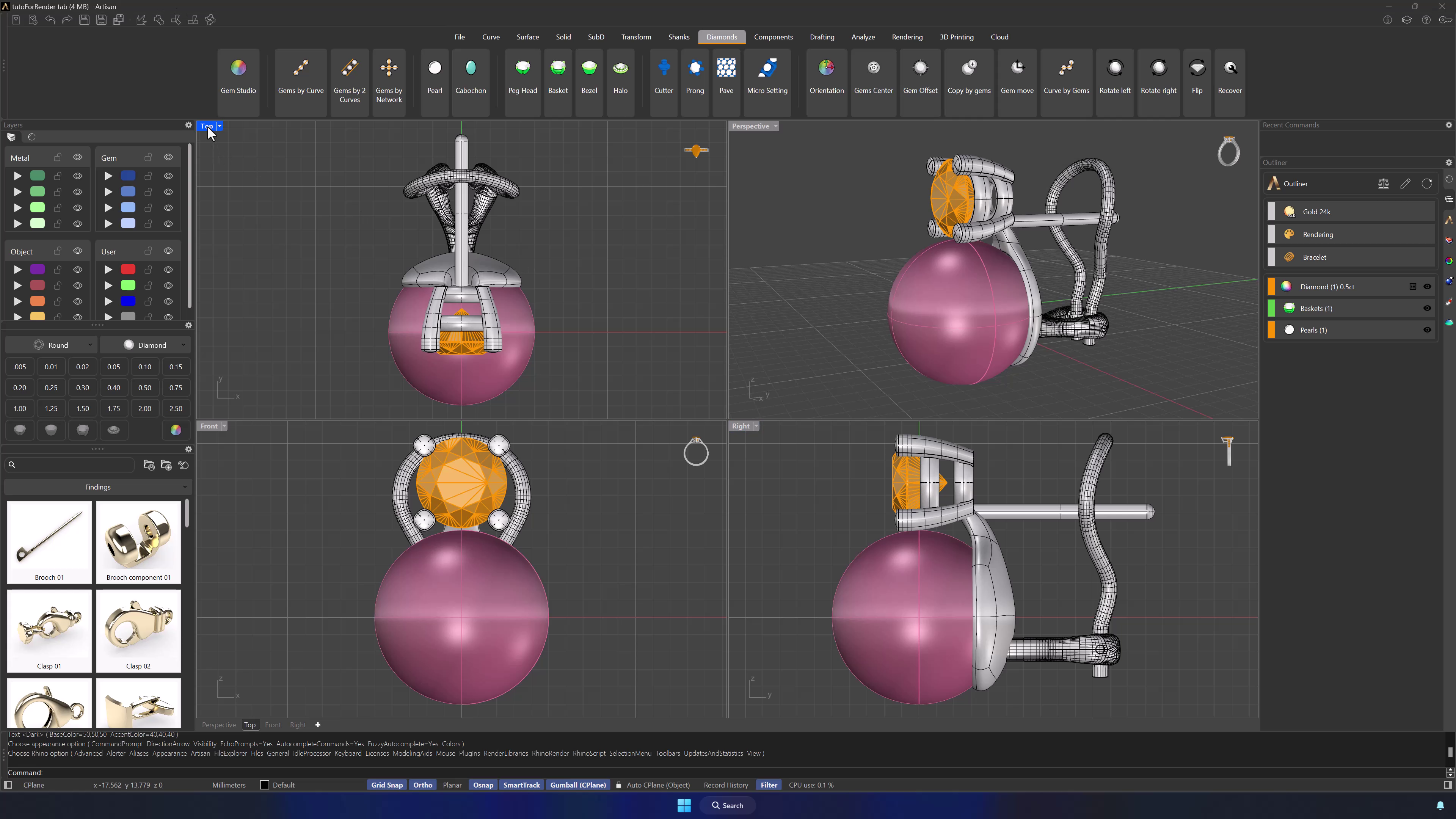
Now, click on the top view, at the top-left viewport, and we will create the pair for the earring.
Step 2: Pair Command
In the Rendering tab, find and click on the Pair command to create a matching earring.

Step 3: Create the Pair
Select all the elements of your earring model. Press Enter.
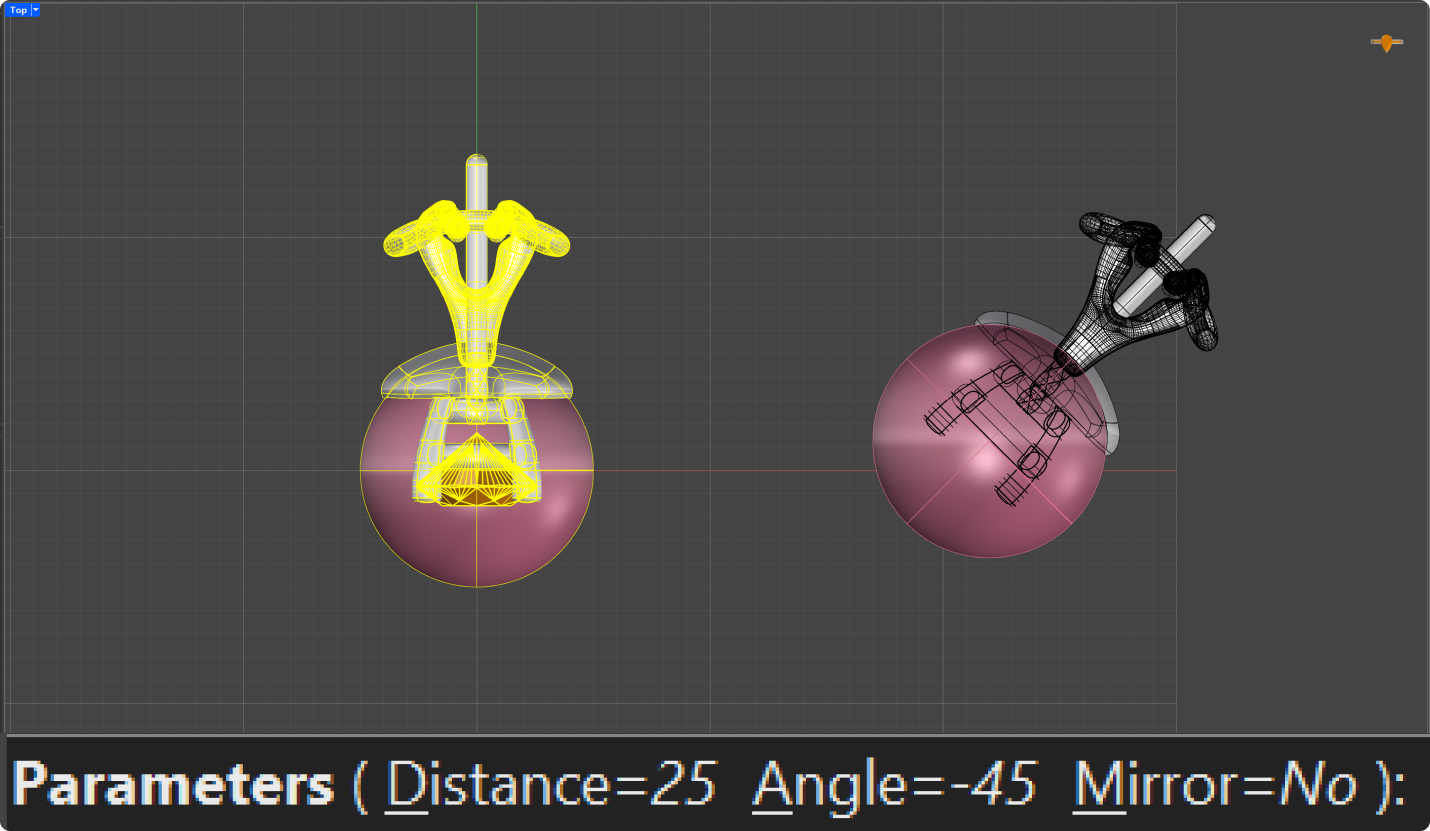
In the command bar,:
- Set a distance of 25 millimeters between the pair.
- For the pair’s angle, type -45 degrees.
- Mirror: No
Video Lesson
Next Steps
Apply materual and create the Render