Teddy Bear Pavé
Lesson 3 of 9
Overview
Sign in to access this lesson
This lesson is part of SubD Creations: Organic Modeling & Sculpting, which can come bundled with a RhinoArtisan Commercial license subject to current promotions. Log in with your customer account, or get in touch and we'll set you up.
Customers only
Solo para clientes
This lesson is part of SubD Creations: Organic Modeling & Sculpting, which can be included with a RhinoArtisan Commercial license subject to current promotions. If you've already purchased and don't see it in your account, get in touch.
Teddy Bear Pavé
Discover how to model a teddy bear from scratch using SubD primitives and symmetry tools. Once the organic form is sculpted, you’ll prepare the surface for gem setting using Boolean operations and split commands, then apply automatic pavé with prongs — creating a charming, production-ready jewelry piece.
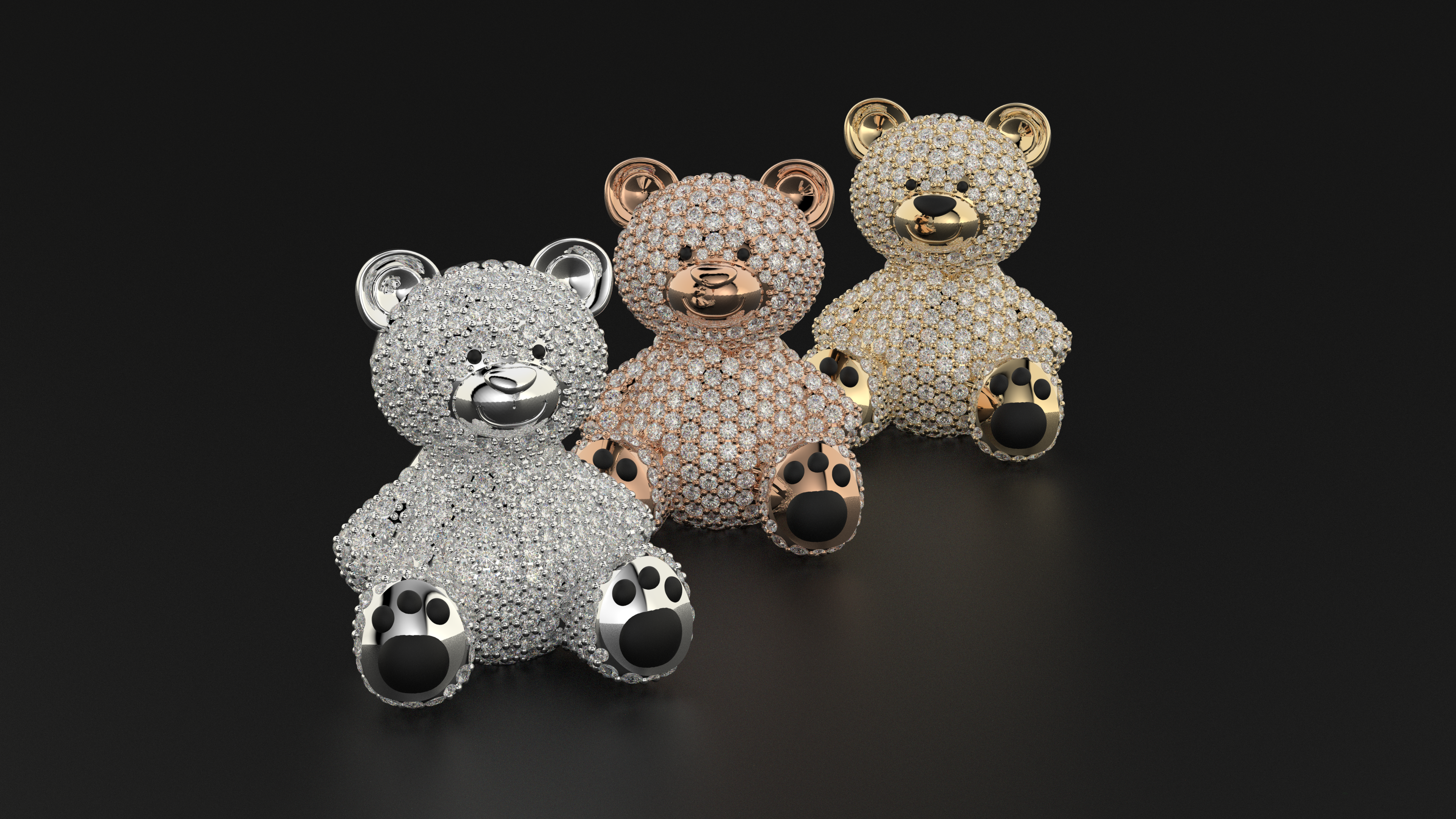
📌 Key Steps:
Reference Images
Set up and align reference images for front and side views
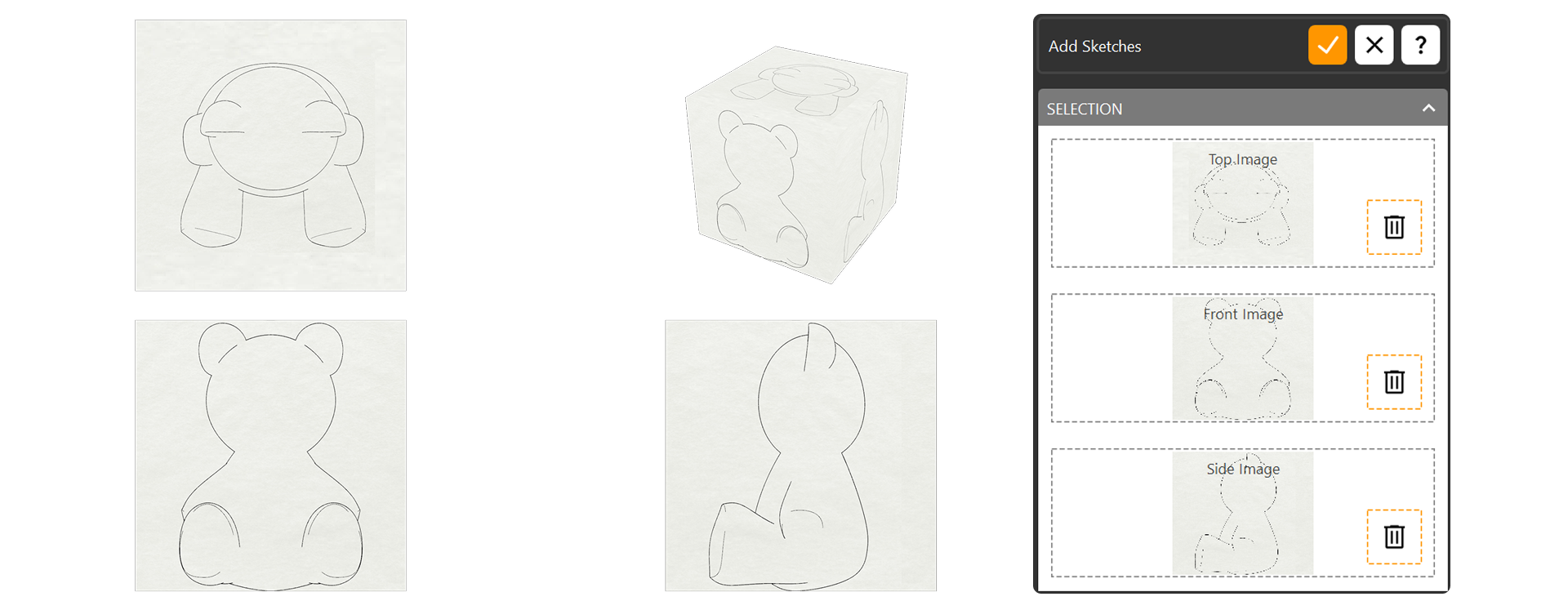
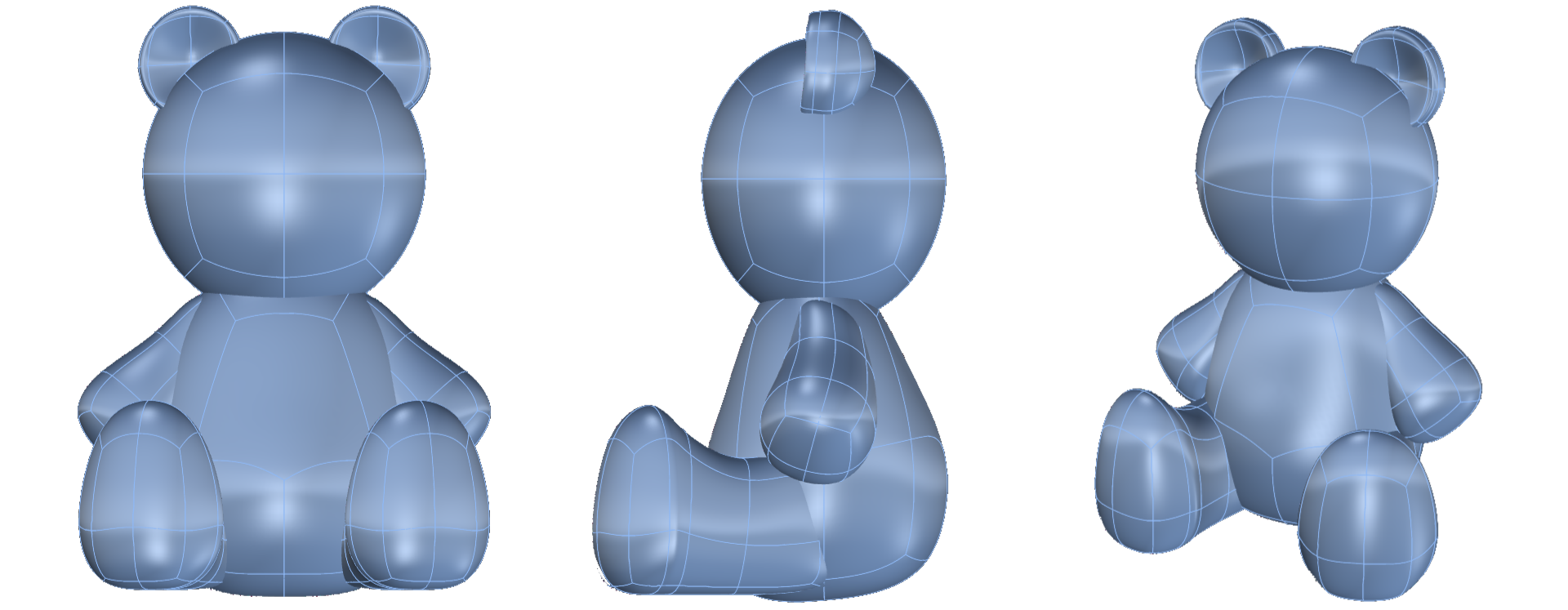
Sculpt
Sculpt head, body, arms, and legs using SubD symmetry and soft transforms
Refine surface flow with Insert Edge and Boolean operations
Split surfaces to define pavé zones using Boolean Split
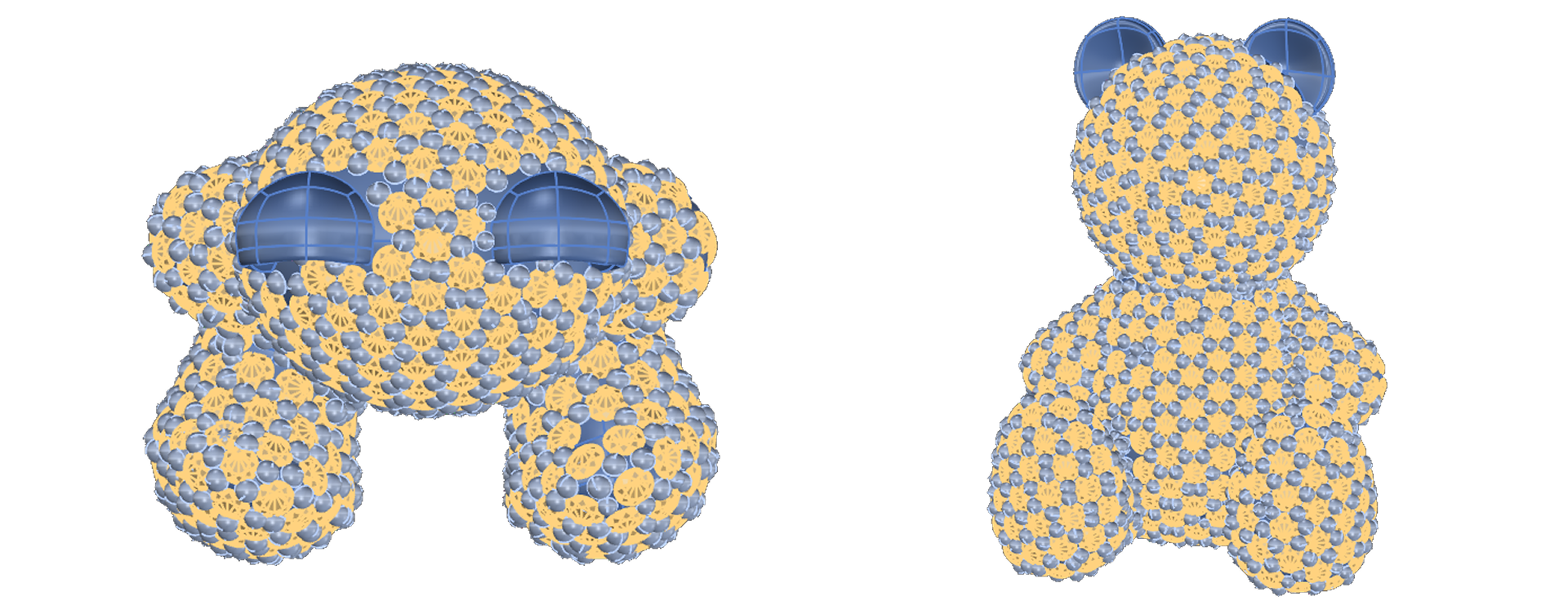
Gems
Apply Automatic Pavé and adjust settings for gem size and coverage. Add prongs and prepare for manufacturing or rendering
Almost there — you still have some lessons to complete. Jump to the next one →
Impersonating — progress and reviews are disabled.
Course completed
You've completed SubD Creations: Organic Modeling & Sculpting 🎉
Great work. Get your certificate of completion and, if you have a minute, let other jewelers know what you thought of the course.