Dolphin Ring
Lesson 5 of 9
Overview
Sign in to access this lesson
This lesson is part of SubD Creations: Organic Modeling & Sculpting, which can come bundled with a RhinoArtisan Commercial license subject to current promotions. Log in with your customer account, or get in touch and we'll set you up.
Customers only
Solo para clientes
This lesson is part of SubD Creations: Organic Modeling & Sculpting, which can be included with a RhinoArtisan Commercial license subject to current promotions. If you've already purchased and don't see it in your account, get in touch.
Dolphin Ring
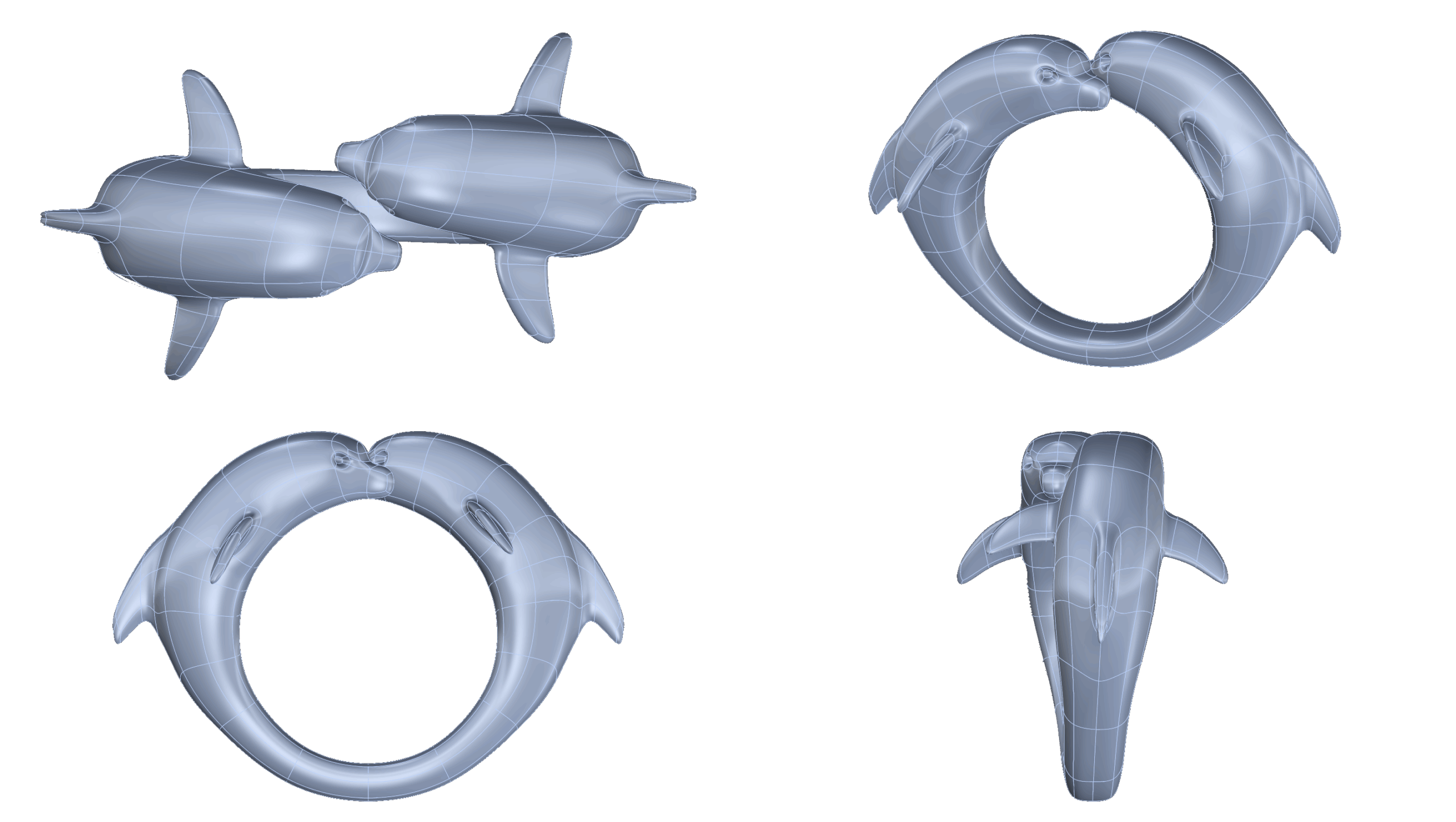
In this lesson, you’ll sculpt a graceful dolphin using SubD modeling techniques and transform it into a ring with flowing, organic lines. Learn how to work with reference images, build clean geometry, and use Smart Flow and Quick Bend to adapt your sculpted form into an elegant and wearable jewelry piece.
📌 What You’ll Learn:
✔ How to use reference images to guide your modeling
✔ Efficient SubD techniques for organic shapes
✔ How to adapt your model to a ring using Smart Flow
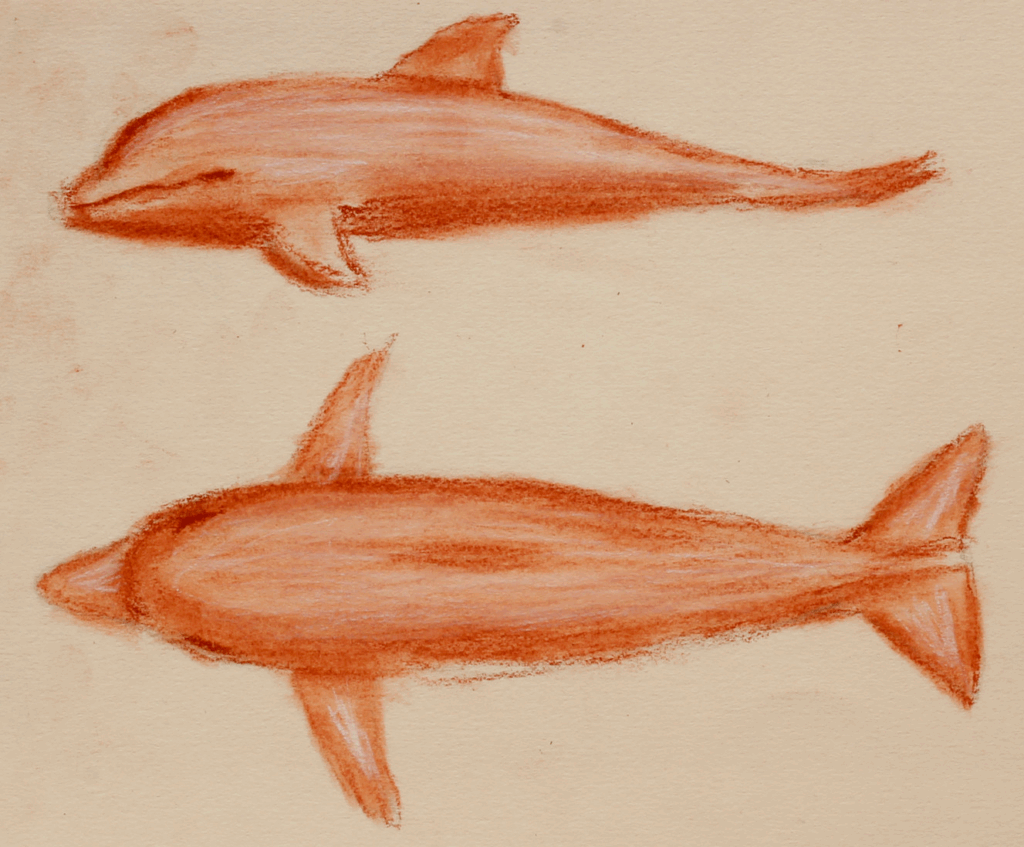
Reference images
Import reference images and align them with the base ring curve
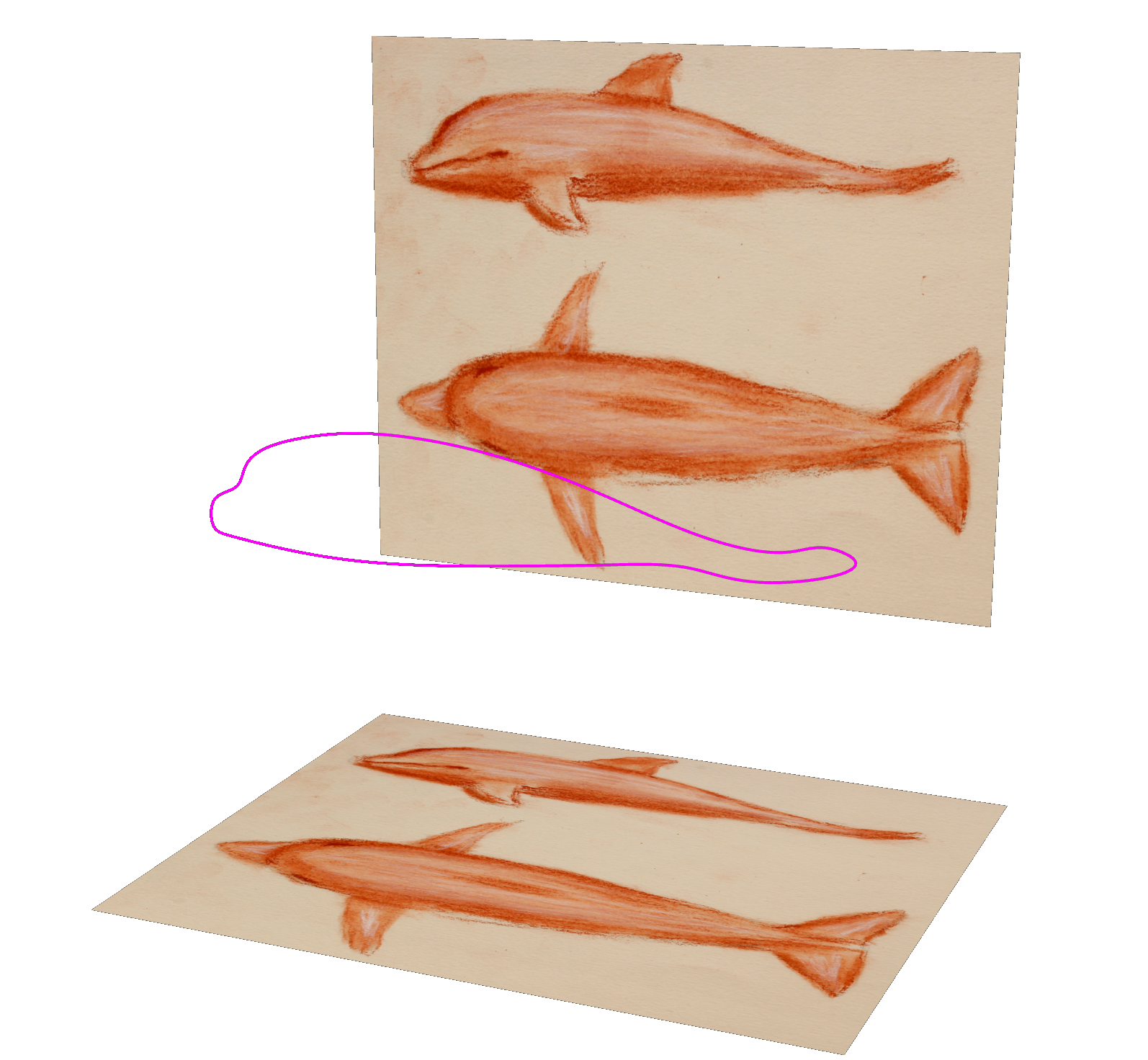
Draw the profile
Draw the dolphin’s profile and extrude it into a solid form
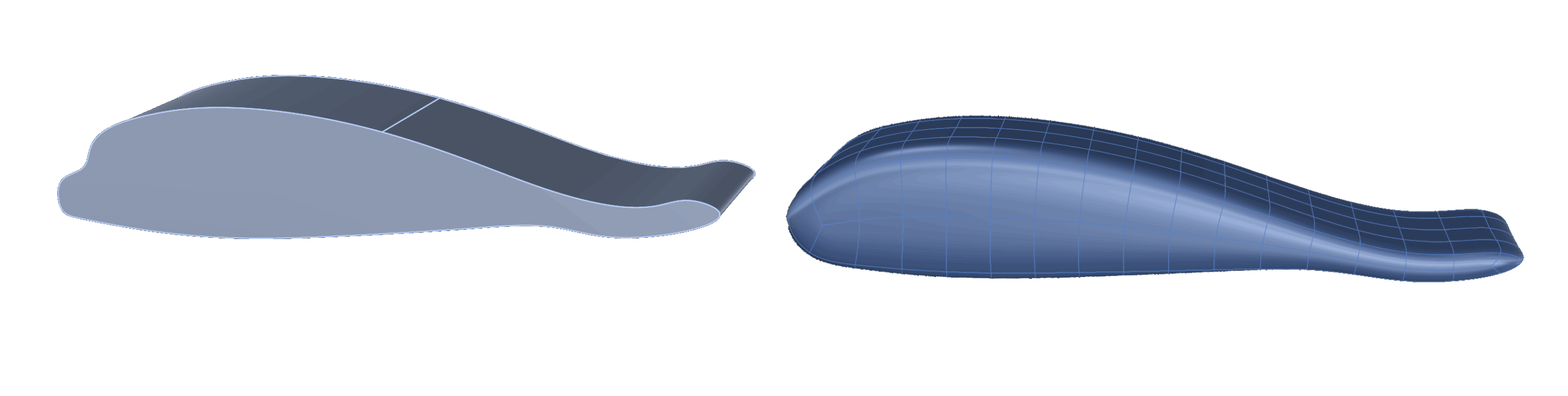
To SubD
Apply QuadRemesh and Reflect symmetry for SubD modeling
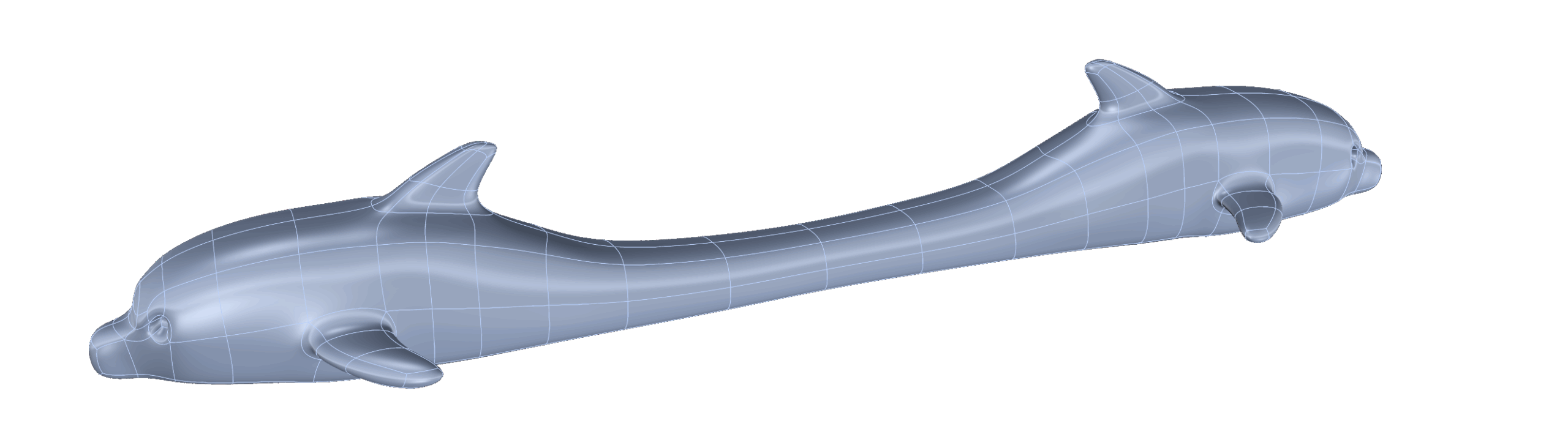
Sculpt
Sculpt the dolphin’s body, head, fins, and eyes using Soft Transform and Insert Edge
Finalize
Use Smart Flow and Quick Bend to adapt the shape into a ring. Mirror, bridge, and finalize details for symmetry and ring fit
Almost there — you still have some lessons to complete. Jump to the next one →
Impersonating — progress and reviews are disabled.
Course completed
You've completed SubD Creations: Organic Modeling & Sculpting 🎉
Great work. Get your certificate of completion and, if you have a minute, let other jewelers know what you thought of the course.