Turtle Pavé Pendant
Welcome to RhinoArtisan!
In this tutorial, we’ll walk you step by step through the process of modeling a stylized turtle pendant using SubD tools in RhinoArtisan. You’ll learn how to sculpt the turtle’s body with organic elegance, refine the shell’s structure, and prepare the surface for pavé-set diamonds with precise prong placement — all using a streamlined, production-ready workflow.
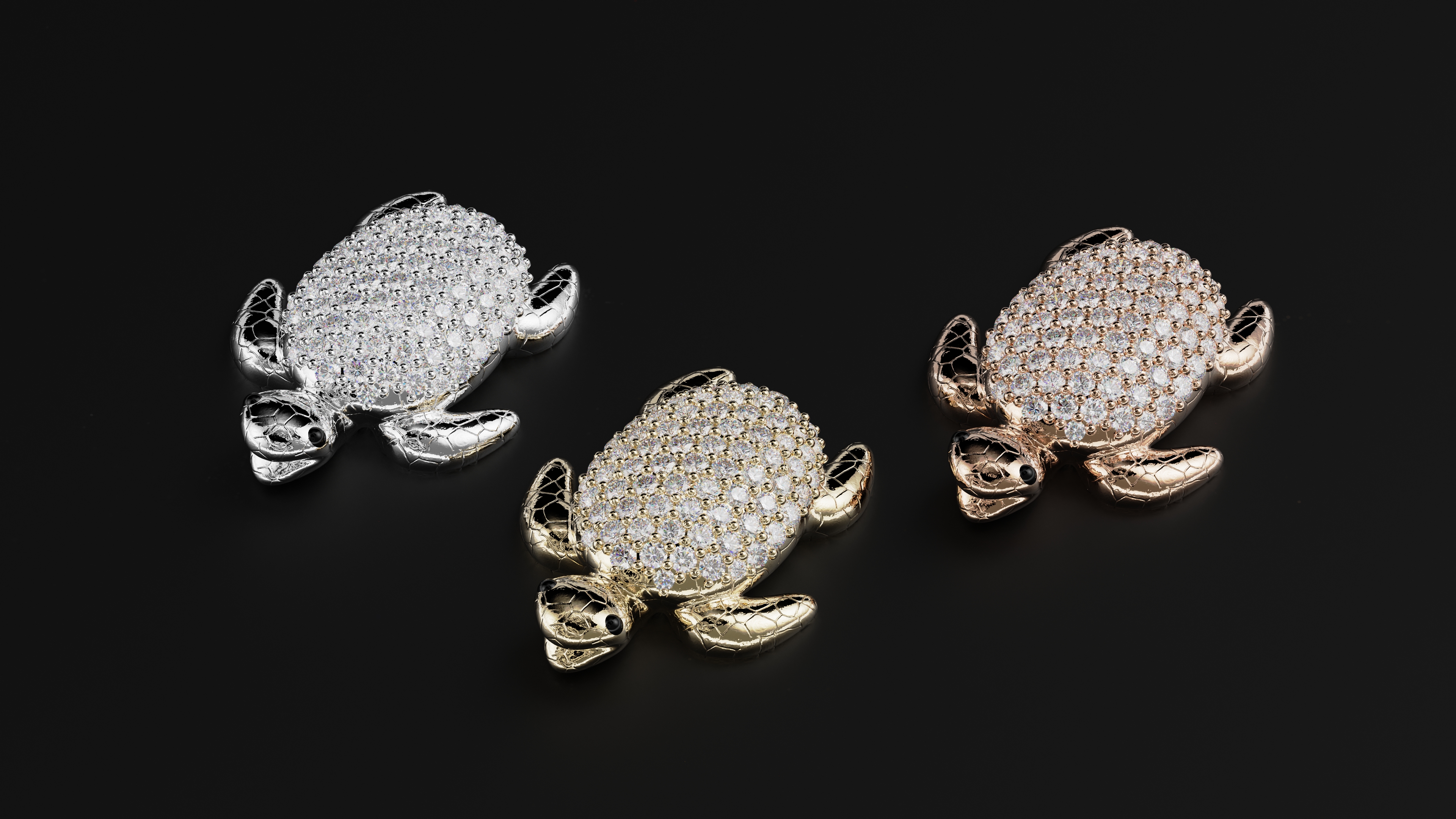
Whether you’re a jeweler, CAD designer, or digital sculptor, this lesson will help you master SubD modeling and gemstone layout in professional jewelry design.
📌 Want the reference images?
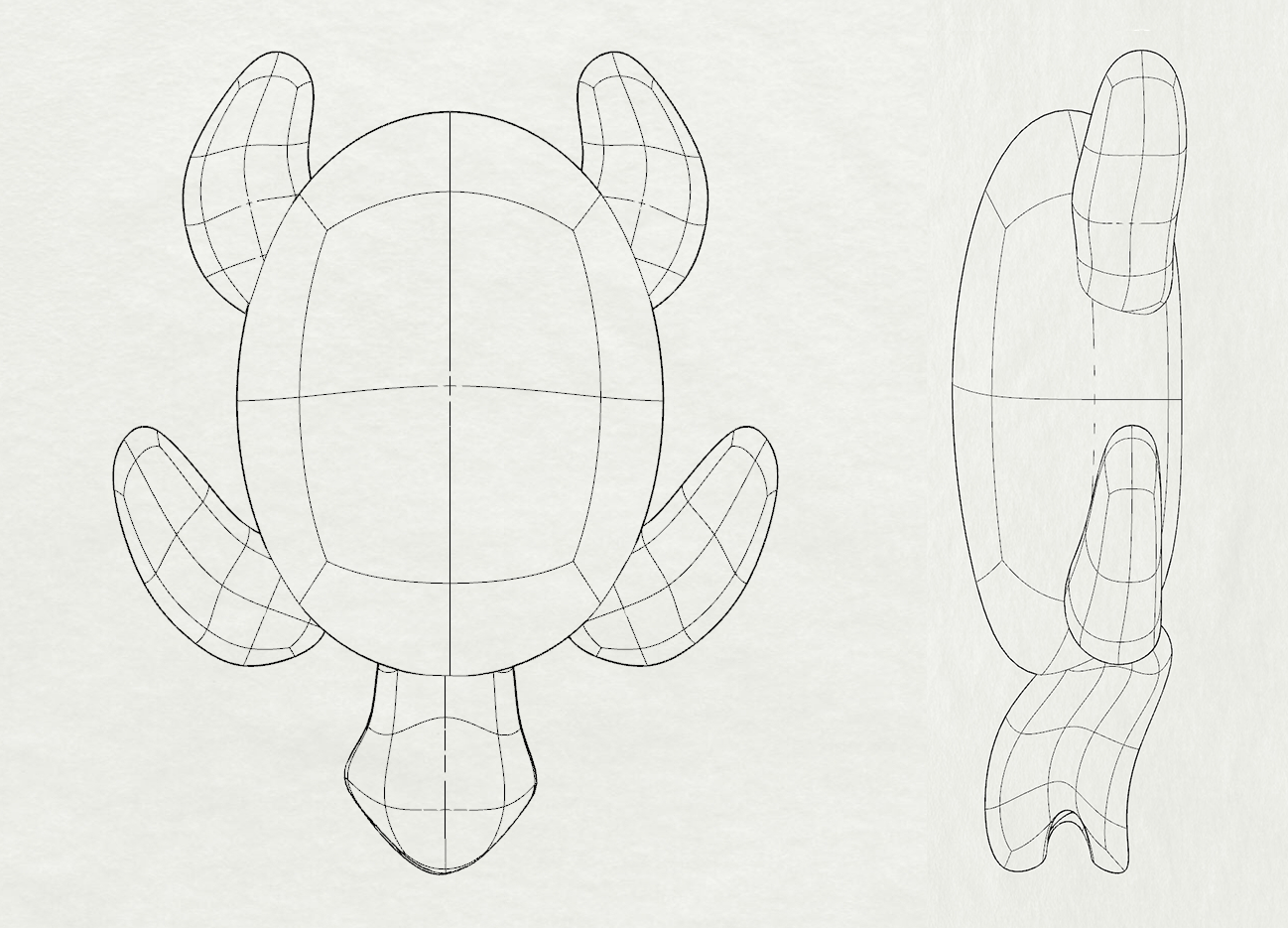
📌 What You’ll Learn:
✔ How to import, align, and scale reference images
✔ SubD sculpting of the turtle body with symmetry and edge control
✔ How to model individual parts like head, legs, and eyes with clean topology
✔ How to extract a pavé surface and apply Automatic Pavé with multiple gem sizes
✔ How to generate prongs and apply cutters for a ready-to-manufacture result