Pavé Teddy Bear
Welcome to RhinoArtisan!
In this video, we’ll guide you step by step through the process of modeling a SubD teddy bear and preparing it for automatic gem pavé. You’ll learn how to sculpt organic forms, work with symmetry, apply Boolean operations, and generate pavé-ready surfaces — all within RhinoArtisan.
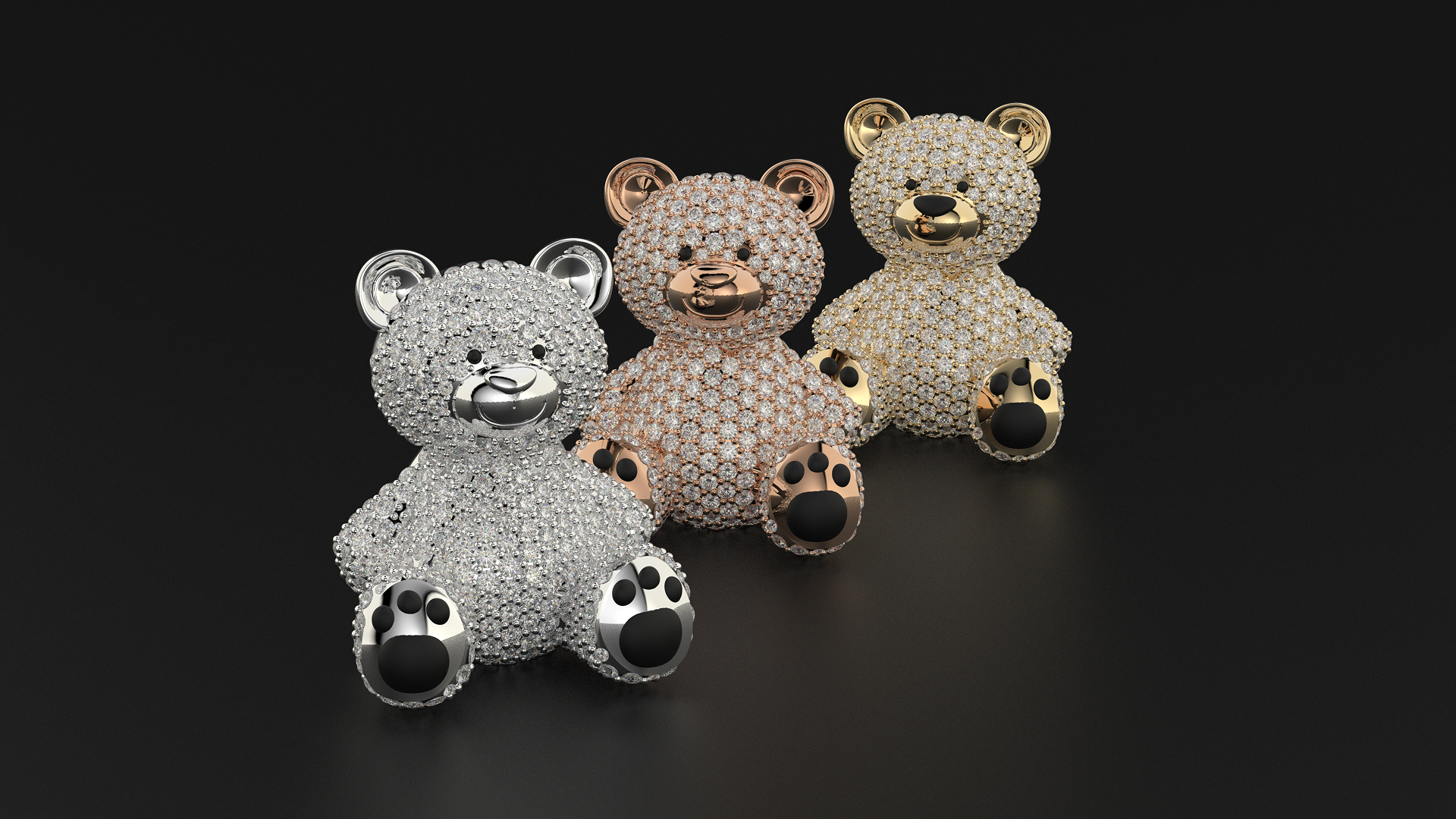
Perfect for jewelers, CAD designers, and 3D artists looking to master organic modeling and gem setting in digital jewelry design.
📌 What You’ll Learn:
✔ How to set up and align reference images
✔ SubD modeling of organic shapes using symmetry and soft transforms
✔ How to mirror, scale, and sculpt components like the head, ears, body, arms, and legs
✔ How to prepare surfaces for gem setting using Boolean split
✔ How to use Automatic Pavé and add prongs for manufacturing
📢 Why Watch This?
✅ Learn SubD modeling with a hands-on jewelry project
✅ Discover professional workflows for pavé-ready surfaces
✅ Enhance your design with rendering-ready details
✅ Ideal for 3D printing and presentation
📌 Looking for the reference images?
📌 Looking for the extra components?