★ The RhinoArtisan Blog
How to Choose the Best Jewelry Design Software
Book a demo with our teamJune 22, 2026 · RhinoArtisan · Learn
Choosing jewelry design software is one of the most important decisions for any jewelry business.
It affects far more than design. It impacts manufacturing accuracy, sales speed, customer experience, and operational efficiency.
The problem is that many businesses still use disconnected tools, one for design, another for rendering, another for manufacturing, and often another system for retail customization.
This creates friction.
The best software today is no longer just a CAD tool. It needs to connect the entire business.
That is why more jewelers are moving toward all-in-one solutions.
Start by Understanding Your Workflow
Before choosing software, first understand how your business works.
Every jewelry company has different priorities.
Ask yourself:
- Do you create custom jewelry?
- Do you manufacture in-house?
- Do you work with external workshops?
- Do you sell directly to clients?
- Do you need product personalization?
A retailer focused on bespoke engagement rings has different needs than a manufacturer producing collections.
The software should match the way you work daily.
Not the other way around.
Design Alone Is No Longer Enough
For years, software decisions were based mainly on modeling capabilities.
But modern jewelry workflows require much more.
A complete process includes:
- Design
- Stone setting
- Weight estimation
- Manufacturing validation
- Rendering
- Customer approval
- Product customization
- Sales presentation
If these stages happen in separate systems, the process becomes slower, more expensive, and harder to control.
This is where many businesses lose time.
Not designing.
But moving between disconnected workflows.
Manufacturing Must Be Built Into the Design Process
A strong jewelry software should not only create beautiful models.
It should create manufacturable models.
Key factors to evaluate:
- Prong thickness
- Seat precision
- Metal weight calculations
- Wall thickness validation
- Stone fit
- Structural integrity
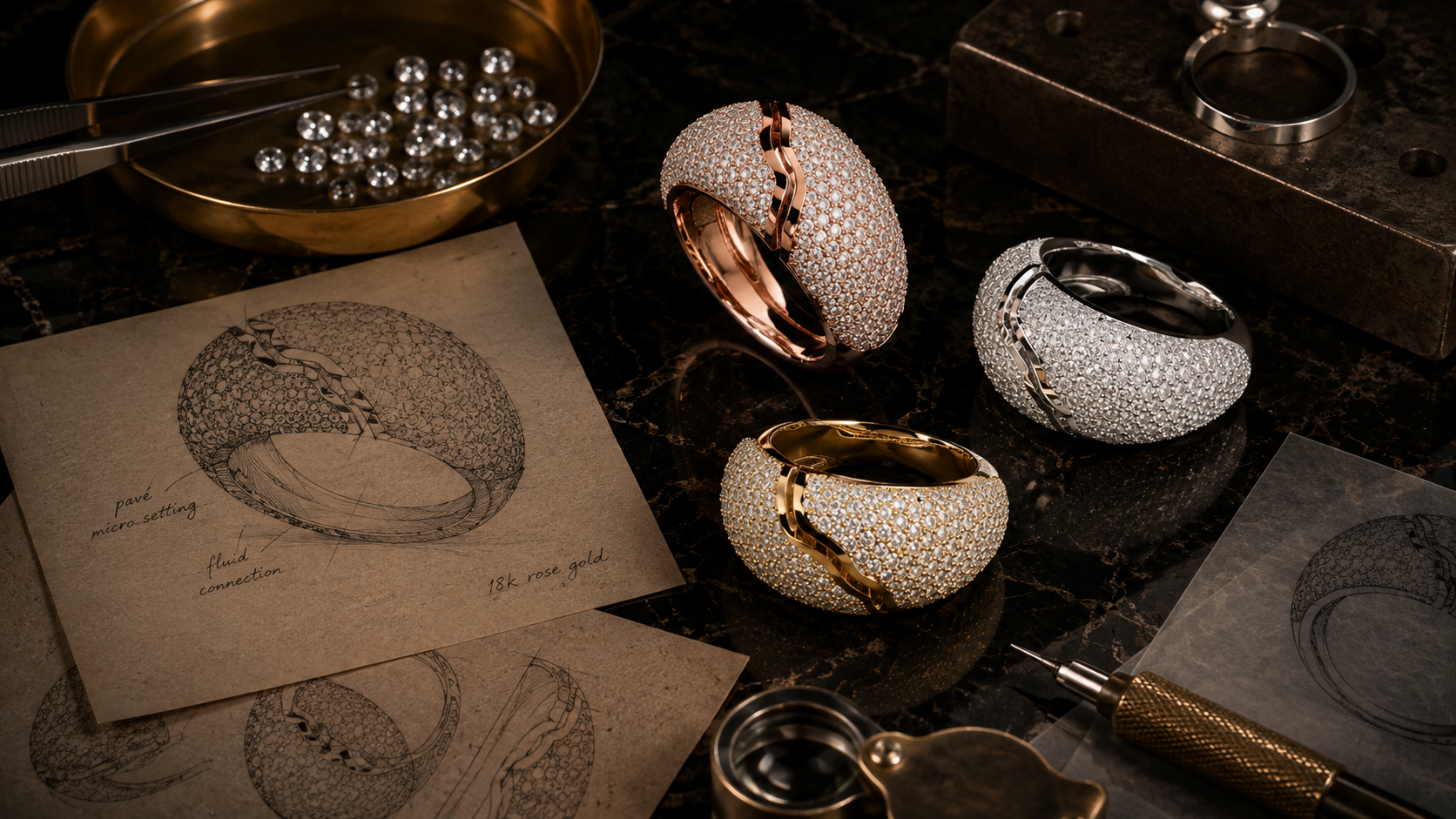
For example, when creating a pavé ring, incorrect seat spacing can create major issues during stone setting.
The right software catches these problems before production begins.
This reduces:
- Revisions
- Metal waste
- Setting problems
- Production delays
That directly impacts profitability.
Retail and Customer Experience Matter More Than Ever
Selling jewelry has changed.
Customers expect to see realistic versions of their designs before approving.
They want to compare:
- Different gemstone options
- Different metal colors
- Different finishes
- Personalized details
- Alternative settings
This means rendering and visualization are no longer secondary tools.
They are part of the sales process.
If generating those options takes too long, sales slow down.
The best software should allow teams to show variations quickly and professionally.
This improves customer confidence and shortens approval cycles.
Why All-in-One Software Is Becoming the Best Option
The strongest jewelry businesses today are looking for connected systems.
An all-in-one software creates advantages across the full workflow:
Design
Build jewelry faster using specialized tools.
Manufacturing
Validate technical details before production.
Retail
Show customers realistic visualizations instantly.
Customization
Offer variations without rebuilding designs.
Presentation
Generate images and videos for approval and marketing.
This creates one continuous workflow instead of several disconnected ones.
That means:
- Less time switching tools
- Faster customer approvals
- Better communication between teams
- More predictable production
- Higher efficiency
Why RhinoArtisan Is Leading This Shift
RhinoArtisan is one of the strongest examples of what modern jewelry software should be.
It goes beyond traditional CAD by connecting design, manufacturing, and retail into one platform.
With RhinoArtisan, jewelers can:
- Design complex pieces using jewelry-specific tools
- Build accurate stone settings
- Validate manufacturing tolerances
- Estimate product size visually
- Calculate metal weights
- Render in real time
- Explore gemstone and metal variations instantly
- Create customer-ready visuals
- Produce marketing content directly from the design
This creates a unified workflow where the same design can move seamlessly from concept to sale to production.
For custom jewelers, manufacturers, and retailers, this reduces one of the biggest industry problems: too much time lost between stages.
Design it. Manufacture it. Sell it.
Try RhinoArtisan free for 15 days
Full access to every tool. No credit card required. Works with your existing Rhino installation.
Setup takes less than 2 minutes
Talk to us
Let's talk about what you want to achieve.
Book a free 30-minute one-to-one session with a RhinoArtisan specialist. Tell us about your work, your challenges and what you would like to achieve, and we'll help you find the best way forward.