Finish the Basket and Save it
Mirror Command
In the transform tab (1), use the Mirror command (2) from the top View:

Mirror along the Z-axis for the upper section.
Mirror along the Y-axis for the lateral section.
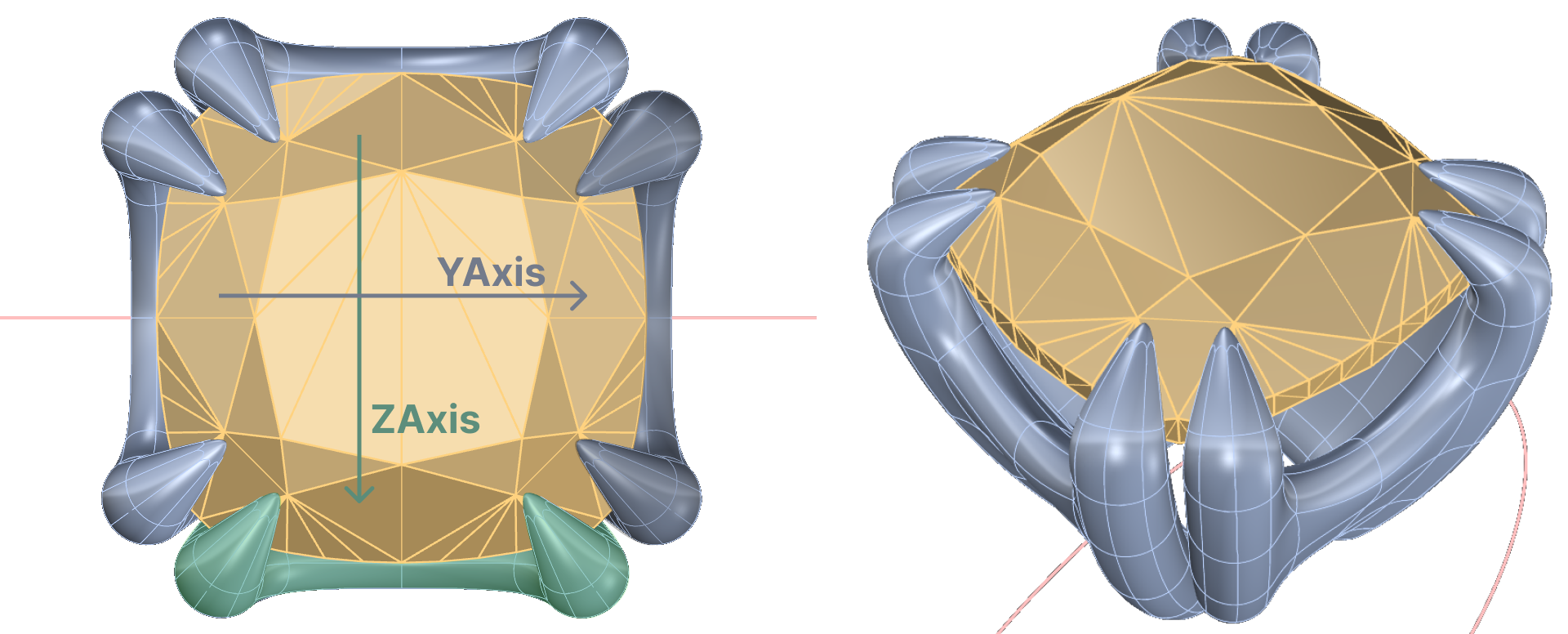
Save the basket
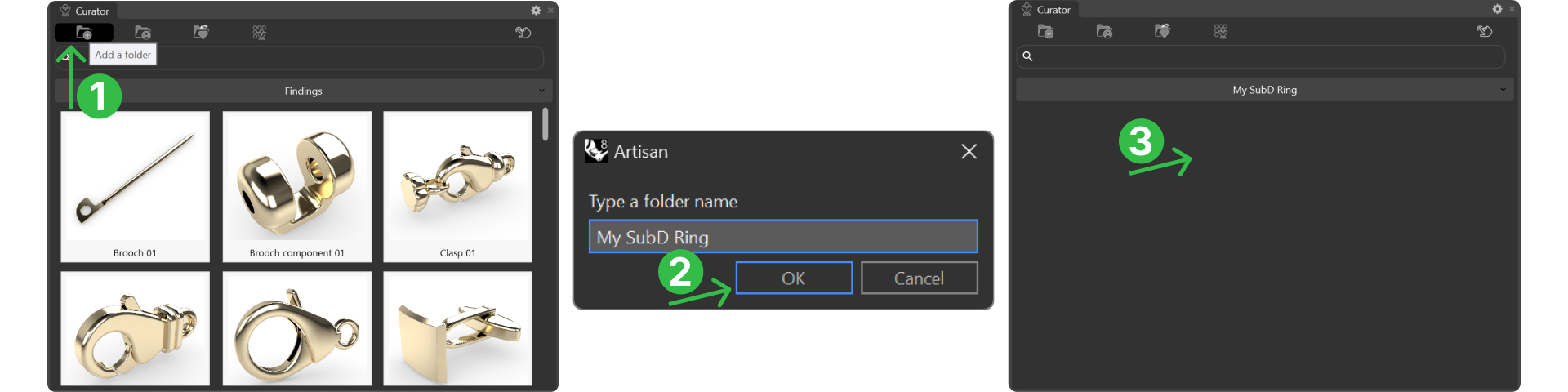
In the file tab (1), Open the Curator Panel (2).

Create a folder and name it appropriately.
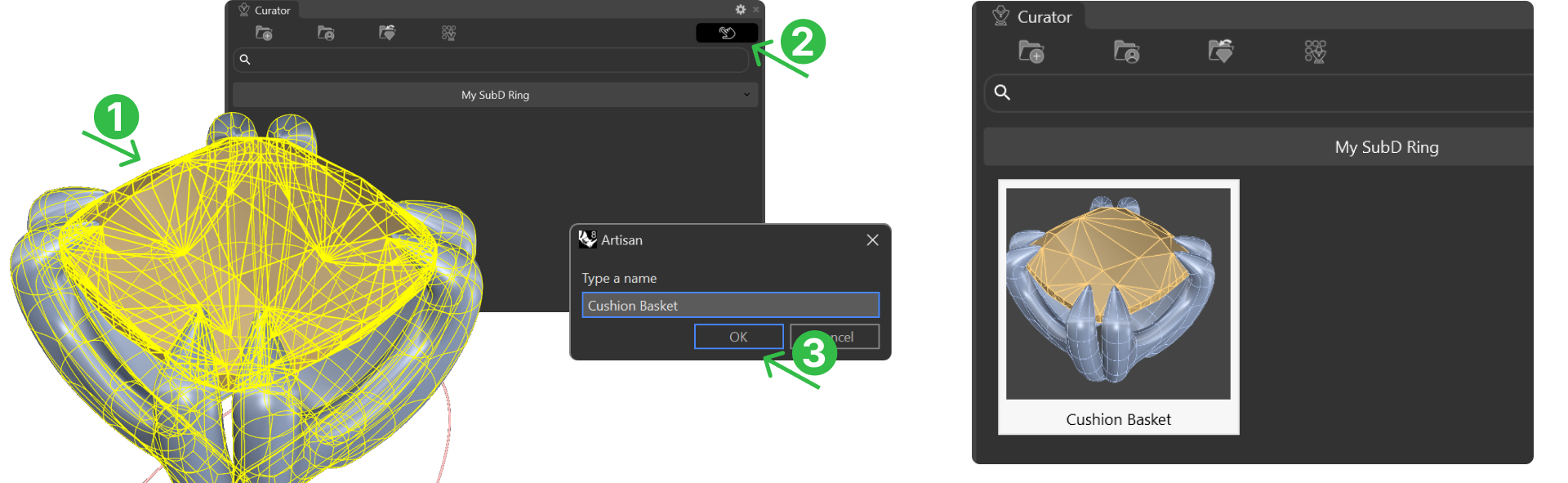
Add the basket and gem to the folder: Select both and click on add.
Video Lesson
Next Step
Start the process for creating the round basket.