★ The RhinoArtisan Blog
Top CAD Software for Jewelry Designers: What to Look for in 2026
Book a demo with our teamJuly 23, 2026 · RhinoArtisan · Learn
Choosing the right CAD software is one of the most important decisions a jewelry designer can make.
The software you use influences every stage of the process, from the first sketch to manufacturing and even customer presentations. While many CAD programs can model jewelry, not all of them are built specifically for the way jewelers work.
So, what should you look for when choosing jewelry design software?
Jewelry-Specific Tools Make the Difference
General 3D modeling software offers incredible flexibility, but jewelry requires specialized workflows.
Designers regularly work with:
- Stone settings
- Ring shanks
- Pavé layouts
- Galleries and baskets
- Metal weight calculations
- Ring sizing
When these tools are built into the software, projects become faster and more consistent.
Instead of modeling every element manually, designers can focus on refining the piece and exploring new ideas.
Parametric Design Is Becoming Essential
Modern jewelry design is constantly evolving.
A client may change the center stone, request a different setting, or ask to compare several design variations before making a decision.
With parametric CAD software, these changes no longer require rebuilding the model.
Every element remains editable, making it easy to:
- Change gemstone shapes
- Adjust settings
- Modify proportions
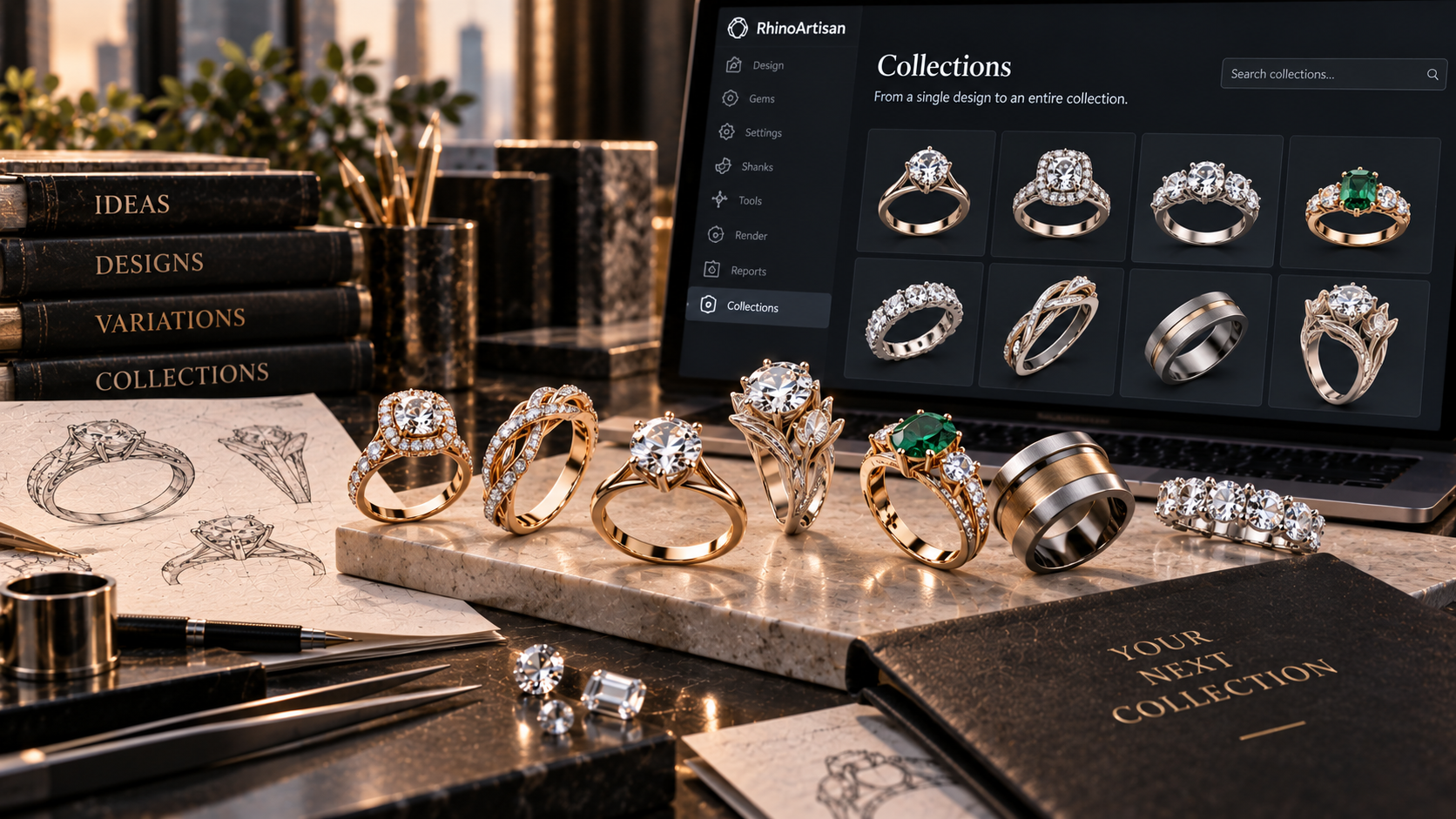
- Create multiple versions of the same design
This flexibility is becoming one of the most valuable features in custom jewelry.
Visualization Is Part of the Design Process
Today’s customers expect to see more than technical models.
High-quality renders, realistic materials, and product animations have become essential for presentations, approvals, and marketing.
The best jewelry software now combines CAD and visualization in a single workflow, allowing designers to move from concept to photorealistic images without exporting models between different applications.
This saves time and creates a better customer experience.
Why RhinoArtisan Stands Out
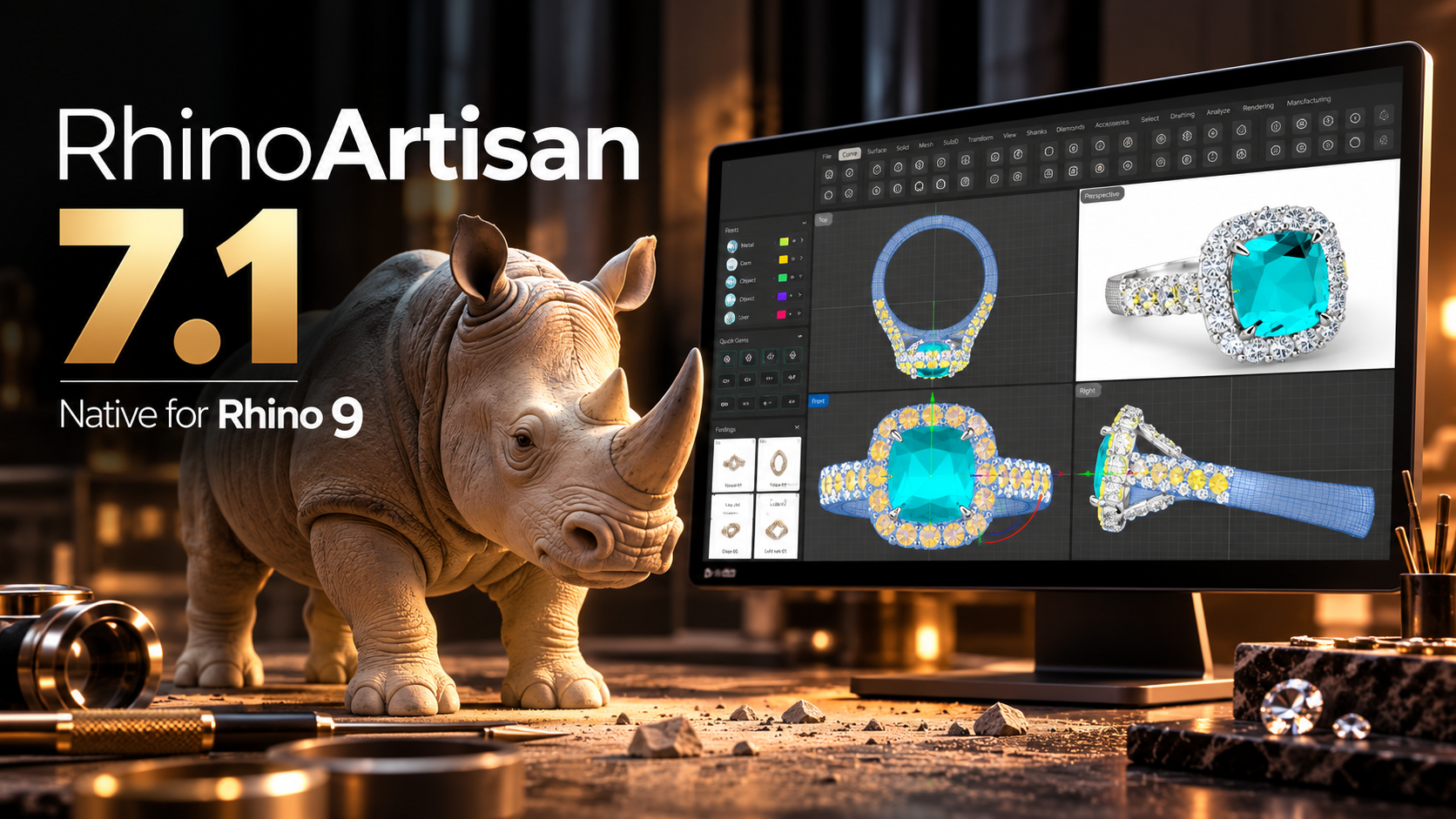
RhinoArtisan was developed specifically for the jewelry industry.
Built on Rhino’s powerful modeling engine, it combines specialized jewelry tools with modern workflows designed for manufacturers, retailers, and custom jewelers.
With RhinoArtisan, designers can:
- Create advanced stone settings with dedicated GemSet tools
- Design rings using fully parametric workflows
- Generate real-time photorealistic renders
- Build custom baskets, bezels, and shanks
- Explore AI-powered images, videos, and 3D concepts with Generative AI Studio
- Prepare models for manufacturing without leaving the platform
Instead of relying on multiple disconnected applications, RhinoArtisan brings design, visualization, and production into one environment.
Choosing Software That Grows with Your Business
The best jewelry CAD software is not simply the one with the most features.
It is the one that allows you to design faster, communicate ideas more effectively, and adapt as your business grows.
As jewelry workflows continue to evolve, integrated platforms are replacing disconnected toolsets.
RhinoArtisan is leading that evolution by combining powerful CAD tools with rendering, manufacturing, retail, and AI, driven creativity in a single solution.
For jewelry designers looking for an all-in-one platform, it represents far more than CAD software—it is a complete ecosystem for creating, presenting, and producing jewelry.
Design it. Manufacture it. Sell it.
Try RhinoArtisan free for 15 days
Full access to every tool. No credit card required. Works with your existing Rhino installation.
Setup takes less than 2 minutes
Talk to us
Let's talk about what you want to achieve.
Book a free 30-minute one-to-one session with a RhinoArtisan specialist. Tell us about your work, your challenges and what you would like to achieve, and we'll help you find the best way forward.