★ The RhinoArtisan Blog
RhinoArtisan 7.0
Search Ten Years of Rhino Files by Stones, Metal and Piece Type
Book a demo with our teamAugust 20, 2026 · RhinoArtisan · RhinoArtisan 7.0
A client asks for the ring you made three years ago. Oval, about a carat, yellow gold, that low cathedral. You remember the piece. You do not remember the filename.
So you open folders. You open files. You wait for Rhino. You close them. You open the next ten. An afternoon disappears into final_v3_really.3dm.
RhinoArtisan 7.0 turns that library into something you can query.
Indexed by what is inside, not by what you named it
Advanced Indexing & Search reads your folders and builds a design library from the models themselves. It looks at the stones, the metals, the kind of piece. You search the way you talk to a client, not the way you talk to Explorer.
Ten years of Rhino files, searchable like a library. The design they want again becomes a query, not a hunt.
What that changes in a studio
The useful searches are the ones you already say out loud:
- oval, yellow gold, solitaire
- that pavé band from the last bridal season
- anything with a hidden halo we already priced
- the three-stone we did for the shop on the corner
You are not grepping filenames. You are asking the archive what it contains.
That matters when the same workshop has thousands of .3dm files, three people naming things differently, and a client standing at the counter.
Flagship in 7.0, next to the rest of the workflow
Search is one of the productivity tools in RhinoArtisan 7.0: the release that also brings Assistant, MCP, Time Tracker, Standardize, and the rest of the jewelry workflow on current Rhino.
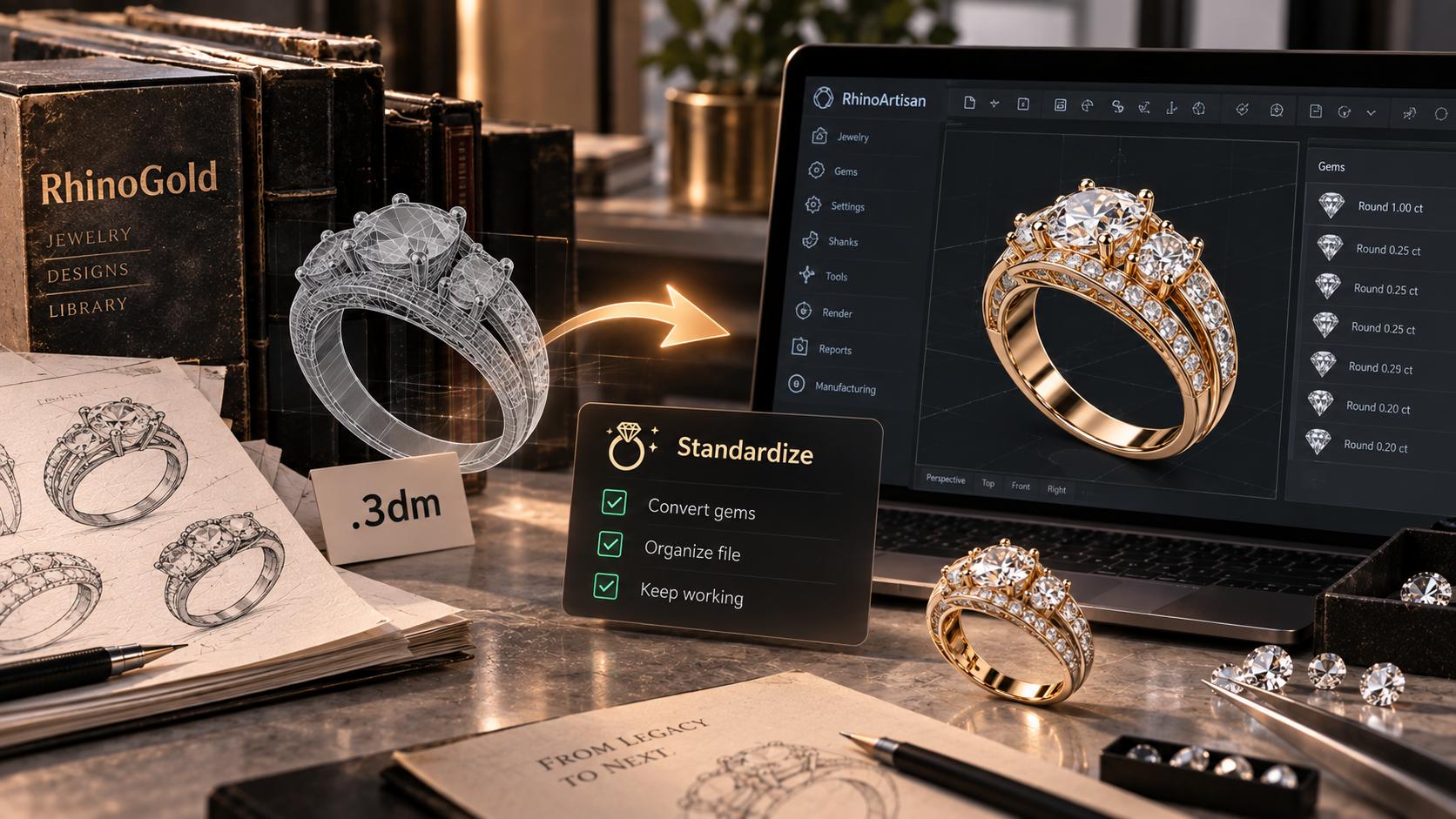
Time Tracker writes down the hours nobody used to write down. Standardize brings RhinoGold and MatrixGold files in clean. Search is what makes the years of work you already did findable again.
The geometry stays yours. The index is there so you can reach it.
A practical next step
Point it at the folders you actually work from. Let it index. Then search for a piece you know is in there and you could not find last month.
If the result comes back in seconds, the old habit of opening files one by one is over.
See the full 7.0 list on What’s New in RhinoArtisan 7.0.
Design it. Manufacture it. Sell it.
Try RhinoArtisan free for 15 days
Full access to every tool. No credit card required. Works with your existing Rhino installation.
Setup takes less than 2 minutes
Talk to us
Let's talk about what you want to achieve.
Book a free 30-minute one-to-one session with a RhinoArtisan specialist. Tell us about your work, your challenges and what you would like to achieve, and we'll help you find the best way forward.