★ The RhinoArtisan Blog
Turn Years of Design Files into a Searchable Library
Book a demo with our teamAugust 7, 2026 · RhinoArtisan · RhinoArtisan 7.0
Over time, every jewelry designer, workshop, or manufacturer accumulates hundreds, or even thousands, of 3D files.
Designs created for different clients, old collections, alternative versions, tests, reusable components, and projects that may not have been opened for years. The problem is not that these files are no longer useful. The problem is finding them when they are needed.
Very often, we know a design exists. We remember its shape, a particular technical solution, or even the client it was created for. However, we may not remember the file name or the folder where it was saved.
In RhinoArtisan 7.0, we created Advanced Indexing and Search to solve exactly this problem: turning multiple design folders into a single fast, visual, and searchable library.
The Problem Is Not Saving Files. It Is Finding Them Again.
Most companies already have a system for organizing their designs.
Files may be grouped by client, year, collection, product type, designer, or project. As the number of files grows, however, that structure becomes increasingly difficult to navigate.
Finding a specific design may involve:
- Opening several different locations.
- Navigating through multiple levels of folders.
- Trying to remember file names used years ago.
- Opening several files to check their contents.
- Asking other team members where a project was saved.
The time spent on these small searches quickly adds up. But the most important impact is something else: when a design is too difficult to find, people often end up starting again from scratch.
One Library Built from Multiple Folders
Advanced Indexing and Search allows you to define all the folders that form part of your design library.
These folders may contain current projects, historical files, collections, components, or designs stored in different locations.
RhinoArtisan creates an indexing system that analyzes those files and prepares them to be found almost instantly.
There is no need to move every project into a single folder or change the way your company already organizes its work. Each team can continue using its existing folder structure.
The indexing system works above that structure, providing unified access to all the information.
Search Visually, Not Only by File Name
One of the main limitations of traditional search tools is that they depend too heavily on file names.
But file names are not always descriptive. They may contain internal codes, client references, version numbers, or naming conventions that only made sense when the project was created.
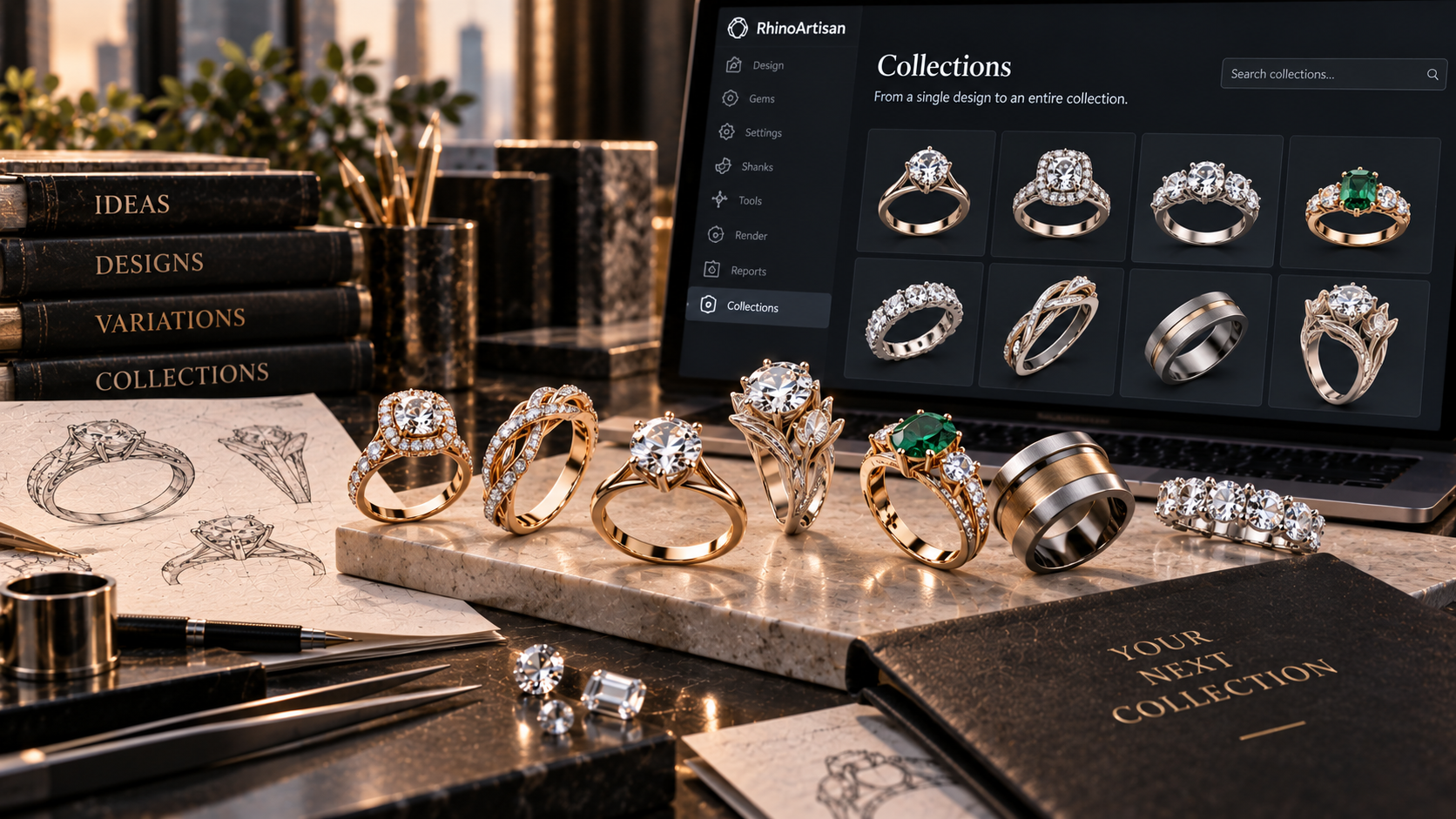
That is why Advanced Indexing and Search displays results with visual previews.
Instead of reviewing a list of abstract file names, you can quickly recognize the design you are looking for by its appearance.
This makes exploring a large design library much faster, especially when you remember what a piece looked like but not how it was named.
From Historical Archive to Active Working Tool
A design library should not simply be a place where completed projects are stored.
It should be an active tool that helps create new designs.
Finding previous work quickly allows you to:
- Recover a construction solution used before.
- Start from an existing design to create a new variation.
- Reuse components or structures.
- Find similar designs requested by a client.
- Compare different versions of the same piece.
- Review how a previous project was solved technically.
RhinoArtisan 7.0 does not only help you create new designs. It also helps you make better use of everything you have already created.
A Visual Memory for the Whole Team
Within a company, knowledge is not always perfectly documented.
It is often distributed across folders, teams, and individuals. One designer may know exactly where a project was saved, while another team member may not even know that it exists.
When several shared locations become part of the same index, the library becomes a common visual memory.
Designs are no longer dependent on who created them, how they were named, or who remembers where they were stored.
This is especially useful for teams with several designers, technical departments, different offices, or libraries built over many years.
A shared library is only truly useful when everyone can find what it contains.
Less Time Searching. More Time Designing.
Advanced Indexing and Search has been designed to reduce the distance between an idea and the file that can help bring it to life.
When a client requests a modification to a previous design, when you need to recover a piece from an old collection, or when you remember a solution that could be applied to a new project, the search should take seconds, not minutes.
The goal is simple: to bring design files out of hidden folders and back into the creative process.
With RhinoArtisan 7.0, years of work can become a fast, visual, and searchable library.
Because the value of a design does not end when the file is saved. Very often, that is when it begins to become part of the company’s knowledge.
Design it. Manufacture it. Sell it.
Try RhinoArtisan free for 15 days
Full access to every tool. No credit card required. Works with your existing Rhino installation.
Setup takes less than 2 minutes
Talk to us
Let's talk about what you want to achieve.
Book a free 30-minute one-to-one session with a RhinoArtisan specialist. Tell us about your work, your challenges and what you would like to achieve, and we'll help you find the best way forward.