From design to manufacturing to retail, every capability in one place.
A complete set of gemstone placement tools to create precise, consistent designs, from importing and converting gems to generating custom shapes and automating layouts.
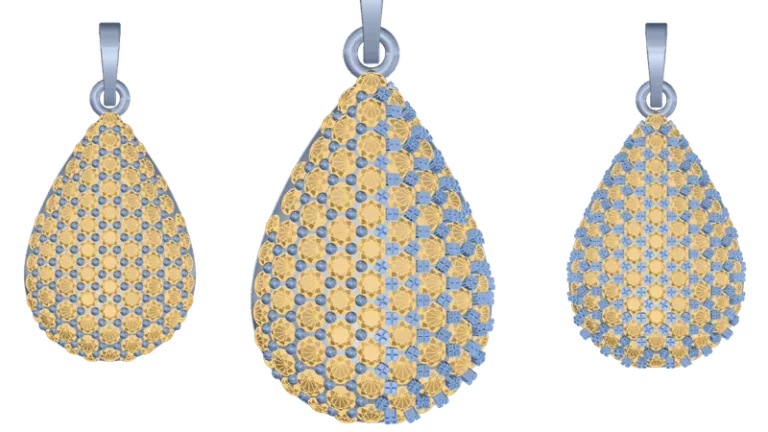
Craft customized stones using various placement methods and parameters without needing to retrieve them from your inventory.
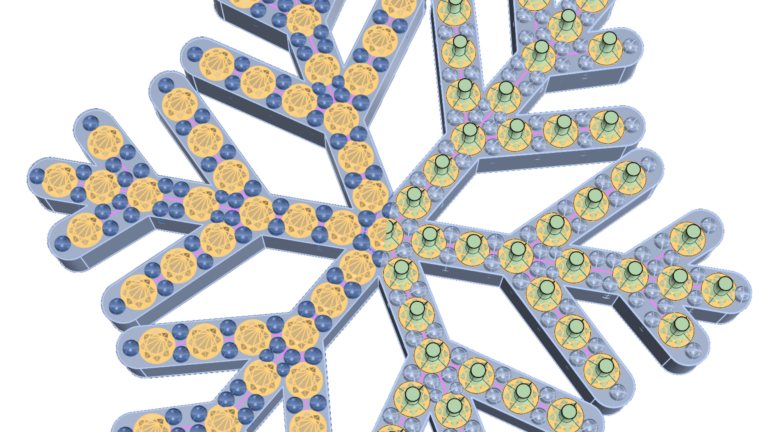
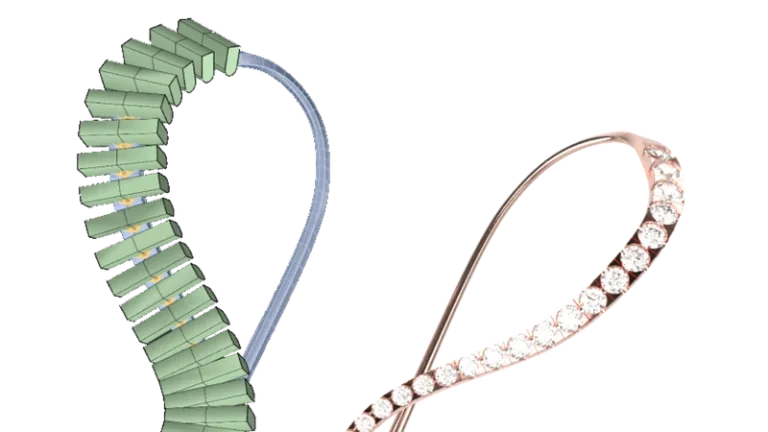
Create intricate gem distributions taking into account curves and their intersections.
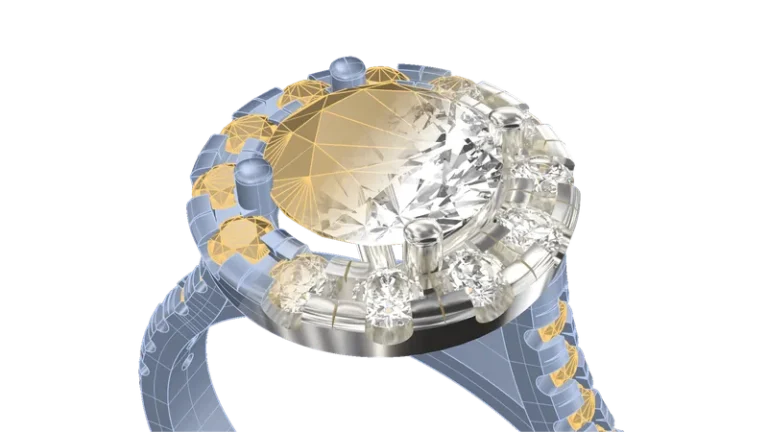
Automatically converts gems from RhinoGold, MatrixGold, and Matrix into fully editable RhinoArtisan gems.
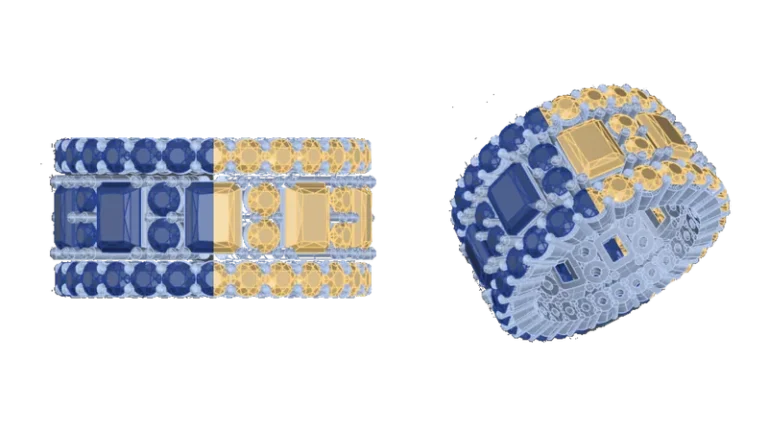
Create straight and tapered baguettes quickly and accurately with a streamlined tool.
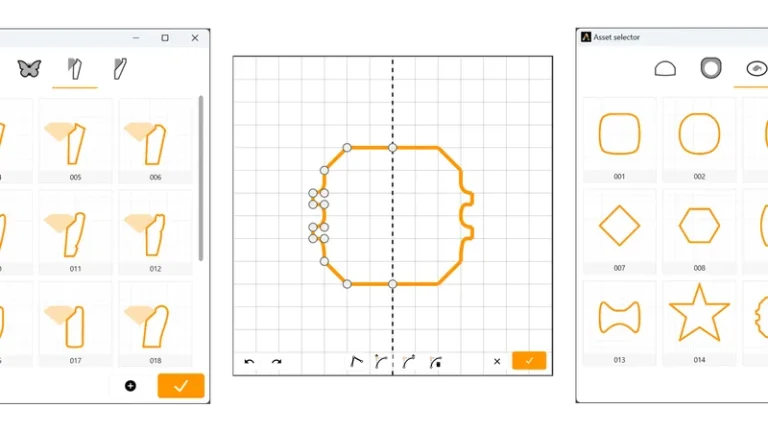
Turn a curve into a gemstone in seconds, with full control over girdle, culet, pavilion, and table.
高度なツールを使って石留めの技術をさらに高め、精密かつ優雅な宝石の配置やパヴェデザインを実現し、細部に至るまで洗練された完璧な仕上がりを追求しましょう。
ベゼルは、非常に人気のあるセッティングスタイルです。RhinoArtisan 、一から作成したり、ライブラリから選択したり、さらには自分だけのベゼルを保存して後で再利用したりすることもRhinoArtisan 。
Taladro 、チャンネル形状、フラットエンドの品揃えを拡充したことで、多種多様な魅力的なマイクロセッティングのデザインを実現できます。
ペグヘッドの設定を一から作成することも、ライブラリにある設定をベースにすることも可能です。可能性は無限大です!
バスケットの作成に時間がかかりすぎていませんか?このコマンドならきっと気に入るはずです。他のコマンドと同様、一から作成することも、ライブラリから選択することもできます。
定番も大好きです!ダイナミックで楽しいハローを作りましょう。
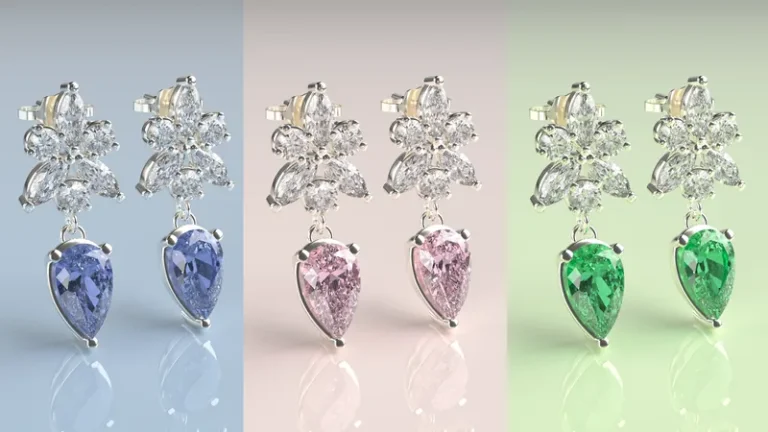
クラスターは、複数のダイヤモンドの美しさと輝きを引き立てる、ジュエリーにおける定番かつ洗練された選択肢です。
宝石をセットして重量を軽減するためのドリルを作成することは非常に重要です。このコマンドを使えば、宝石を選択するだけで、あっという間に完了です!
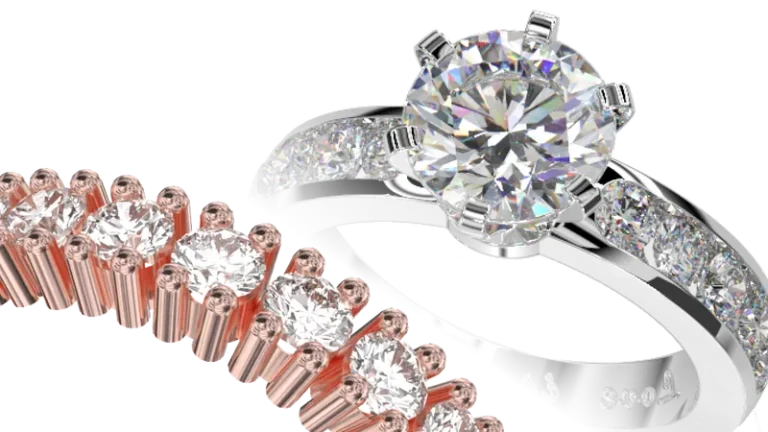
さまざまな爪のスタイルや配置オプションからお選びいただき、ユニークで個性あふれるパヴェデザインをお作りください。
Create custom prongs for any gemstone setting – from classic wax settings to pavé, triangular, and X-cut styles – with precise control over shape, structure, and design details.
A focused, intuitive interface designed to simplify learning and accelerate your workflow, with every tool integrated directly into Rhino’s familiar environment for a fast and seamless experience.
刷新されたダークモード、更新されたベクターアイコン、そして強力な新コマンドを備えたインターフェースをお楽しみください。デザインニーズに合わせて最適化された、より直感的で効率的なワークフローをご体験ください。
当社のインテリジェントなレイヤーシステムは、デザイン要素を自動的にカテゴリ別に整理するため、構造化されたワークフローを維持しつつ、時間と労力を節約できます。
ベゼル、ハロー、Garra、クラスター、クラシック、カテドラル、エタニティなど、時代を超えたセッティングを充実させたコレクションで、ジュエリーデザインをさらに引き立てましょう。あなたの個性にぴったりの一品を見つけてください。
この強力なツールを使えば、カスタムカーブの作成、編集、管理が簡単に行えます。デザインプロセスが効率化されるため、素晴らしい作品の制作に集中することができます。
「スタイルを適用」コマンドを使用すると、RhinoArtisan が効率化されます。要素間で設定をすばやくコピー&ペーストできるため、プロジェクト全体でデザインの一貫性を保つことができます。
Redesigned to run natively in Rhino 8, RhinoArtisan delivers faster, smoother performance while remaining fully compatible with Rhino’s cloud licensing system and Zoo Cloud for greater flexibility and control.
Access all mesh creation and editing tools from a single, intuitive workspace – designed to simplify navigation, improve accessibility, and streamline your workflow.
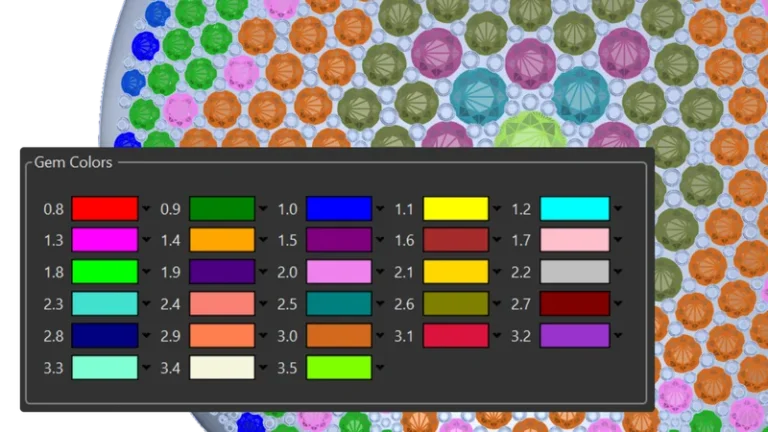
Add gemstones quickly and accurately with Quick Gems – including support for stone selection by both carats and millimeters for greater flexibility and precision.
Calculate production costs with precision using automated pricing tools for metals, gemstones, labor, waste, and manufacturing processes – with flexible gemstone pricing, detailed breakdowns, and export support for ERP integration.
Design rings with complete flexibility, from classic bands and signets to advanced profiles, cathedrals, curves, and eternity styles, using intuitive tools built for precise, seamless customization.
クラシックなシャンクは、指輪において伝統的で時代を超えたスタイルを象徴しています。
カテドラルシャンクは、大聖堂の優美なアーチを思わせる、高くアーチ状に盛り上がったデザインが特徴です。
家紋や印章、大学のエンブレムなど、エレガントで力強いデザインに最適なシグネットリングを作成します。
希望するサイズの正確な直径を持つリングカーブを作成します。
ハーフバンドからフルバンドまで、エタニティリングのスタイルやデザインを、1つの便利なツールで自由にカスタマイズできます。
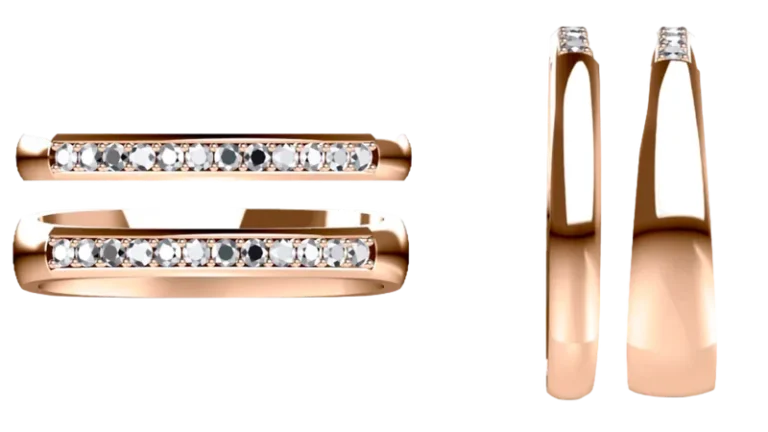
Design personalized wedding ring pairs together with your client – customizing every detail in real time to create unique, meaningful pieces with greater flexibility and creative control.
プロファイルを使って複雑なリングを簡単に作成でき、位置やサイズをダイナミックかつシームレスに調整できます。素晴らしいですね。
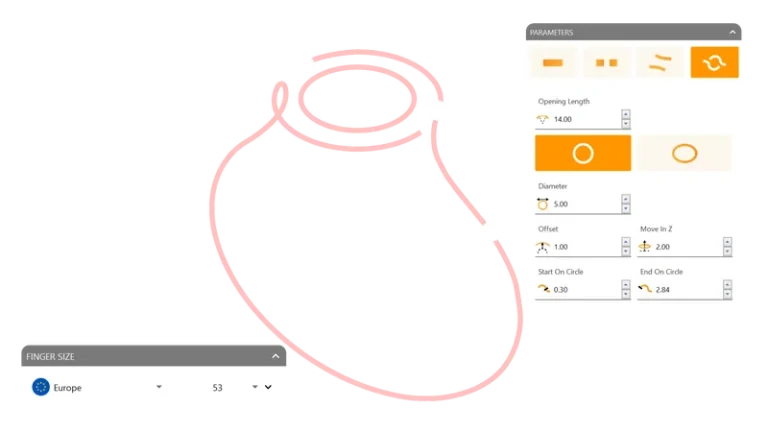
カーブを高度な方法で配置し、1本または2本のレールに沿って精密に調整できます。創造力を存分に発揮しましょう!
Add intricate details and functional design elements with Smart Components, powerful tools created to enhance customization, flexibility, and creative precision.
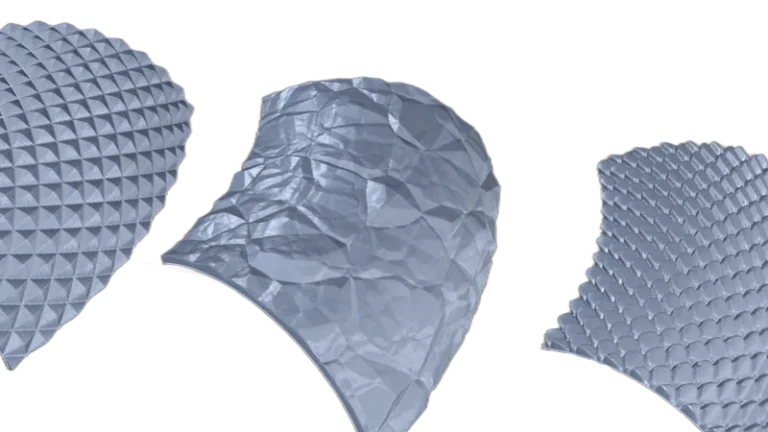
写真から完全に印刷可能な3Dテクスチャを作成します。ライブラリから選択するか、独自のテクスチャを追加してください。
ヒンジの作成がいかに複雑であるか、私たちは理解しています。そこで、どのような形状に対しても、ほんの数秒でヒンジを作成できるこのコマンドを開発しました。
Create elegant honeycomb patterns from any shape with precise geometric control – generating modern, symmetrical designs with a clean and sophisticated aesthetic.
選択した曲線に沿ってロープ模様を生成し、あらゆるデザインに独創的なアクセントを加えたり、クラシックなスタイルやセーラー風のスタイルを実現したりできます。
選択した曲線に沿ってミルグレイン模様を生成し、あらゆるデザインにヴィンテージ風の趣を加えます。
ブレスレット、ネックレス、イヤリング用のビーズを作成し、パターンを組み合わせてデザインしましょう。一から作成することも、ライブラリから既存のデザインを選ぶこともできます。
ペンダントやネックレスのデザインに最適なバイルを、一から作成するか、ライブラリから選択して作成できます。
Create personalized charms with flexible design tools for crafting meaningful pieces that capture memories, milestones, and unique personal stories.
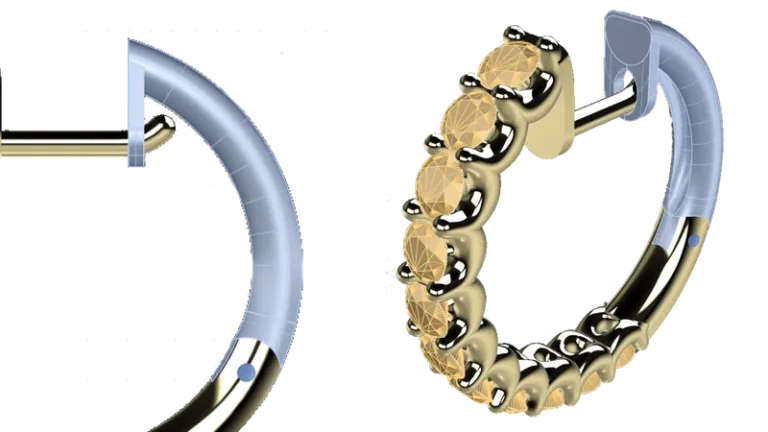
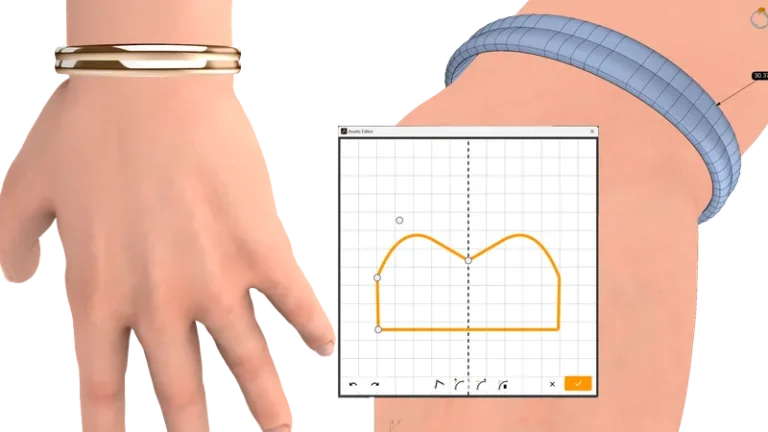
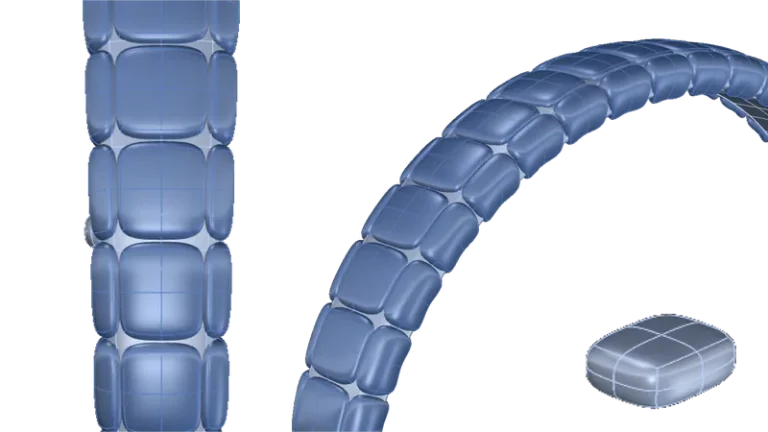
バングルパーツを作成しましょう。カフブレスレットやアファメーションブレスレットをはじめ、さまざまなジュエリーに最適です。
Generate intricate Voronoi patterns for unique jewelry designs – ideal for engraving, laser cutting, 3D modeling, and casting workflows with complete geometric flexibility.
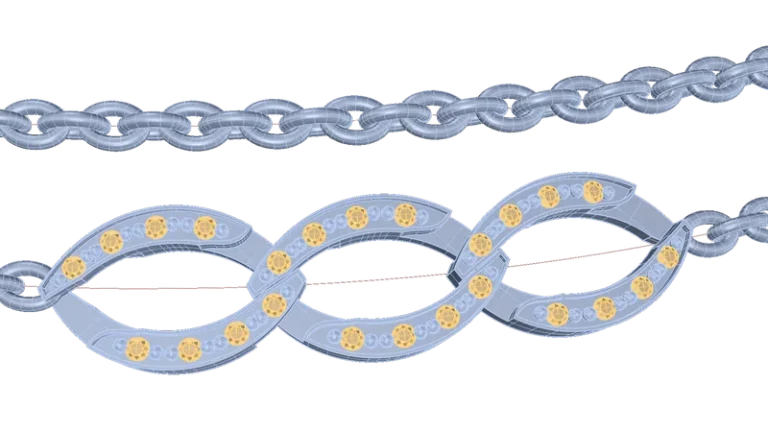
Design precise Cuban links with flexible controls for measurements, rotations, and link interaction – generating custom slabs in seconds with real-time weight analysis for every adjustment.
曲線を使用してチェーンリンクを選択・コピーし、回転やコピー数などのパラメータを調整します。これは、チェーンレンダリングの場合でも、チェーンに必要なリンク数を算出するのに特に役立ちます。
わずか数回のクリックで十字形のポリラインを素早く作成でき、設計プロセスを効率化できます。
Create complete custom name pendants in seconds with tools designed for fast, precise production – ready for laser cutting, prototyping, and personalized jewelry workflows.
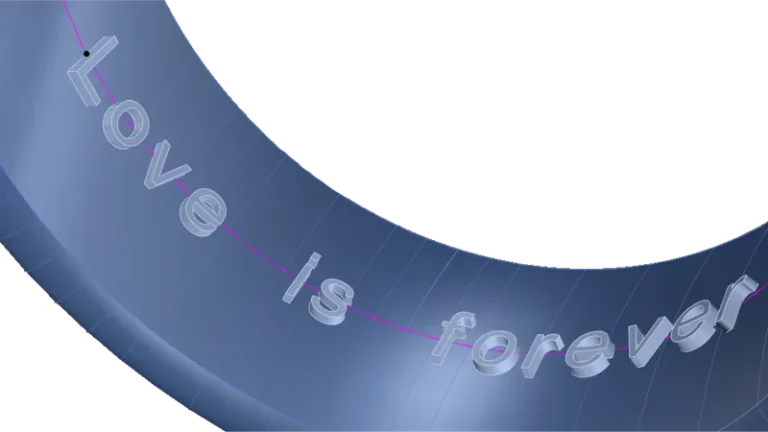
任意の形状上に3Dテキストを動的に生成し、任意のフォントを使用して調整できます。
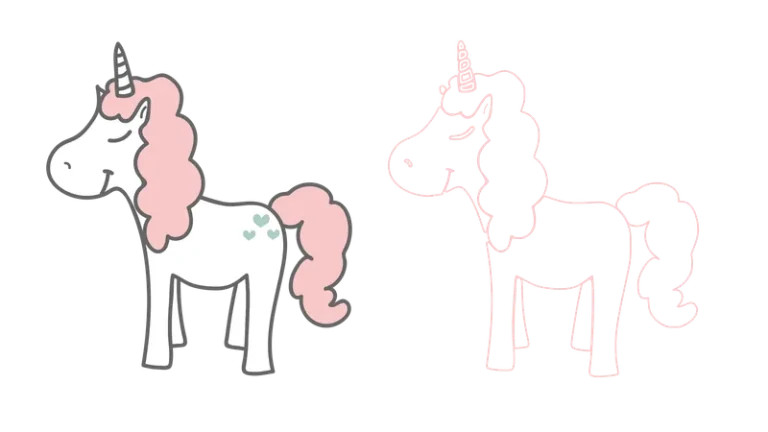
画像を曲線の集合に変換するため、画像を3Dモデルに変換する際に特に役立ちます。
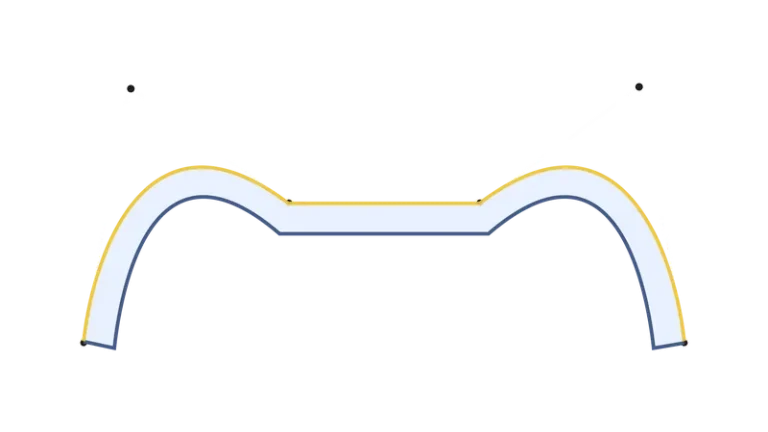
鋭いエッジや対称性、厚みを追加して、複雑な曲線を作成しましょう! 面白いですよね?
閉曲線の形状に沿って、ドーム型の囲いを作成します。
「変形」機能を活用して、精密かつ独創的なデザインを形作りましょう。コンピュータの制約から解放され、創造性を無限に広げることができます。
「ツイスト」コマンドは、オブジェクトを軸を中心に回転させて変形させる機能です。単一のオブジェクトだけでなく、複数のオブジェクトを同時に選択することも可能で、デザイン作業の柔軟性を高めます。
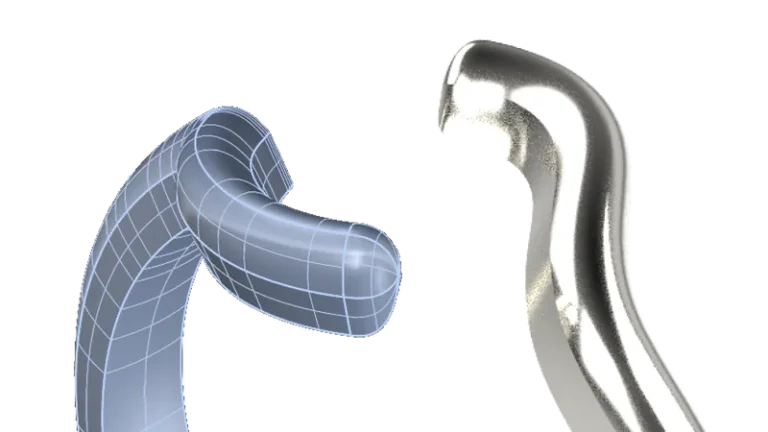
Bend and deform curves, surfaces, solids, or grouped objects along custom spine arcs with precise control – enabling flexible shape adjustments for complex jewelry designs.
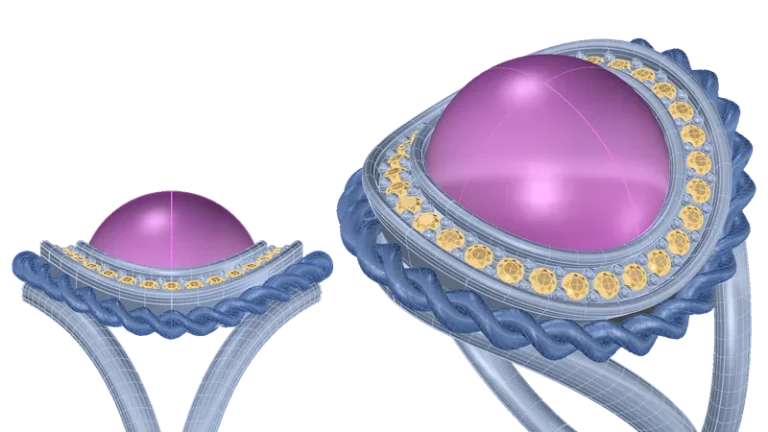
「テーパー」コマンドは、指定した軸に向かって、または軸から離れる方向にオブジェクトを先細りに変形させるために使用します。このコマンドを使用すると、オブジェクトの形状を選択的に変更し、先細りの外観を与えることができます。
オブジェクトの複数のコピーを曲線の向きに沿って作成し、パスに沿ってシームレスに複製および配置することができます。
オブジェクトのコピーを、元のオブジェクトの上に、向きを合わせて配置します。さらに、サイズや回転を動的に調整して、正確に位置合わせを行います。
オブジェクトを円形または球状に複数配置し、デザインに合わせて柔軟にレイアウトできます。
オブジェクトの複製を複数作成し、パラメトリックに配置することで、位置や間隔を精密に制御できます。
倍率ではなく具体的な寸法に基づいてあらゆるデザインを拡大・縮小でき、X、Y、Z軸を個別に調整したり、比率を維持して精密な調整を行ったりすることが可能です。
金属の種類に基づいて、オブジェクト(または複数のオブジェクト)のサイズを特定の重量に合わせて調整し、設計において正確な重量管理を実現します。
「Balancer Checker」は、重力をシミュレートし、物体の向きを予測するのに役立つツールです。ペンダントや吊り下げ式のオブジェクトに最適で、自然な落下状態を視覚化し、それに応じてデザインを調整するのに役立ちます。
Generate fully automated manufacturing reports with technical drawings, gemstone details, setter maps, material breakdowns, and customizable production data – giving manufacturers and setters all the information needed for precise, efficient workflows.
種類やサイズに基づいて、宝石をすばやく特定・選択できます。この新機能により、宝石ライブラリを簡単に閲覧でき、貴重な時間を節約できます。
Plan and visualize gemstone layouts with precision using customizable scale and projection controls – giving gem-setters an accurate and efficient workflow for complex designs.
「Gem Info」は、宝石の寸法を正確かつ編集可能な形で表現するための有用なツールです。これらのデータは簡単に印刷して技術報告書に添付できるため、デザインの正確かつ詳細な記録を確保できます。
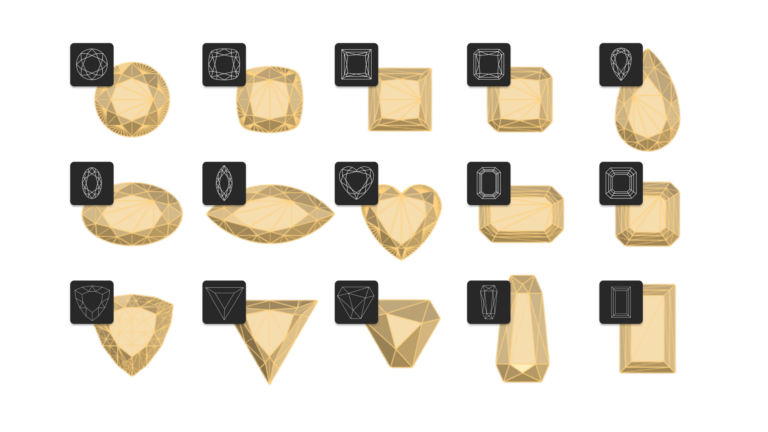
Expand your design horizons with Gem Studio’s extensive library of new gemstone cuts. With the latest trends in gemstone shaping, create unique and captivating pieces. Explore the possibilities and elevate your creations with Gem Studio.
各宝石の形状、寸法、重量などの詳細情報を記載したCSVファイルを素早く作成できます。お気に入りの表計算ソフト内で、宝石のデザインをシームレスに分析、整理、共有できます。
ベゼル、ハロー、Garra、クラスター、クラシック、カテドラル、エタニティなど、時代を超えたセッティングを充実させたコレクションで、ジュエリーデザインをさらに引き立てましょう。あなたの個性にぴったりの一品を見つけてください。
金属を選択するだけで、詳細な重量リストが即座に作成されます。ワンクリックで文書に追加でき、より迅速かつ効率的なワークフローを実現します。
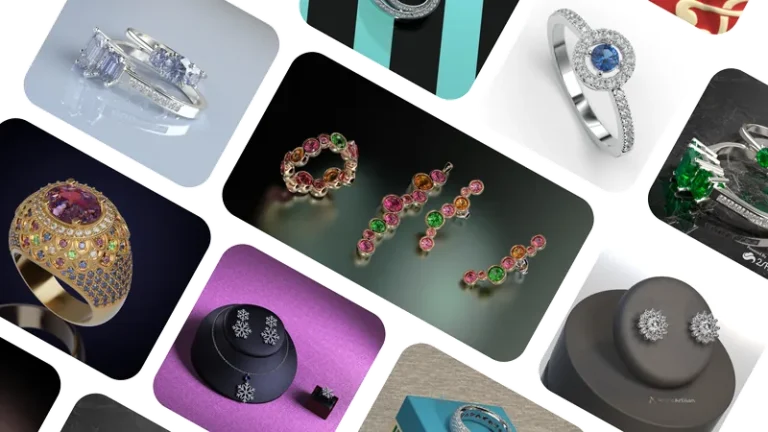
Create high-quality renders, images, and videos that showcase your designs with photorealistic detail – ideal for client presentations, online stores, social media, and marketing content.
ブランドのビジョンを具現化し、視聴者の心を動かしましょう。
あなたの作品を最高品質でプロ仕様の写真や動画に仕上げます。GPU向けに最適化された、最高の物理ベースのレンダラーです。
レンダリングのキューを作成し、手動での操作なしにコンピュータに順次計算させることができます。これは、1つのデザインのレンダリングを複数回生成する場合や、複数のデザインを作成する場合に特に便利です。
最大4K画質の動画を作成し、ウェブサイトやソーシャルメディアで顧客と共有しましょう。
金属、ダイヤモンド、宝石、毛皮、シルクなど、200種類以上の素材をご用意しています!操作はドラッグ&ドロップで簡単です!
物体が表面に自然に安定して置ける理想的な傾斜角を自動的に算出します。形状や複雑さに関わらず、モデル内の配置とバランスを最適化します。
フォトリアルなレンダリングに、独自の個性を加えましょう!豊富な実写スタジオ環境のカタログから、お好みのものをお選びください。
Save time and effort with Keyshot’s direct integration in Rhino Artisan. Update your renders instantly without exporting or switching applications.
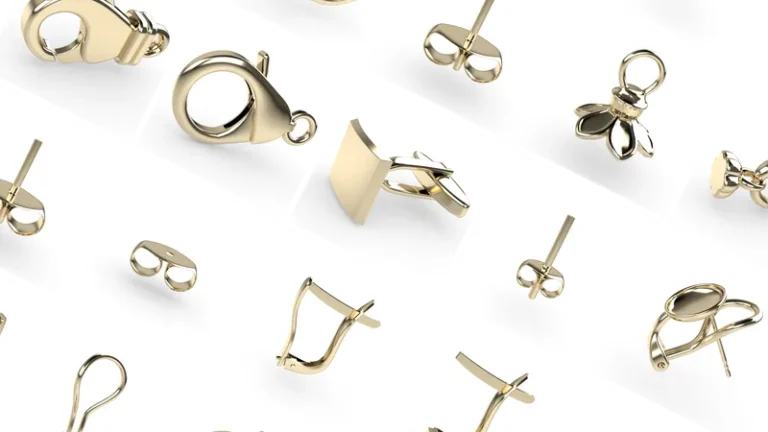
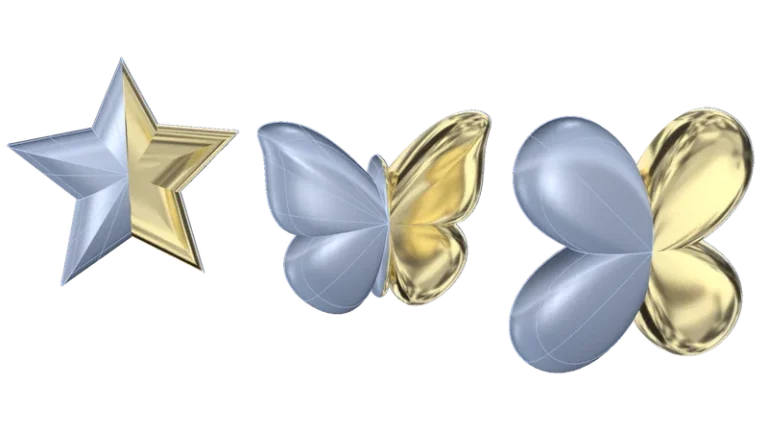
モデル内で対になる要素を簡単に作成できます。オブジェクトを対称配置し、間隔を調整し、デザインを精密にカスタマイズできます。「ペア」機能は、対称的な要素や互いに補完し合う要素の作成に最適です。
「バーチャル試着」機能を使えば、まるで顧客が実際に着用しているかのように商品をプレビューできます。小売業界や共同デザインセッションに最適で、リアルでインタラクティブな体験を提供します。
自動STL生成、シームレスなプリンター接続、有益なレポート機能、そして高度な分析ツールを活用して、設計を製品化しましょう。これにより、イノベーションと職人技の限界をさらに押し広げることができます。
Rhino からRhino 直接出力でき、手作業による修正やエクスポートは不要です。ジュエリー用3Dプリンティングの主要ブランドと互換性があります。
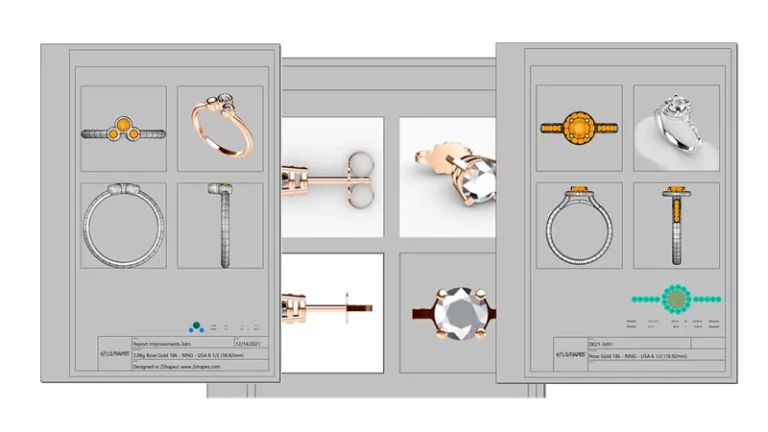
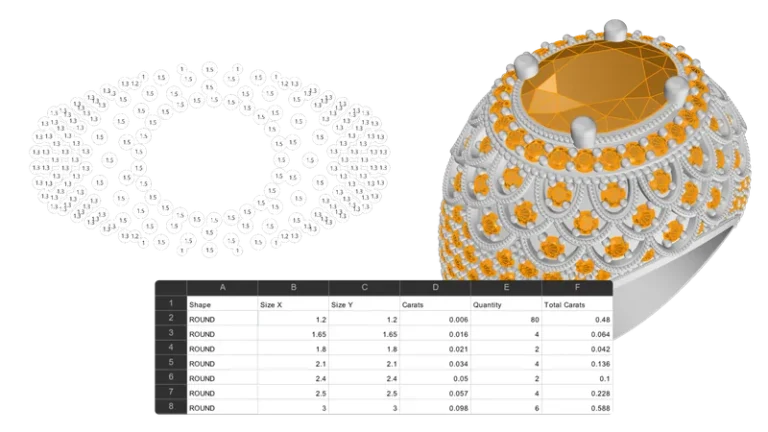
4つの図面、名称、説明、その他の詳細など、すべての情報を盛り込んだ完全な技術報告書を作成してください。
デザインに含まれる宝石、その配置、およびカラット数(重量)を2Dの図で表示します。
厚みのボトルネックにより、設計に鋳造上の問題が生じる可能性があるかどうかを視覚的に示します。
STLファイルのエラーを自動的かつ簡単に修正します。欠陥のない、すぐに生産に使えるモデルを作成するために欠かせないツールです。
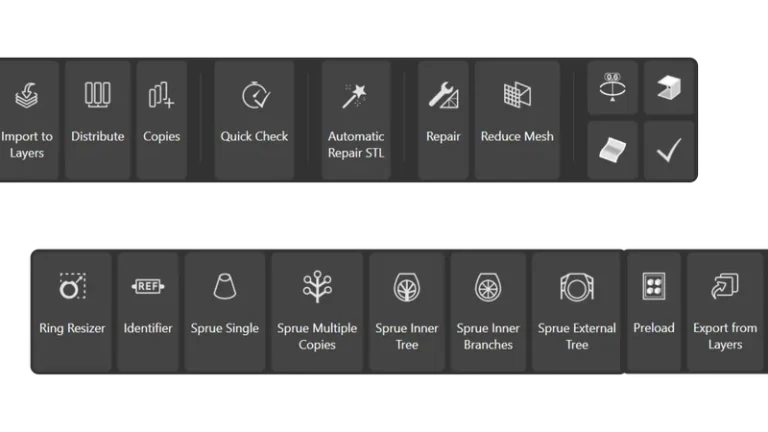
Automatically generate ring sizes from any imported or native design, with controlled deformation options to preserve key areas such as gemstone settings and maintain accurate measurements.
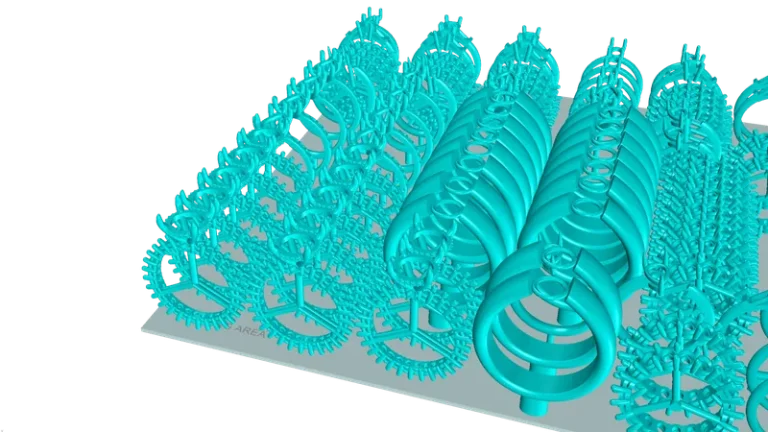
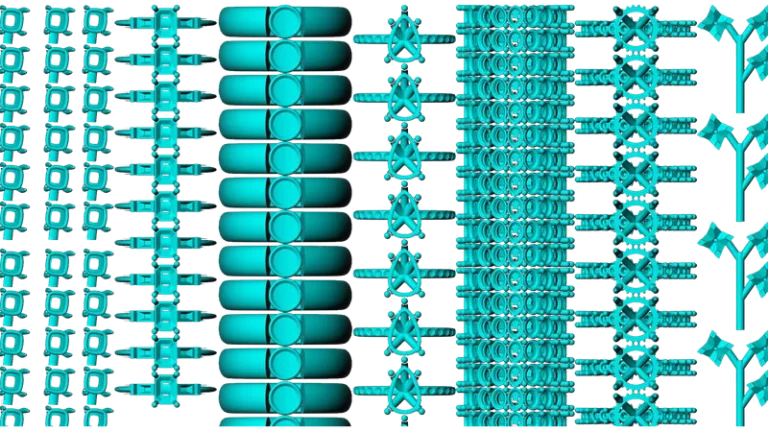
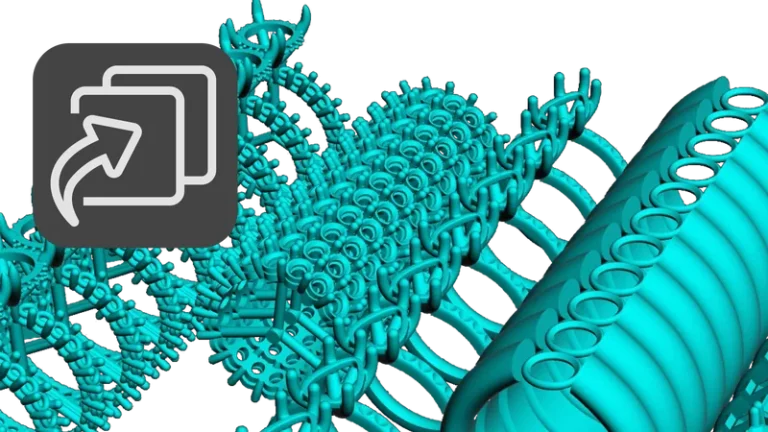
Automatically position jewelry pieces within the available print area to maximize production capacity, reduce manual setup time, and improve 3D printing efficiency.
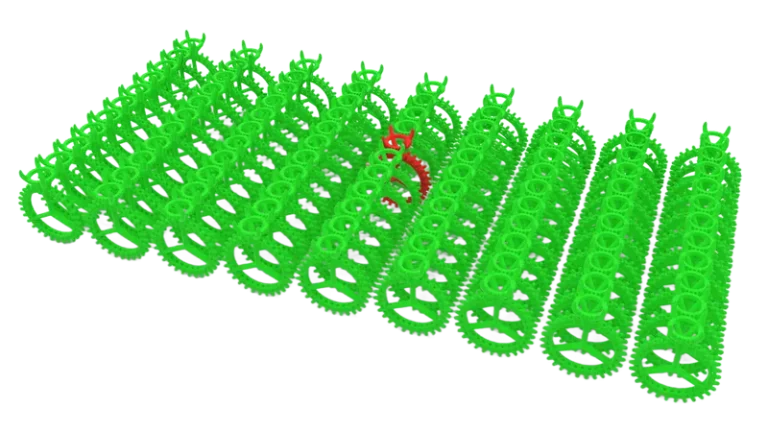
Automatically detect and visualize errors across multiple files, quickly identifying problematic models and issue locations to reduce manual checking and streamline quality control.
Import hundreds of models in a single step with automatic layer organization based on file names, simplifying file management for large design teams and 3D printing workflows.
Distribute models for printing with a fast, visual workflow, easily defining quantities, organizing layouts, and managing production more efficiently.
Generate customizable geometric tags to identify models with clear references and sizing information, simplifying organization and tracking across large production and printing workflows.
Create optimized sprue connections for multiple models with controlled metal flow and uniform cavity filling, improving casting efficiency for small parts and production assemblies.
Create optimized inner sprue distributions for rings with filigree, intricate details, or narrow sections, ensuring controlled metal flow, uniform filling, and more reliable casting results.
Generate tree-style external sprue structures that guide metal flow from the outside inward, improving filling consistency for designs where internal flow is less effective.
Export complete documents into individual layer based files or combine multiple models into a single production file, simplifying file organization and large scale printing workflows.
Send designs directly to your 3D printer with a streamlined workflow designed for fast, simple, and reliable production management.
Access all essential manufacturing and fabrication tools from a single organized workspace, improving workflow efficiency and simplifying production management.
Import sketches and reference images directly into your workspace to model complex and organic jewelry designs with greater precision, control, and a more intuitive creative workflow.
ジュエリーデザインのインスピレーションを掻き立て、制作プロセスを効率化するために厳選された、革新的な要素の数々をご覧ください。クラシックからコンテンポラリーまで、あなたのビジョンを形にする最適なアイテムが見つかります。
Curator 、プロジェクトを視覚的かつ手軽に管理Curator 。高度な検索機能により、あらゆる詳細を瞬時に見つけ出し、創造性をさらに高めることができます。
ワークフローを効率化しましょう。DropboxやGoogle Driveなど、普段お使いのツールを活用して、効率的かつ効果的に共同作業を行えます。
Curator では、デザインパーツや要素を管理して後で再利用できるようにするため、新しいプロジェクトやコレクションの作成や最適化が容易になります。
Full access to every tool. No credit card required. Works with your existing Rhino installation.