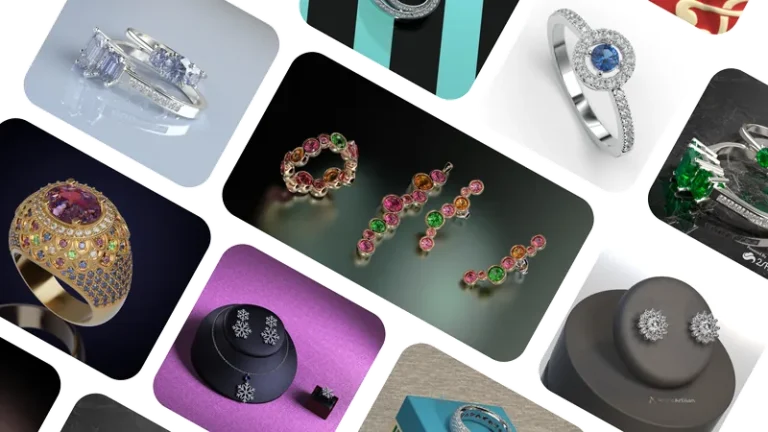
From design to manufacturing to retail, every capability in one place.
A complete set of gemstone placement tools to create precise, consistent designs, from importing and converting gems to generating custom shapes and automating layouts.
Craft customized stones using various placement methods and parameters without needing to retrieve them from your inventory.
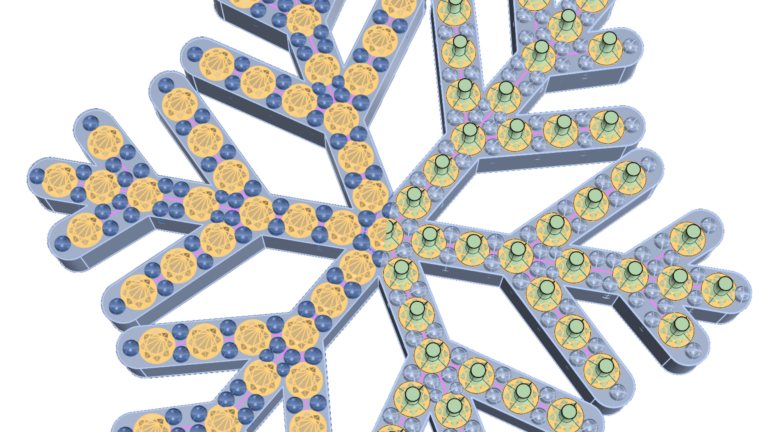
Create intricate gem distributions taking into account curves and their intersections.
Automatically converts gems from RhinoGold, MatrixGold, and Matrix into fully editable RhinoArtisan gems.
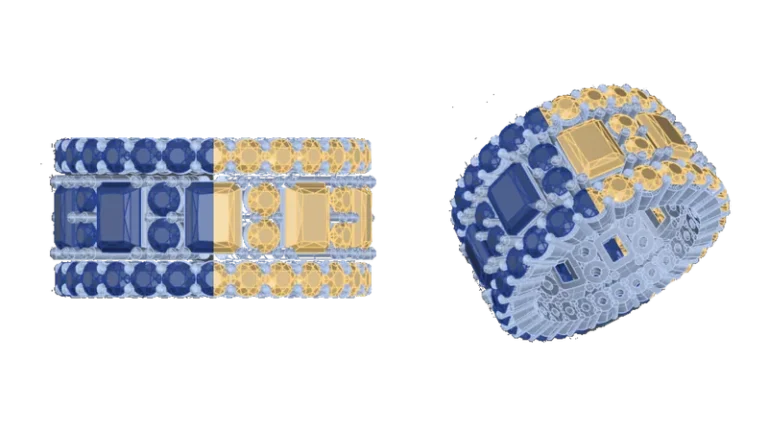
Create straight and tapered baguettes quickly and accurately with a streamlined tool.
Turn a curve into a gemstone in seconds, with full control over girdle, culet, pavilion, and table.
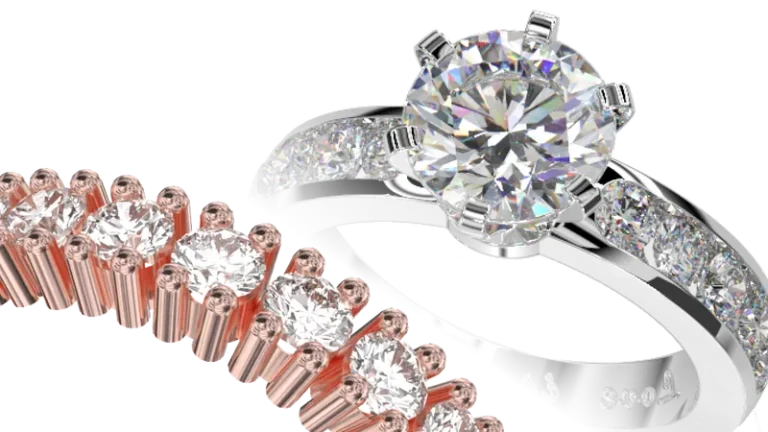
Elevate the art of stone setting with advanced tools that enable you to create precise and elegant gem arrangements and pavé designs, bringing sophistication and perfection to every detail.
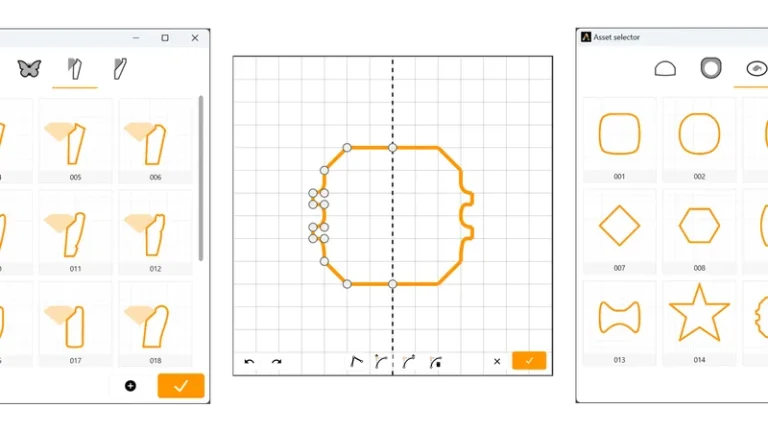
Bezel is a highly popular setting style. RhinoArtisan allows you to create them from scratch, select one from the library, or even save your own bezels for future use.
With our expanded selection of cutter shapes, channel shapes, and flat ends, you can create a wide range of stunning microsetting designs.
Create Peg-head settings from scratch or start from one in the library, endless possibilities!
Do you take too long to create baskets? You’ll love this command. Just like with other commands, you can create them from scratch or choose from the library.
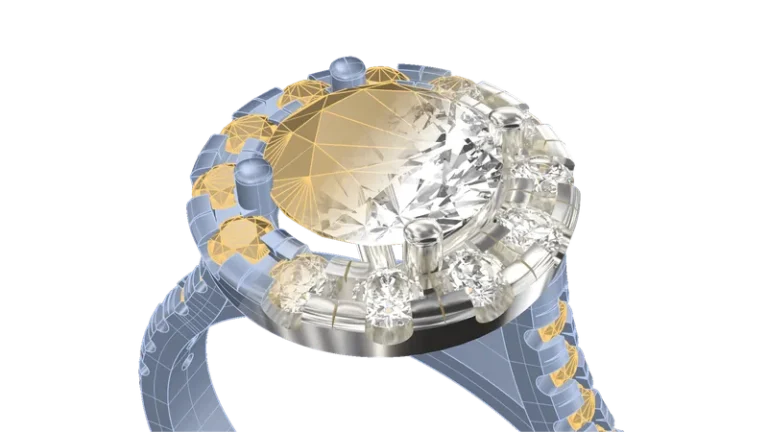
We also love the classics! Create halos dynamically and enjoyably.
A cluster is a classic, sophisticated choice for jewelry that showcases the beauty and brilliance of multiple diamonds.
Creating drills to set the gems and reduce weight is crucial. With this command, you just select the gems, and voilà!
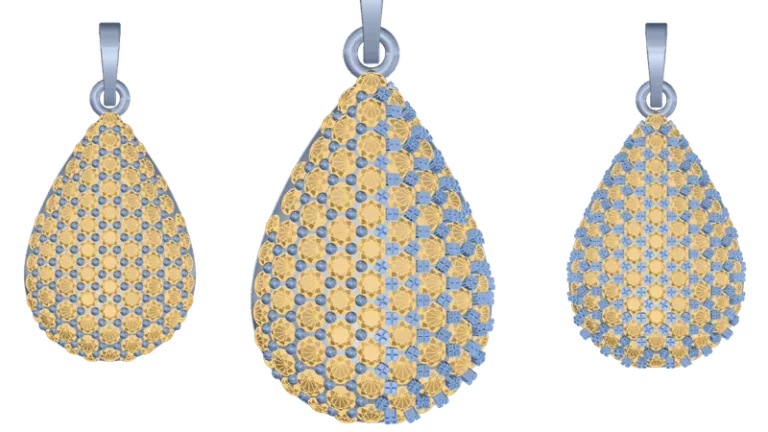
Choose from a variety of prong styles and placement options to create unique and personalized pave designs.
Create custom prongs for any gemstone setting – from classic wax settings to pavé, triangular, and X-cut styles – with precise control over shape, structure, and design details.
A focused, intuitive interface designed to simplify learning and accelerate your workflow, with every tool integrated directly into Rhino’s familiar environment for a fast and seamless experience.
Enjoy a refreshed interface with a redesigned dark mode, updated vector icons, and powerful new commands. Experience a more intuitive and efficient workflow, tailored to your design needs.
Our intelligent layer system automatically organizes your design elements into categories, saving you time and effort while maintaining a structured workflow.
Elevate your jewelry design with our expanded collection of timeless settings: bezel, halo, basket, cluster, classic, cathedral, and eternity. Find the perfect match for your unique style.
This powerful tool makes it easy to create, modify, and manage custom curves. It simplifies your design process, allowing you to focus on creating stunning pieces.
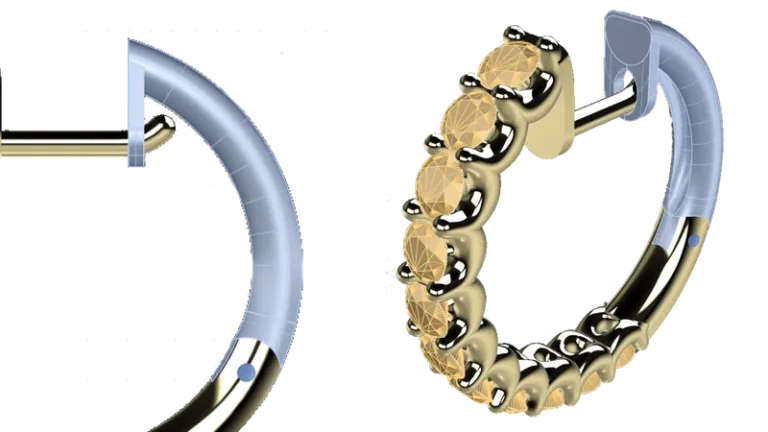
The Apply Style command streamlines your RhinoArtisan design process. Quickly copy and paste settings between any elements to ensure consistent designs across your project.
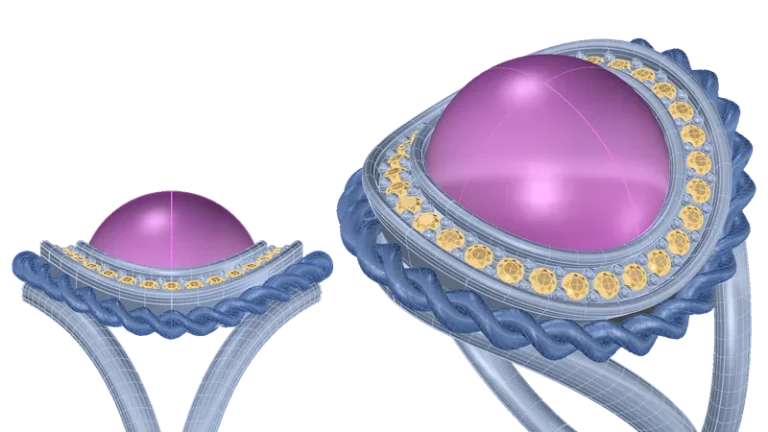
Redesigned to run natively in Rhino 8, RhinoArtisan delivers faster, smoother performance while remaining fully compatible with Rhino’s cloud licensing system and Zoo Cloud for greater flexibility and control.
Access all mesh creation and editing tools from a single, intuitive workspace – designed to simplify navigation, improve accessibility, and streamline your workflow.
Add gemstones quickly and accurately with Quick Gems – including support for stone selection by both carats and millimeters for greater flexibility and precision.
Calculate production costs with precision using automated pricing tools for metals, gemstones, labor, waste, and manufacturing processes – with flexible gemstone pricing, detailed breakdowns, and export support for ERP integration.
Design rings with complete flexibility, from classic bands and signets to advanced profiles, cathedrals, curves, and eternity styles, using intuitive tools built for precise, seamless customization.
The classic shank represents a traditional and timeless style for rings.
The cathedral shank is characterised by its elevated and arched design, resembling the graceful arches of a cathedral.
Create signet rings, an excellent style for family crests, seals, universities, and other elegant, bold designs.
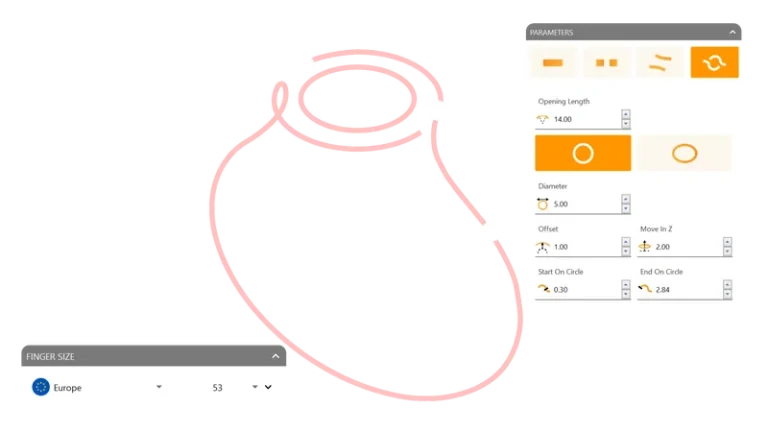
Create a ring curve with the precise diameter of the size you want.
Customize the style and design of your eternity ring, from half to full bands and more, all within one convenient tool.
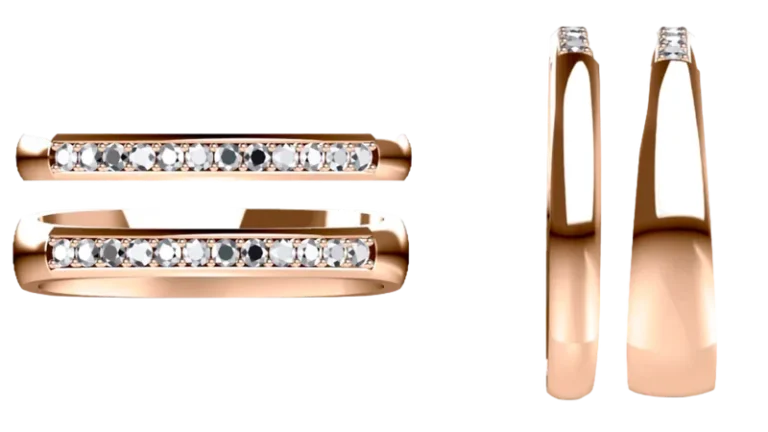
Design personalized wedding ring pairs together with your client – customizing every detail in real time to create unique, meaningful pieces with greater flexibility and creative control.
Create complex rings using profiles with ease, adjusting positions and sizes in a dynamic and seamless way. Amazing.
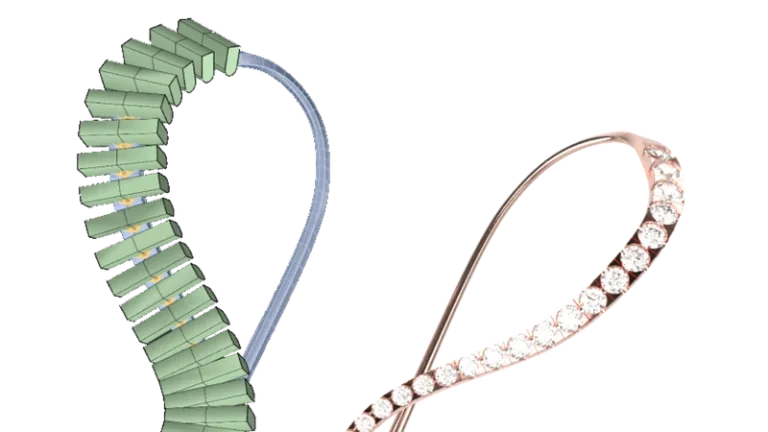
Position curves in an advanced way, precisely adjusting them along one or two rails. Unleash your creativity!
Add intricate details and functional design elements with Smart Components, powerful tools created to enhance customization, flexibility, and creative precision.
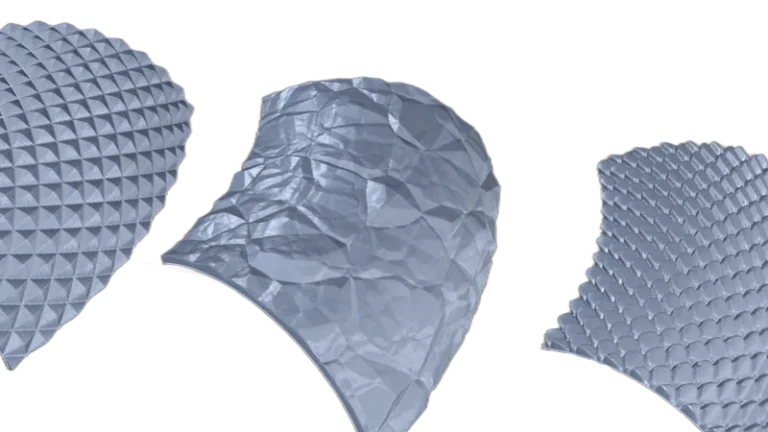
Create fully printable 3D textures from photographs. Choose from the library or add your own textures.
We understand how complex creating hinges can be, which is why we’ve developed this command to create them on any geometry in a matter of seconds.
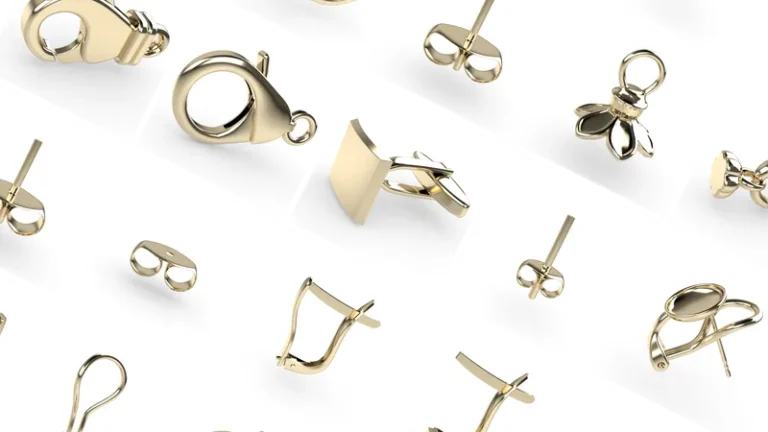
Create elegant honeycomb patterns from any shape with precise geometric control – generating modern, symmetrical designs with a clean and sophisticated aesthetic.
Generate a rope pattern running down a selected curve, adding a creative touch to any design or achieving a classic or sailor-themed style.
Generate milgrain running down a selected curve or curves, adding a vintage touch to any design.
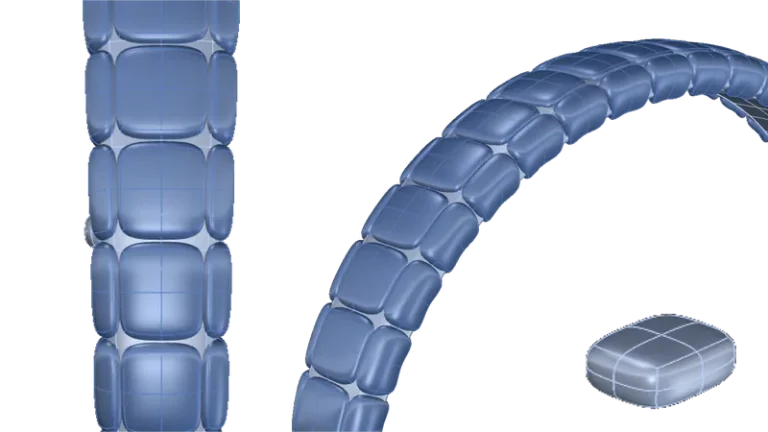
Create beads for mixing and designing patterns for bracelets, necklaces, and earrings. Start from scratch or choose pre-created designs from the library.
Create bails, ideal for pendants and necklace designs, starting from scratch or selecting one from the library.
Create personalized charms with flexible design tools for crafting meaningful pieces that capture memories, milestones, and unique personal stories.
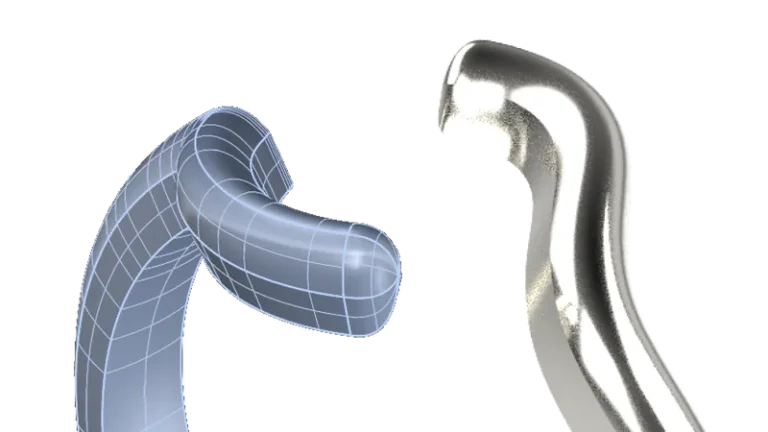
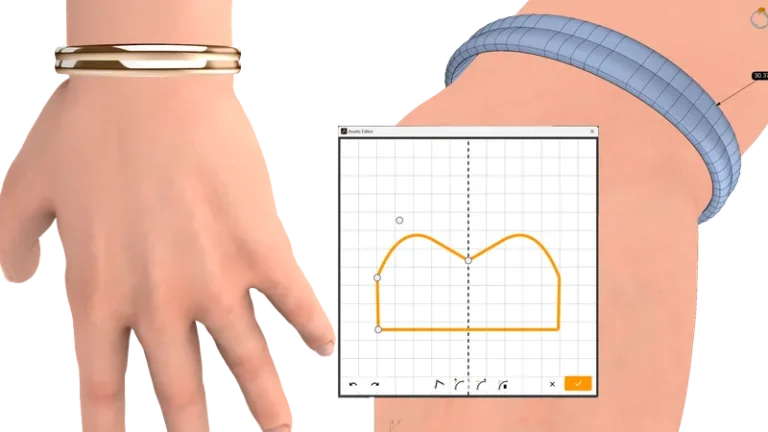
Create a bangle element, ideal for cuff and affirmation bracelets, and other types of jewelry pieces.
Generate intricate Voronoi patterns for unique jewelry designs – ideal for engraving, laser cutting, 3D modeling, and casting workflows with complete geometric flexibility.
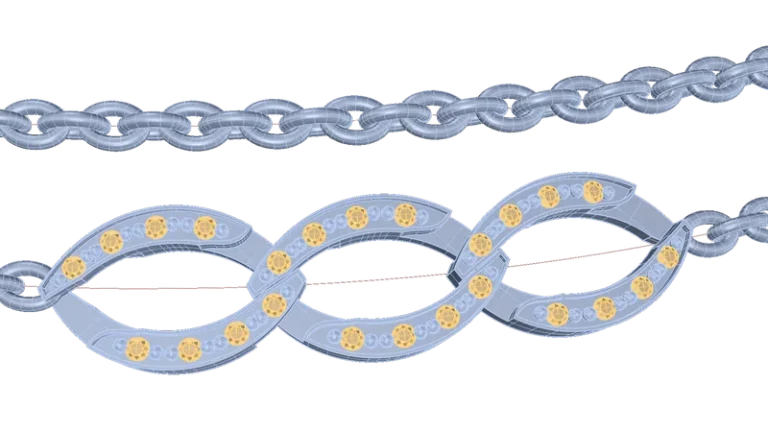
Design precise Cuban links with flexible controls for measurements, rotations, and link interaction – generating custom slabs in seconds with real-time weight analysis for every adjustment.
Select and copy a chain link using a curve, adjusting parameters such as rotations, copies, and more. This is especially useful for calculating the necessary links in a chain, even for chain rendering.
Quickly create a cross-shaped polyline with just a few clicks, streamlining your design process.
Create complete custom name pendants in seconds with tools designed for fast, precise production – ready for laser cutting, prototyping, and personalized jewelry workflows.
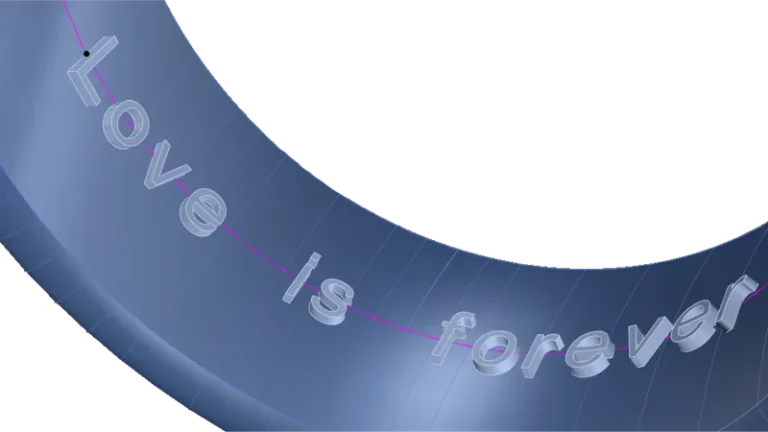
Dynamically create 3D text on any geometry and adjust it using any font.
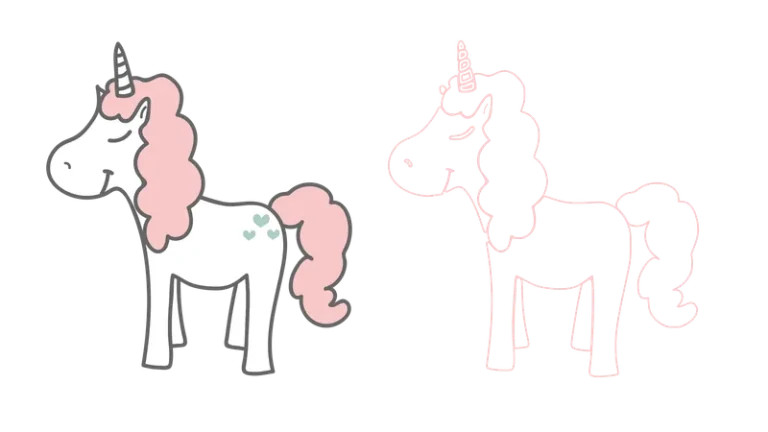
Convert an image into a group of curves, making it especially useful for translating images into 3D models.
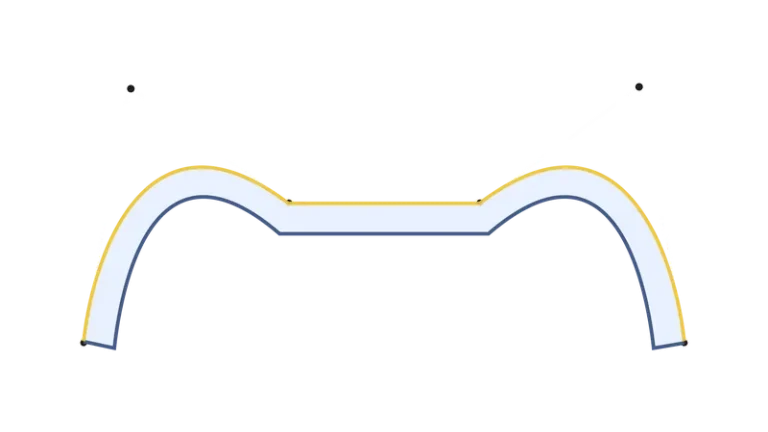
Create complex curves by adding sharp edges, symmetries, and thicknesses! Interesting, isn’t it?
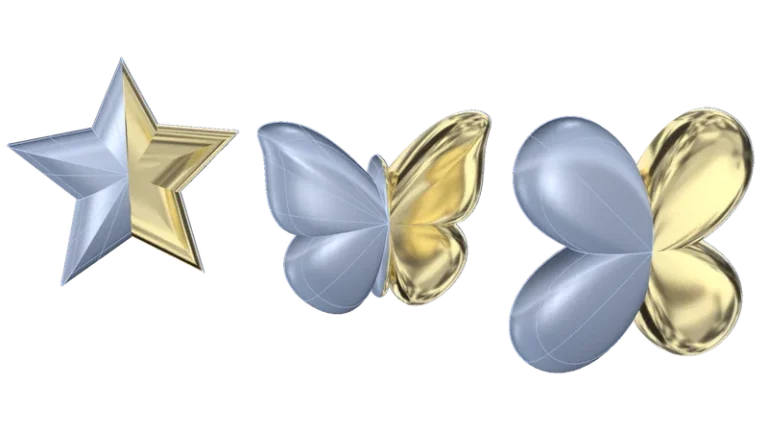
Create dome-shaped enclosures following the form of a closed curve.
Shape your designs with precision and creativity using Transformations & Deformations, breaking free from computer limitations and letting your creativity soar without boundaries.
The Twist command deforms objects by rotating them around an axis, allowing you to select either a single object or multiple objects simultaneously for greater flexibility in your design.
Bend and deform curves, surfaces, solids, or grouped objects along custom spine arcs with precise control – enabling flexible shape adjustments for complex jewelry designs.
The Taper command is used to deform objects by tapering them towards or away from a specified axis. This command allows you to selectively modify the shape of objects, giving them a tapered appearance.
Create multiple copies of an object following the orientation of a curve, allowing for seamless replication and alignment along the path.
Place a copy of an object on top of a base object, matching its orientation. Additionally, adjust the size and rotation dynamically for precise alignment.
Create multiple copies of an object in a circular or spherical pattern, offering flexible arrangement options for your design.
Create multiple copies of an object and arrange them parametrically, allowing for precise control over their positioning and spacing.
Scale any design using specific measurements rather than factors, with the ability to scale independently on the X, Y, and Z axes or maintain proportions for precise adjustments.
Adapt the size of an object (or multiple objects) to a specific weight based on a metal, ensuring precise weight control in your design.
Balancer Checker is a useful tool for simulating gravity and predicting object orientation. Ideal for pendants and hanging objects, it helps visualize natural fall and adjust your design accordingly.
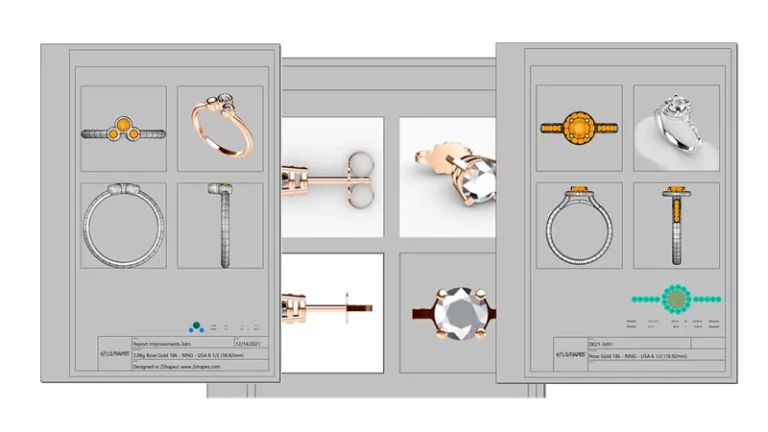
Generate fully automated manufacturing reports with technical drawings, gemstone details, setter maps, material breakdowns, and customizable production data – giving manufacturers and setters all the information needed for precise, efficient workflows.
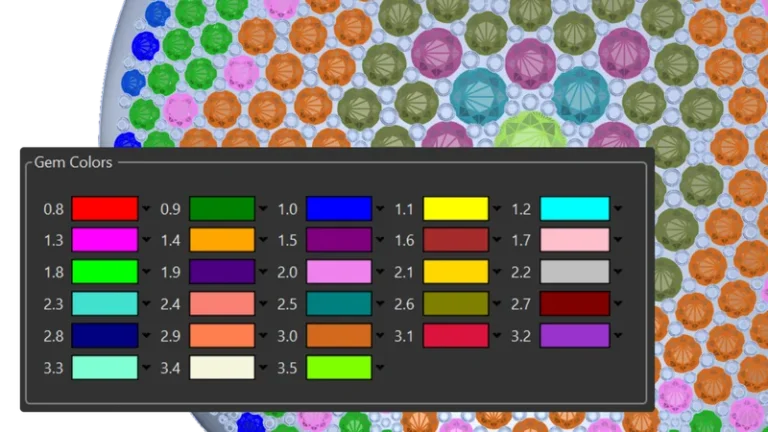
Quickly identify and select gemstones based on type and size. This new feature allows you to effortlessly navigate your gem library, saving you valuable time.
Plan and visualize gemstone layouts with precision using customizable scale and projection controls – giving gem-setters an accurate and efficient workflow for complex designs.
Gem Info is a valuable tool for creating precise and editable representations of your gemstone dimensions. These dots can be easily printed for inclusion in technical reports, ensuring accurate and detailed documentation of your designs.
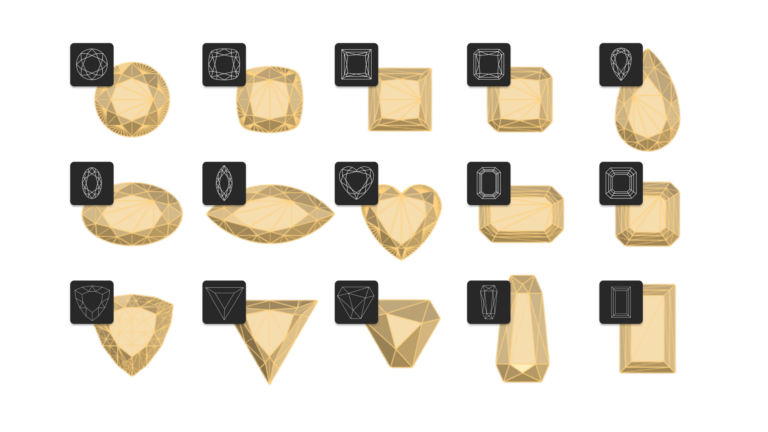
Expand your design horizons with Gem Studio’s extensive library of new gemstone cuts. With the latest trends in gemstone shaping, create unique and captivating pieces. Explore the possibilities and elevate your creations with Gem Studio.
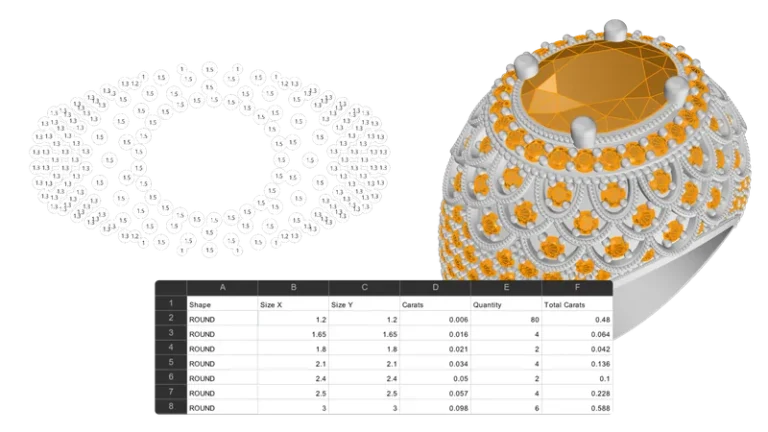
Quickly generate a CSV file containing detailed information about each gem, including shape, dimensions, weight, and more. Analyze, organize, and share your gemstone designs seamlessly within your favourite spreadsheet software.
Elevate your jewelry design with our expanded collection of timeless settings: bezel, halo, basket, cluster, classic, cathedral, and eternity. Find the perfect match for your unique style.
Select your metals and instantly generate a detailed weight list. Add them to your document with one click for a faster, more efficient workflow.
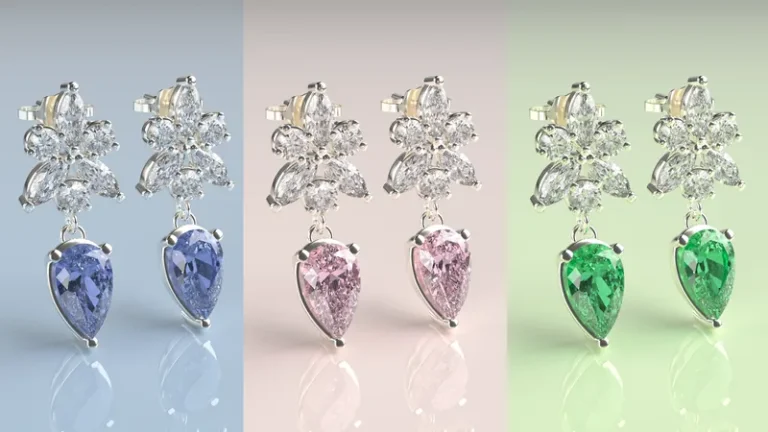
Create high-quality renders, images, and videos that showcase your designs with photorealistic detail – ideal for client presentations, online stores, social media, and marketing content.
Render Your Brand’s Vision, Animate Your Audience’s Hearts.
Professional photos and videos of your creations with the utmost quality. The best physically-based production renderer optimised for GPU.
Create a queue of renders and let your computer calculate them in succession without manual intervention. It’s especially useful for generating multiple renders of a design or multiple designs.
Create videos up to 4K to share with your customers on your website or social networks.
Over 200 materials are available from metals, diamonds and gems, furs, silks, and much more! As simple as drag and drop!
Automatically calculate the ideal inclination for objects to rest naturally on surfaces. Ensure optimal alignment and balance in your models, regardless of shape or complexity.
Give that personal touch to your photorealistic renderings! Select from a large catalogue of real photo studio environments.
Save time and effort with Keyshot’s direct integration in Rhino Artisan. Update your renders instantly without exporting or switching applications.
Simplifies creating paired elements in your models. Mirror objects, adjust spacing, and customize designs with precision. Pair is ideal for symmetrical or complementary elements.
With Virtual Try-On, preview your piece as if the client were wearing it. Perfect for retail and collaborative design sessions, offering a realistic and interactive experience.
Transform your designs into production with automatic STL generation, seamless printer connectivity, insightful reporting, and advanced analysis tools—empowering you to push the limits of innovation and craftsmanship.
Send to print from Rhino to your 3D printer, no manual repairs and no exports. Compatible with the most prestigious brands of 3d printing for jewelry.
Create a complete technical report with all details, such as 4 views, names, descriptions and other details.
Generates a graphic representation in 2D of the gems in your design, their placement, and their weight in carats.
Shows graphically if your design may have casting problems due to thickness bottlenecks.
Fix errors in your STL files automatically and effortlessly. An essential tool to ensure flawless, production-ready models.
Automatically generate ring sizes from any imported or native design, with controlled deformation options to preserve key areas such as gemstone settings and maintain accurate measurements.
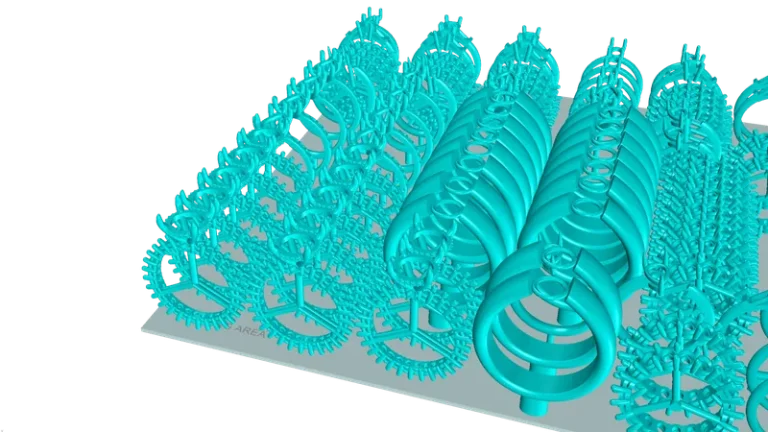
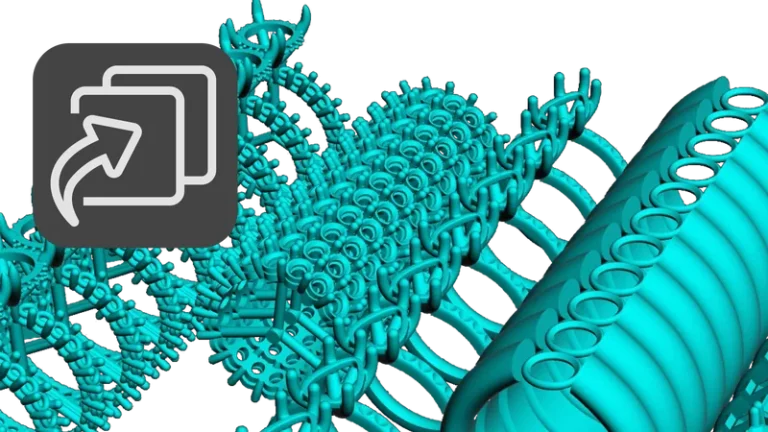
Automatically position jewelry pieces within the available print area to maximize production capacity, reduce manual setup time, and improve 3D printing efficiency.
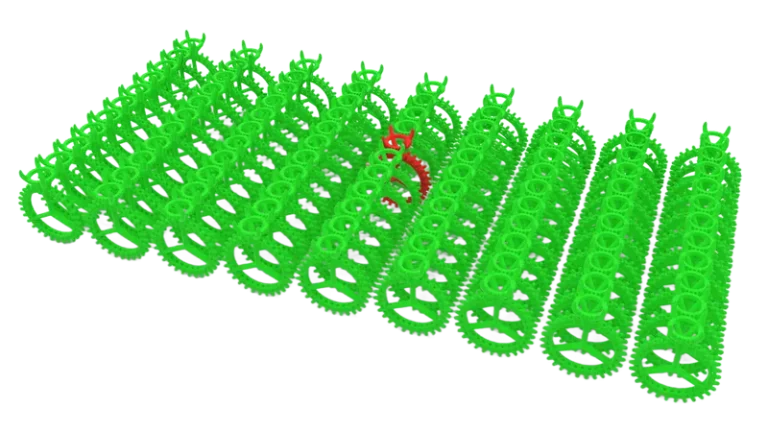
Automatically detect and visualize errors across multiple files, quickly identifying problematic models and issue locations to reduce manual checking and streamline quality control.
Import hundreds of models in a single step with automatic layer organization based on file names, simplifying file management for large design teams and 3D printing workflows.
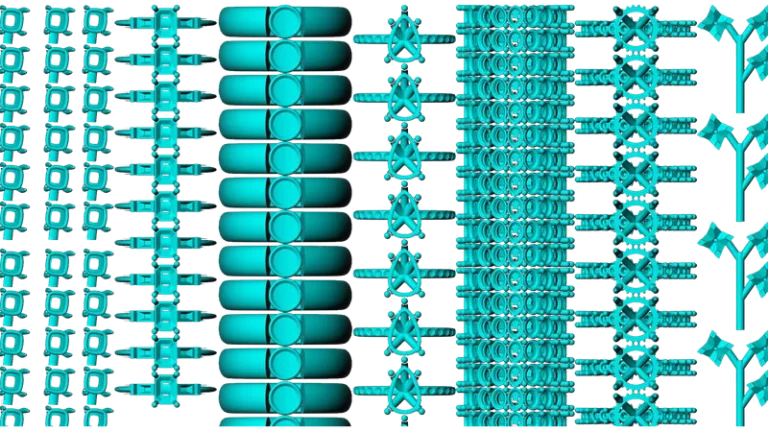
Distribute models for printing with a fast, visual workflow, easily defining quantities, organizing layouts, and managing production more efficiently.
Generate customizable geometric tags to identify models with clear references and sizing information, simplifying organization and tracking across large production and printing workflows.
Create optimized sprue connections for multiple models with controlled metal flow and uniform cavity filling, improving casting efficiency for small parts and production assemblies.
Create optimized inner sprue distributions for rings with filigree, intricate details, or narrow sections, ensuring controlled metal flow, uniform filling, and more reliable casting results.
Generate tree-style external sprue structures that guide metal flow from the outside inward, improving filling consistency for designs where internal flow is less effective.
Export complete documents into individual layer based files or combine multiple models into a single production file, simplifying file organization and large scale printing workflows.
Send designs directly to your 3D printer with a streamlined workflow designed for fast, simple, and reliable production management.
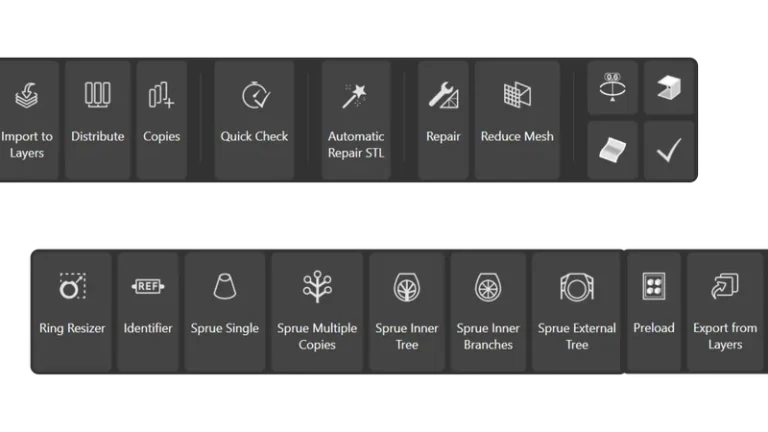
Access all essential manufacturing and fabrication tools from a single organized workspace, improving workflow efficiency and simplifying production management.
Import sketches and reference images directly into your workspace to model complex and organic jewelry designs with greater precision, control, and a more intuitive creative workflow.
Discover a treasure trove of innovative elements, carefully selected to inspire and streamline your jewelry design process. From classic to contemporary, find the perfect pieces to bring your vision to life.
Curator lets you manage your projects visually and effortlessly, with advanced search to find every detail instantly and take your creativity to the next level.
Simplify your workflow. Collaborate efficiently and effectively with tools you already love, like Dropbox and Google Drive.
Curator also allows you to manage design parts or elements for future reuse, making it easier to create and optimize new projects and collections.
Full access to every tool. No credit card required. Works with your existing Rhino installation.